Overview
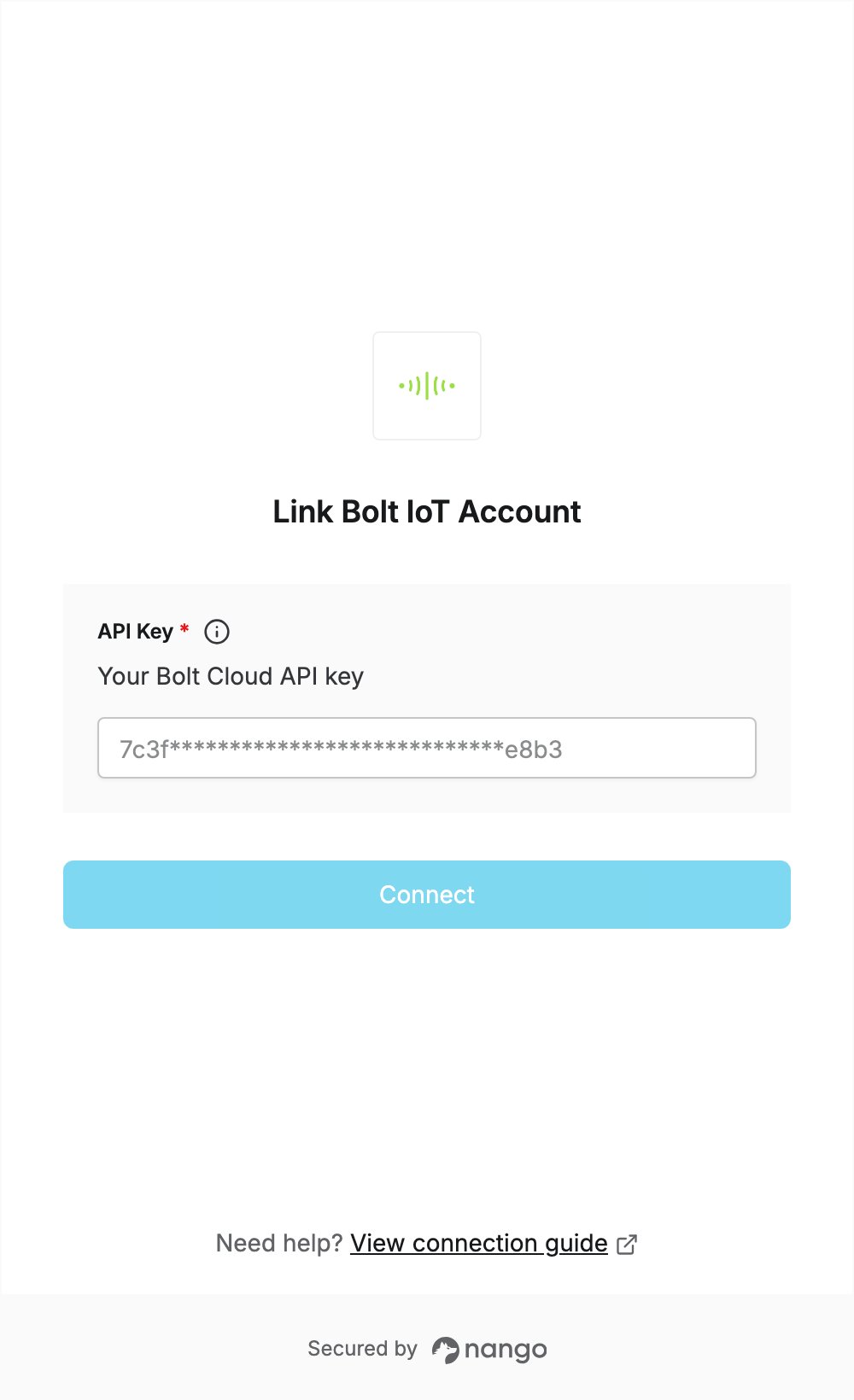
To authenticate with Bolt IoT, you need:- API Key — your Bolt Cloud API key.
Prerequisites
- A Bolt Cloud account. You can sign up at cloud.boltiot.com. The API is free to use.
Step 1: Copy your API key
- Sign in to Bolt Cloud. New accounts must first verify their email through the link Bolt sends.
- Click API in the left sidebar.
- Under Generate Key, make sure API access is set to Enable.
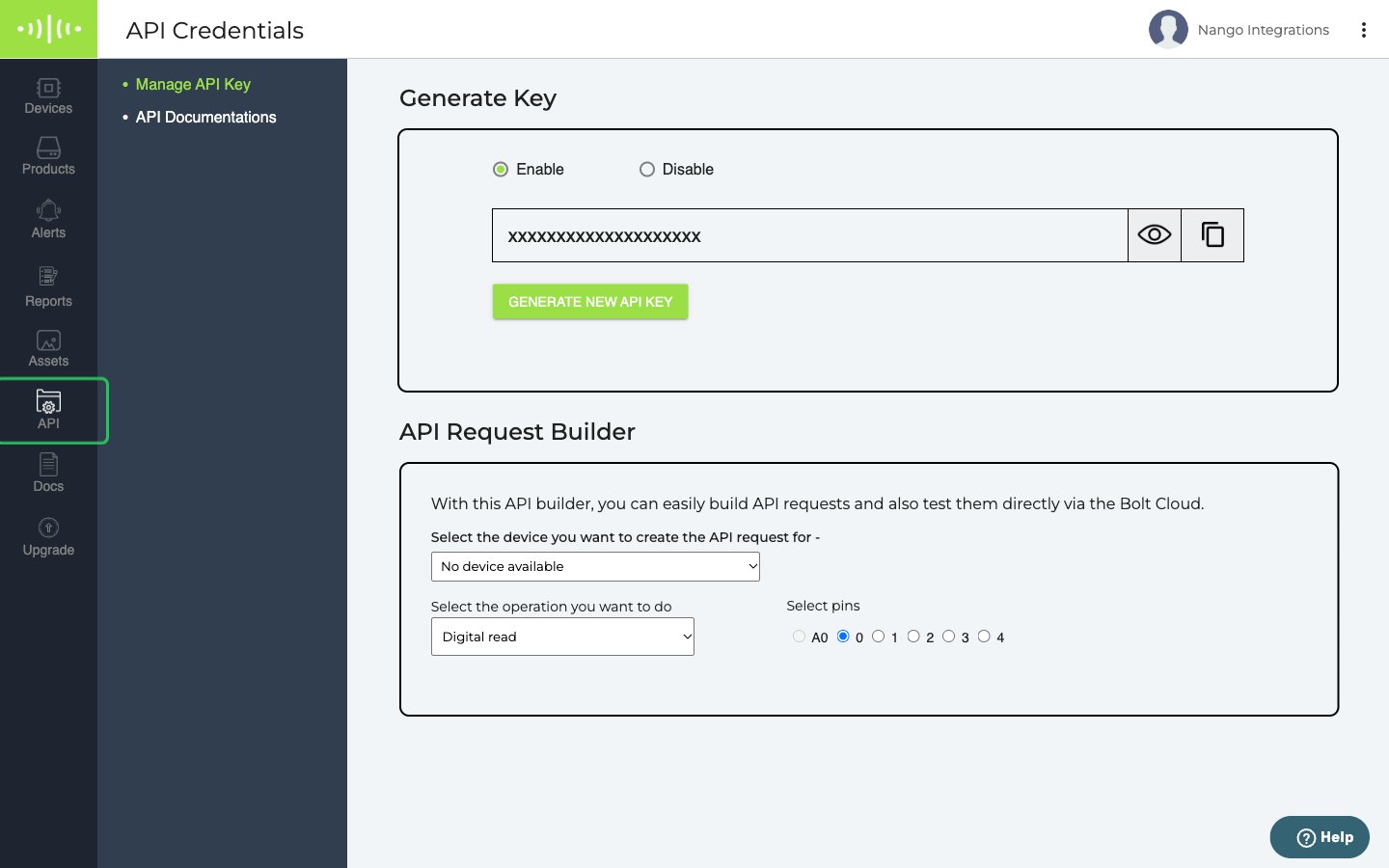
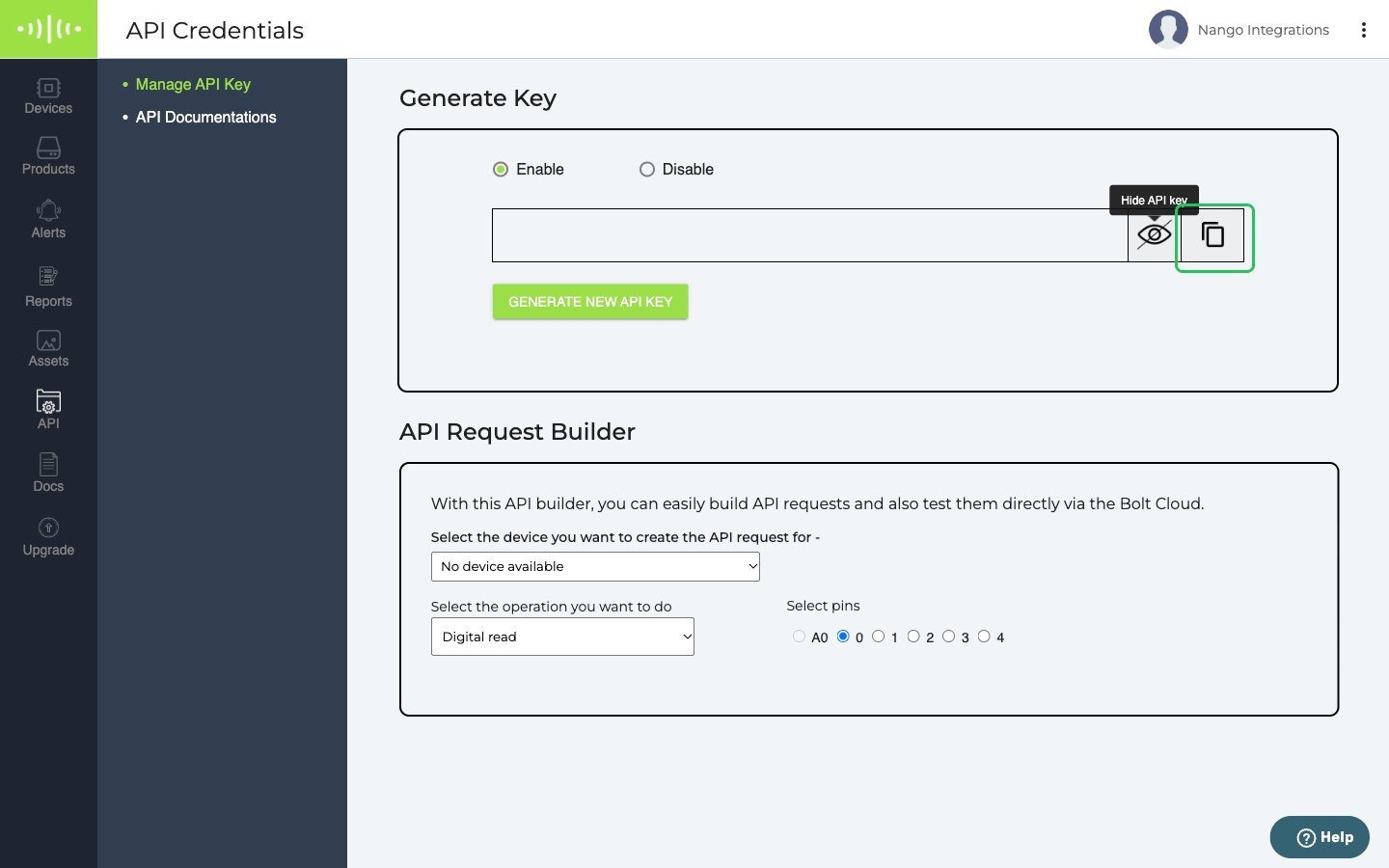
- Click the eye icon to show your API key, then click the copy icon next to it to copy the key.
Step 2: Enter your API key in the Connect UI
- Open the form where you need to authenticate with Bolt IoT.
- Enter your API Key in the designated field.
- Submit the form, and you should be successfully authenticated.