Overview
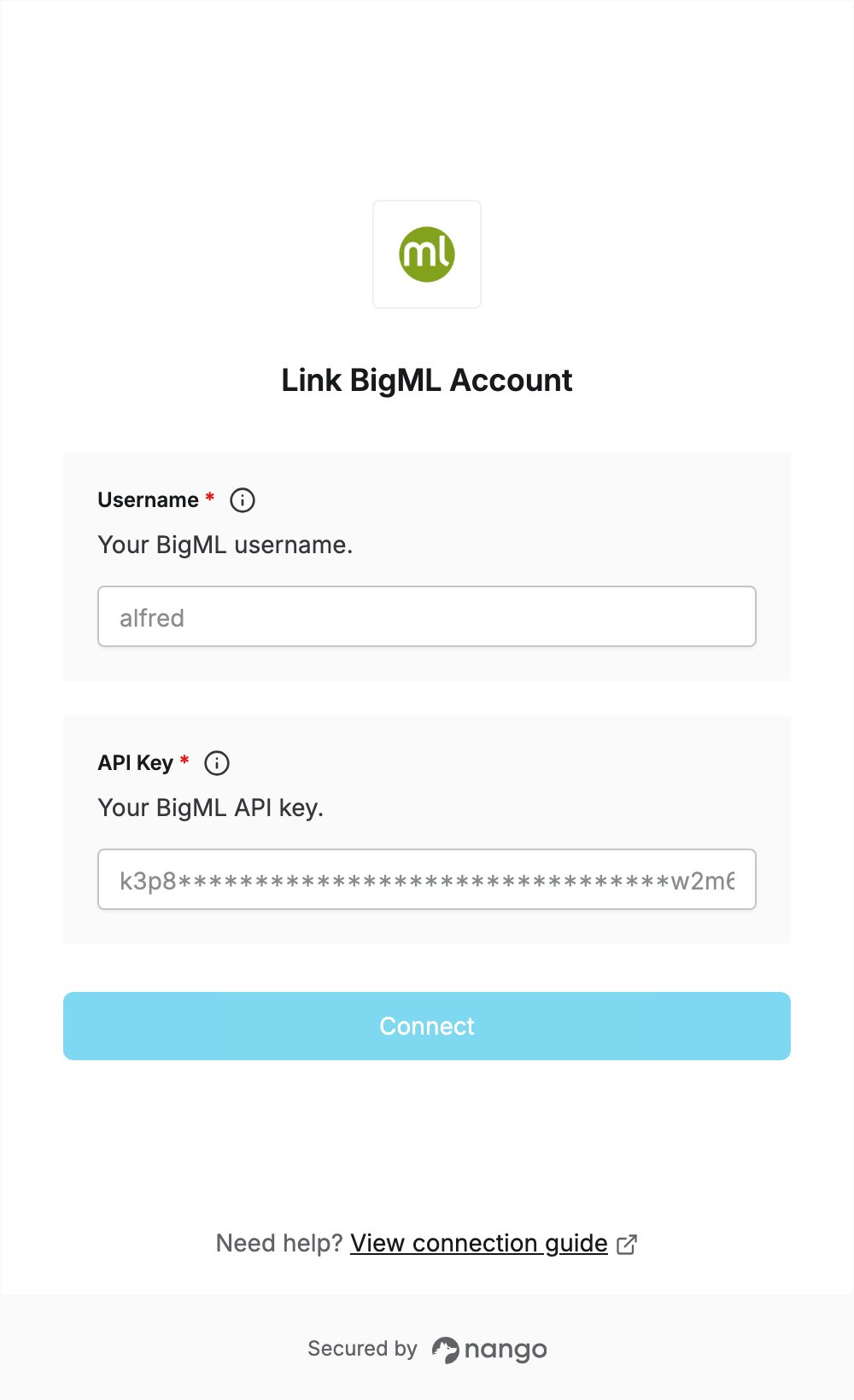
To authenticate with BigML, you need:- API Key — a BigML API key.
- Username — the username of your BigML account.
Prerequisites
- A BigML account. If you don’t have one, sign up: the 3-day free trial needs no credit card.
Step 1: Create an API key
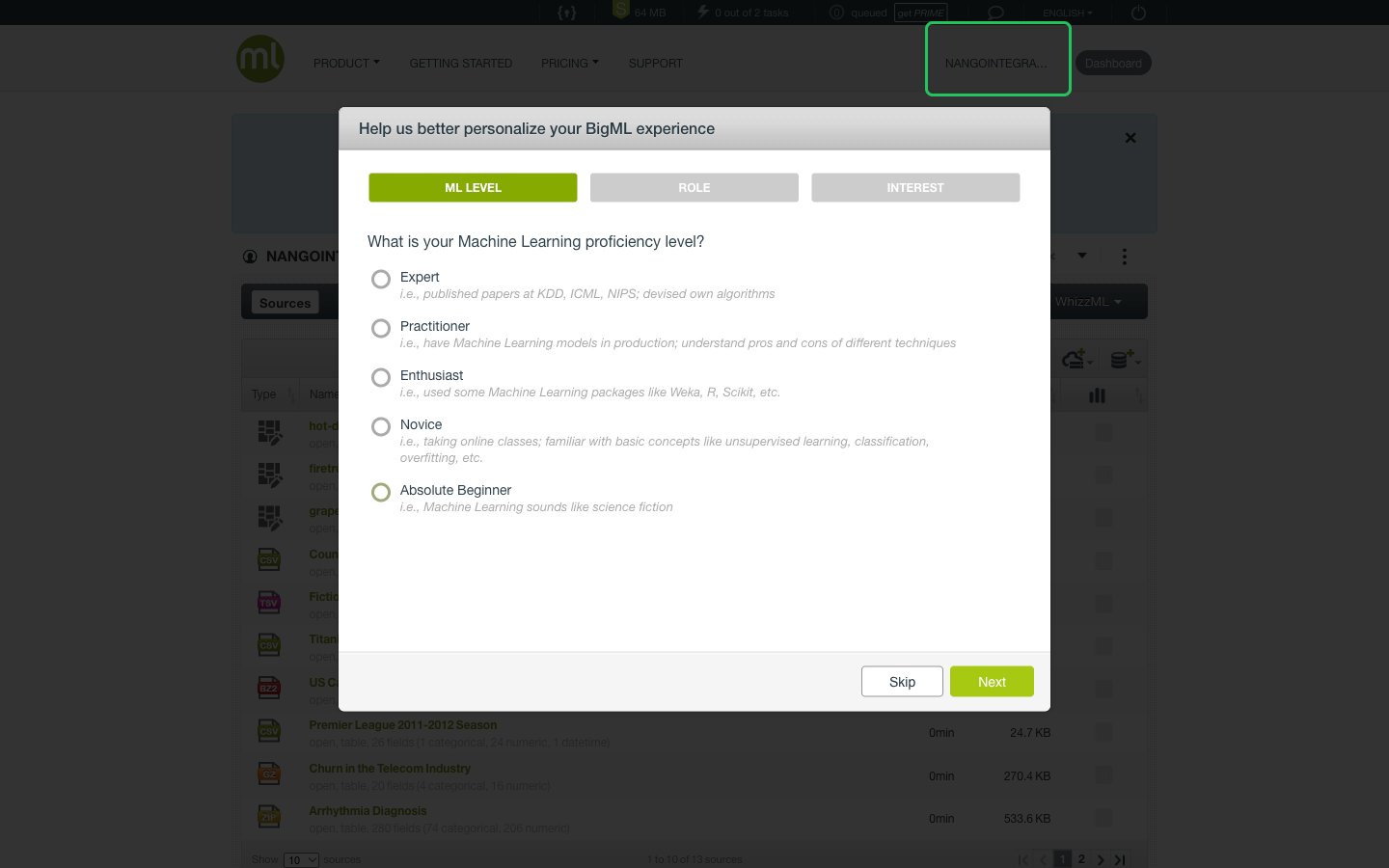
- Sign in to BigML and click your username in the top navigation to open your account settings.
- Click API key in the left menu.
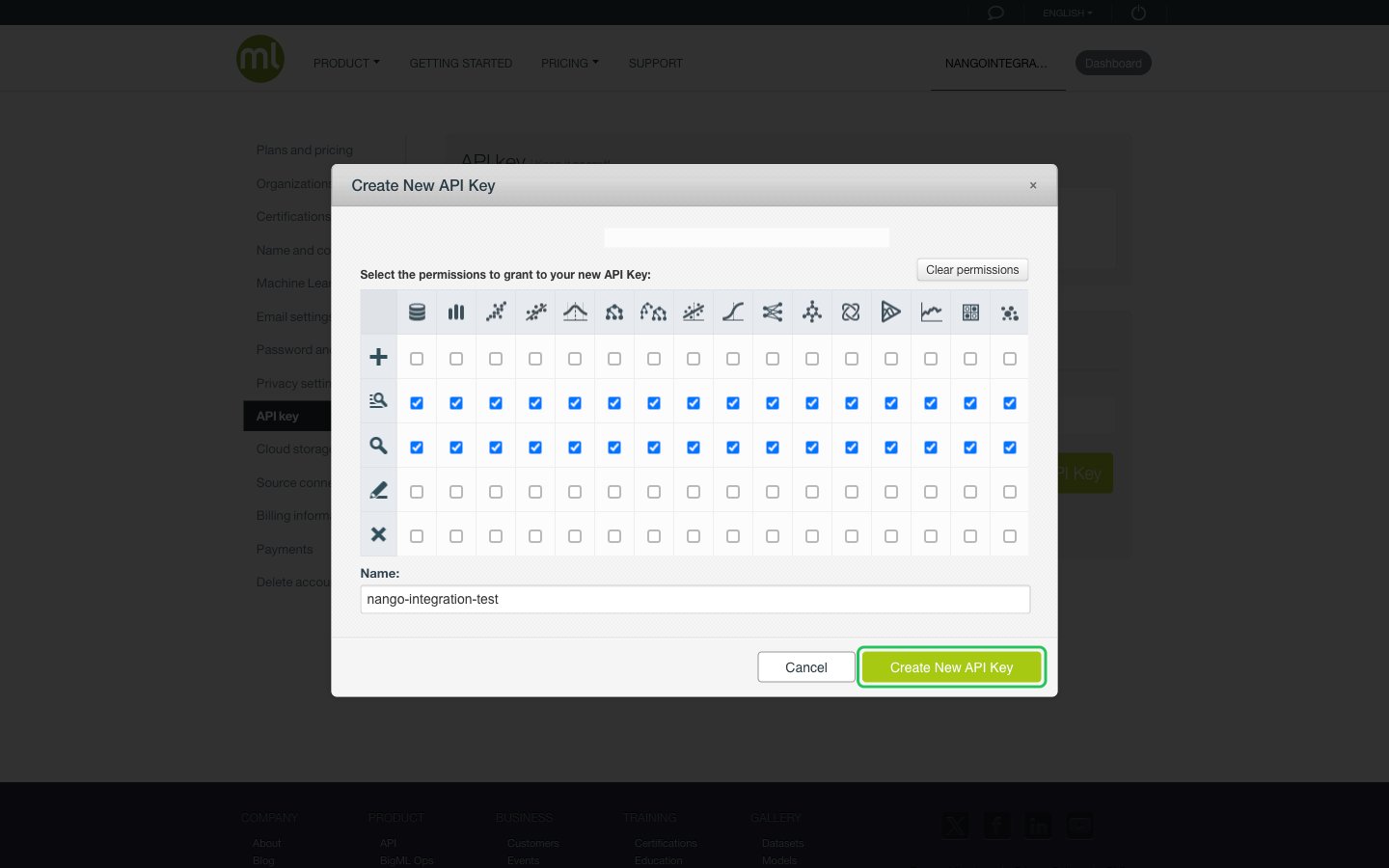
- Under Alternative Keys, click Create New API Key. Keep the default list and read permissions, enter a name, and click Create New API Key.
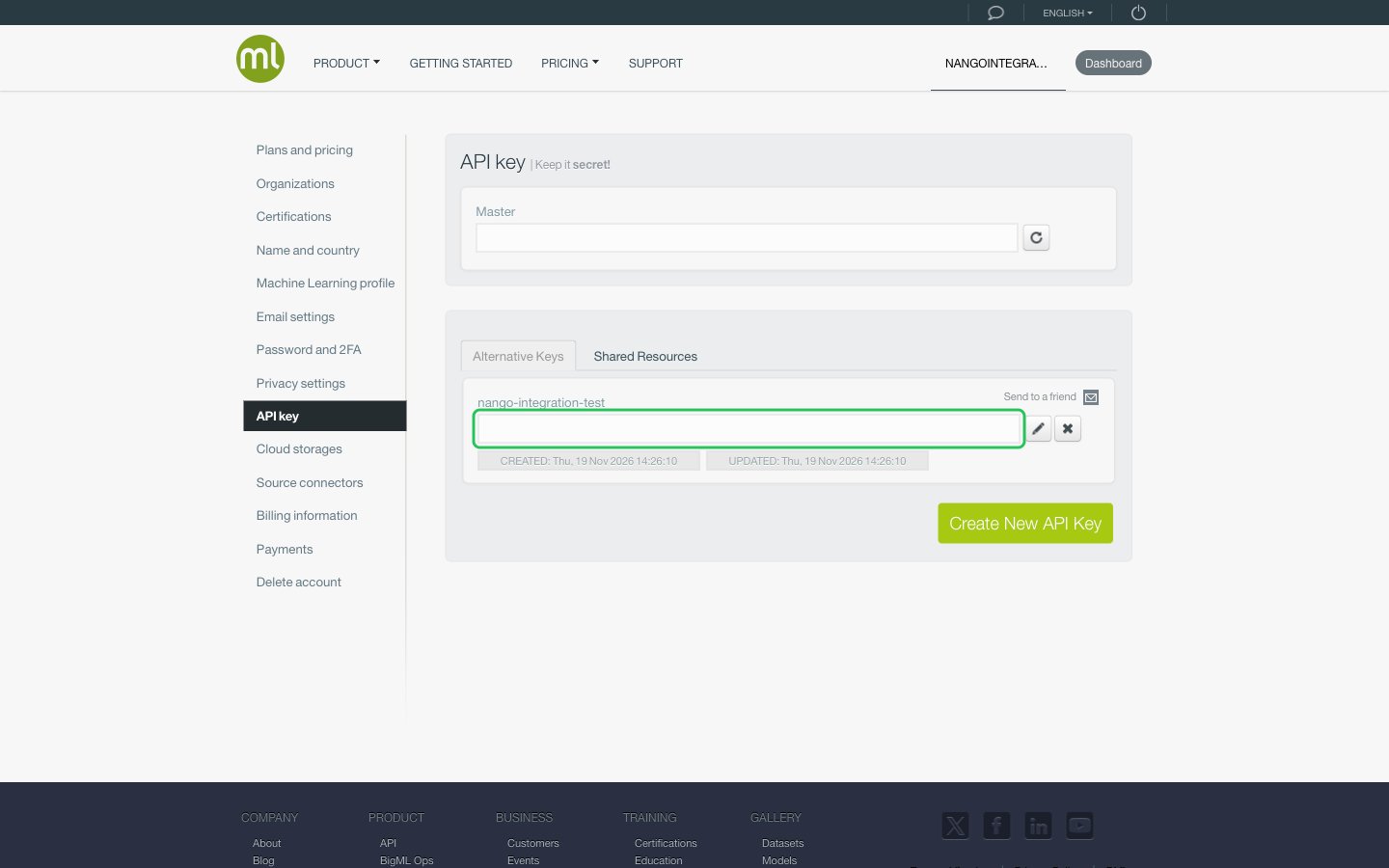
- Copy the new key from the Alternative Keys list.
Step 2: Find your username
Your BigML username is shown in the top navigation, next to the Dashboard button.Step 3: Enter your credentials in the Connect UI
- Open the form where you need to authenticate with BigML.
- Enter your username in the Username field and your API key in the API Key field.
- Submit the form, and you should be successfully authenticated.