Overview
To authenticate with Bidsketch, you need:- API Token — an API token from your Bidsketch account settings.
Prerequisites
- A Bidsketch account. If you don’t have one, sign up. Plans start with a 14-day free trial.
- Admin access to the account. Only the account admin can manage API tokens.
Step 1: Create an API token
- Sign in to Bidsketch as the account admin.
- Go to Account Settings and open the API & Integration tab. Your API tokens are also at
https://<your-subdomain>.bidsketch.com/account/api_tokens. - To create a token, click new API token.
- Copy the API token.
Step 2: Enter your API token in the Connect UI
- Open the form where you need to authenticate with Bidsketch.
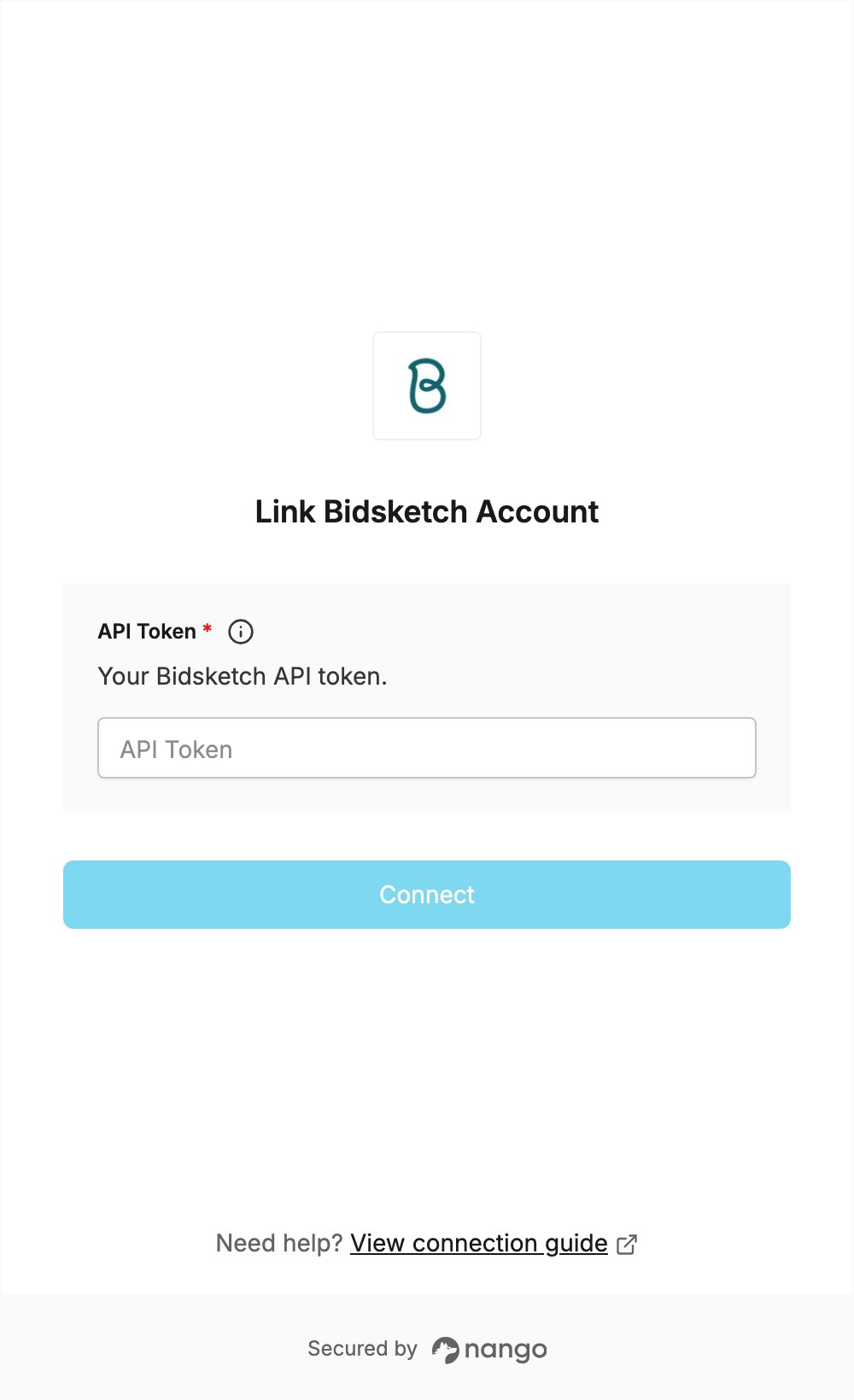
- Enter your API token in the API Token field.
- Submit the form. Nango checks the token with Bidsketch and connects you if it is valid.