Overview
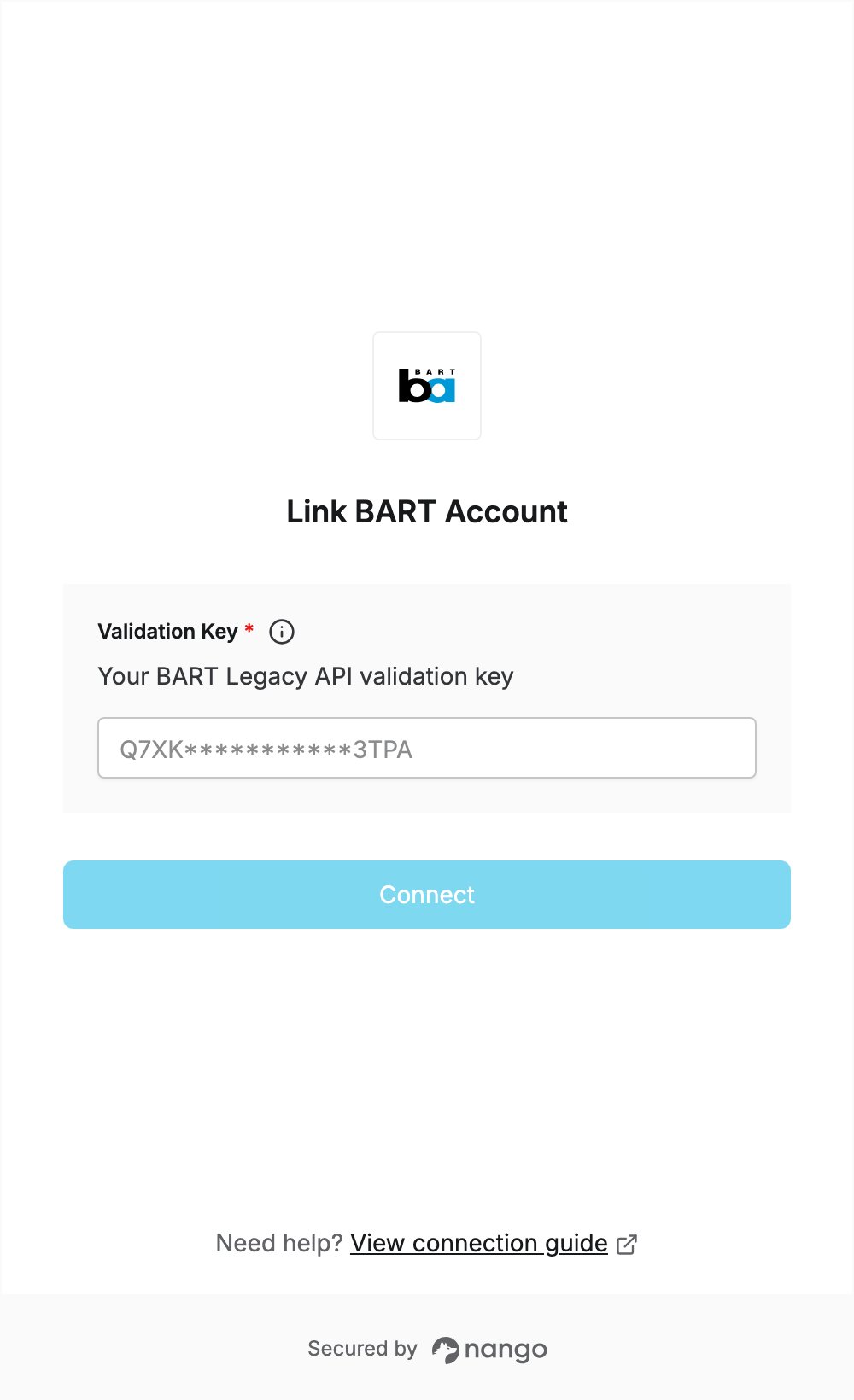
To authenticate with BART, you need:- Validation Key — a key for the BART Legacy API.
Prerequisites
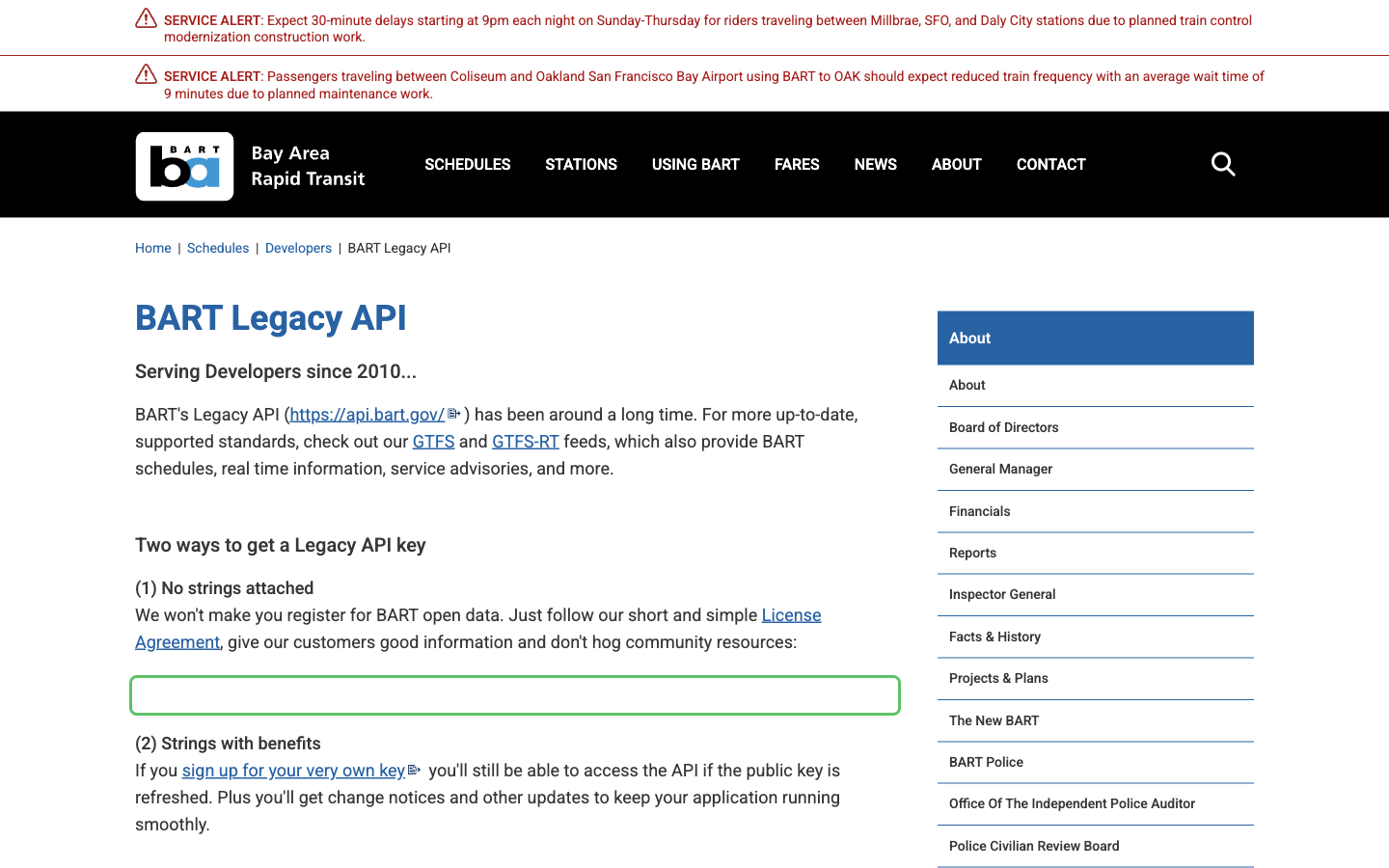
- A valid email address, if you register for your own key. The key is free, and there is no account or dashboard.
Step 1: Get a validation key
- Open the BART API Key Registration page.
- Enter your first name, last name and email address, then confirm your email.
- Tick I’ve read the License Agreement, complete the reCAPTCHA and click Submit.
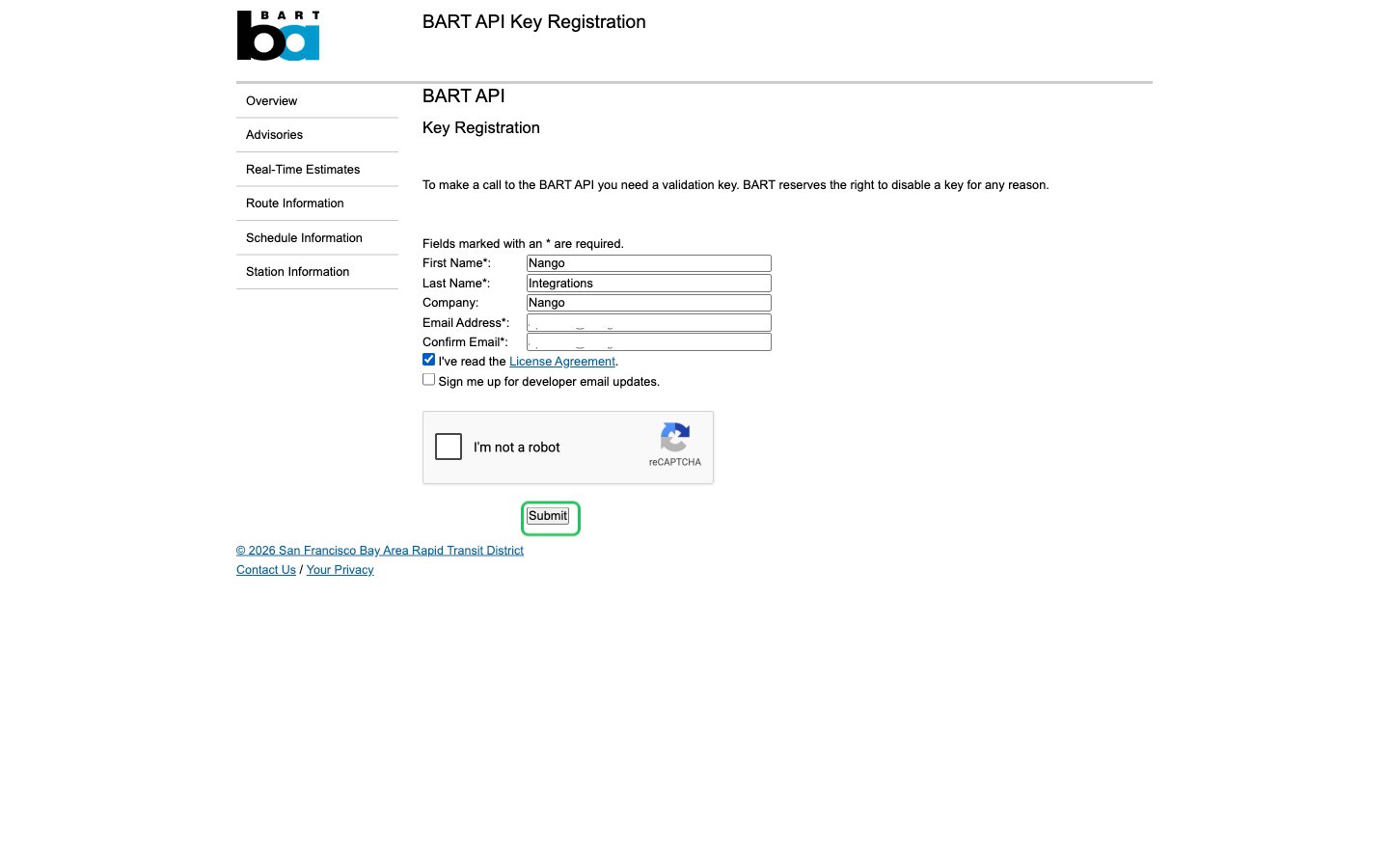
- BART emails you your validation key. Copy it from the email.
Step 2: Enter your validation key in the Connect UI
- Open the form where you need to authenticate with BART.
- Paste your key into the Validation Key field.
- Submit the form, and you should be successfully authenticated.