Overview
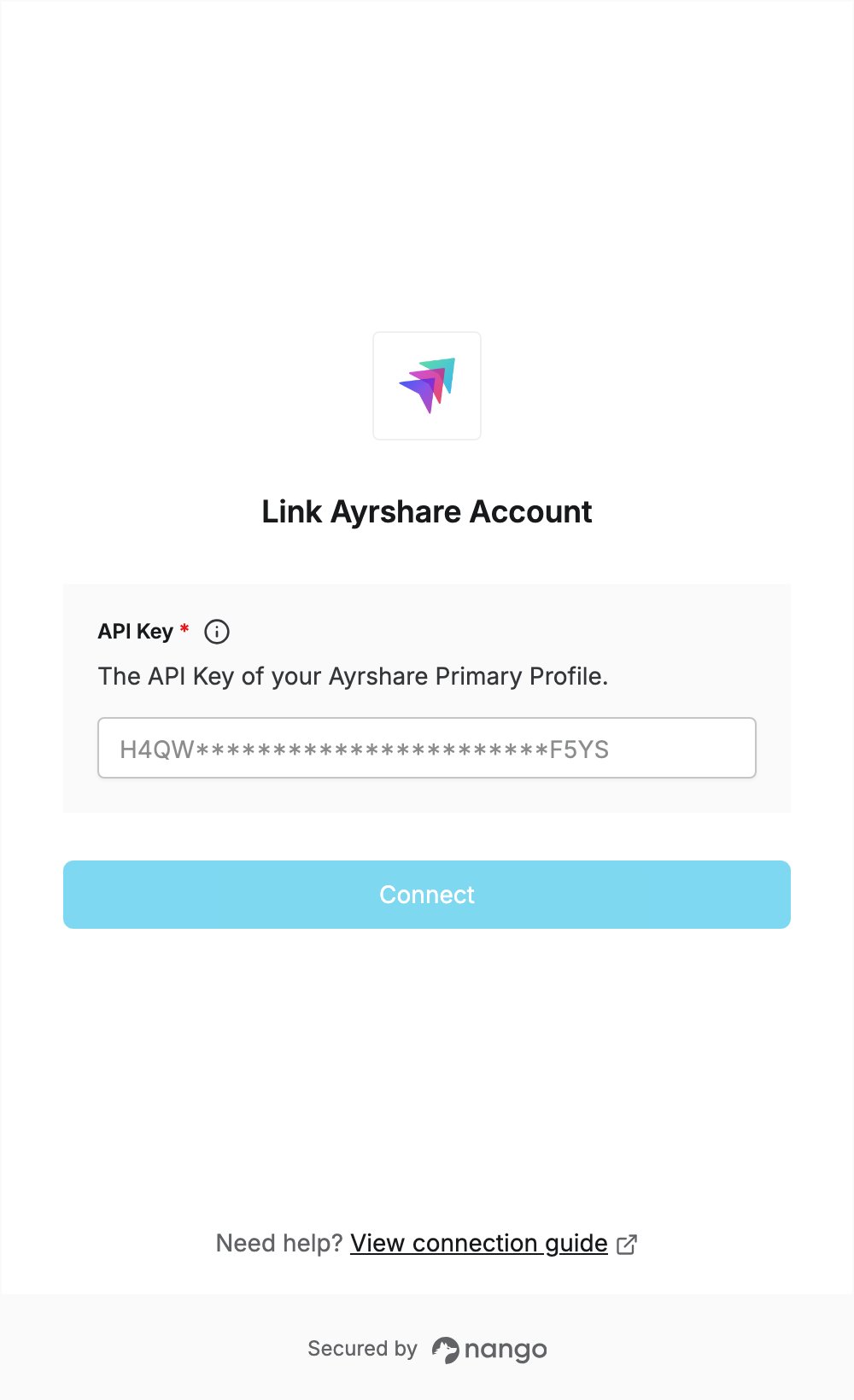
To authenticate with Ayrshare, you need:- API Key — the API key of your Primary Profile, from the API Key page of your Ayrshare dashboard.
Prerequisites
- An Ayrshare account. If you don’t have one, sign up. All plans include API access. The Launch plan has a 28-day free trial; Premium, Business and Enterprise are billed at signup.
Step 1: Copy your API key
- Sign in to Ayrshare.
- If you use User Profiles, switch to your Primary Profile from the User Profiles page. A Profile Key does not work in place of the API key.
- Open the API Key page from the left navigation panel.
- Copy the API Key.
Step 2: Enter your API key in the Connect UI
- Open the form where you need to authenticate with Ayrshare.
- Enter your API key in the API Key field.
- Submit the form, and you should be successfully authenticated.