Overview
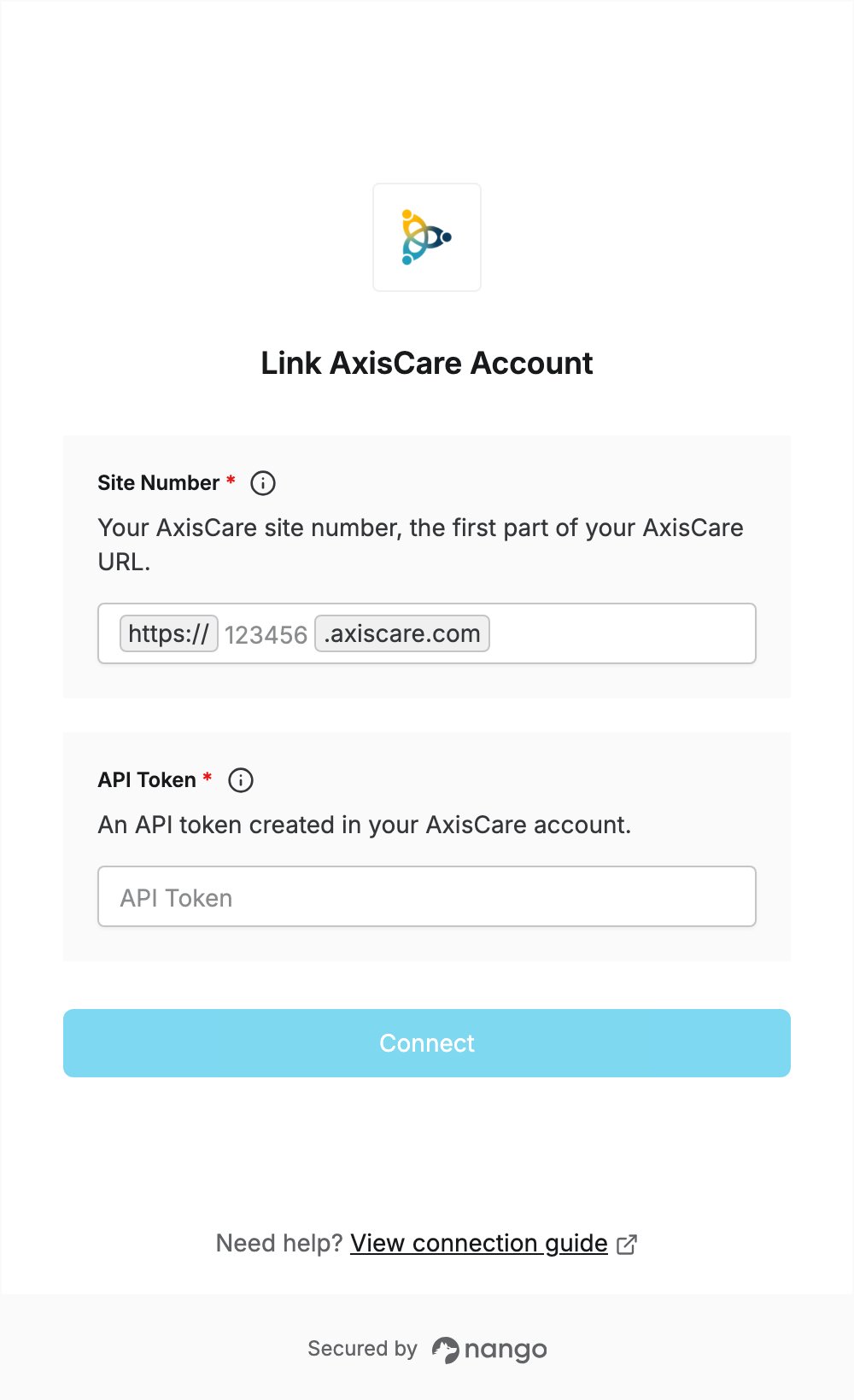
To authenticate with AxisCare, you need:- Site Number — the site number of your AxisCare account.
- API Token — an API token created in your AxisCare account.
Prerequisites
- An AxisCare account for your agency. The AxisCare API is available to AxisCare customers.
Step 1: Find your site number
Your site number is the first part of the URL you use to sign in to AxisCare. For example, if your AxisCare URL ishttps://123456.axiscare.com, your site number is 123456.
Step 2: Get an API token
- Create an API token in your AxisCare account, or ask the person who manages AxisCare at your agency for one. If you cannot create API tokens, contact AxisCare support.
- Copy the token.
Step 3: Enter your credentials in the Connect UI
- Open the form where you need to authenticate with AxisCare.
- Enter your Site Number from Step 1 and your API Token from Step 2.
- Submit the form.