Overview
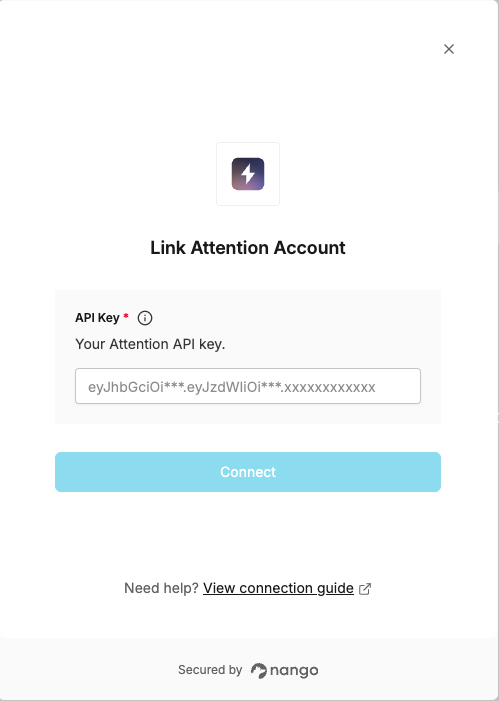
To authenticate with the Attention API, you will need:- API Key – A key that grants secure access to the Attention API, enabling authorized applications to interact with Attention resources and services.
Prerequisites
- An Attention account with permissions to generate API keys
Instructions
Step 1: Obtaining your API key
- Log in to your Attention account.
- Click your profile avatar in the top-left corner and select Settings from the dropdown.
- In the sidebar, under Organization, select API Keys.
- Click + Create API Key in the top-right corner.
- Name your key and submit the form to generate your API Key.
- In the API Key Created modal, copy your key immediately, as it is shown only once.
Step 2: Enter credentials in the Connect UI
Once you have your API Key:- Open the form where you need to authenticate with Attention.
- Enter your API Key in the respective field.
- Submit the form to complete authentication.