Overview
To authenticate with Astica AI, you need:- API Key — an API key generated in your astica account.
Prerequisites
- An astica account. Registration is free.
Step 1: Generate an API key
- Sign in to astica.
- Open the API Keys page (Quick Access > Generate API Keys, or API Keys in the account menu).
- Generate an API key and copy it.
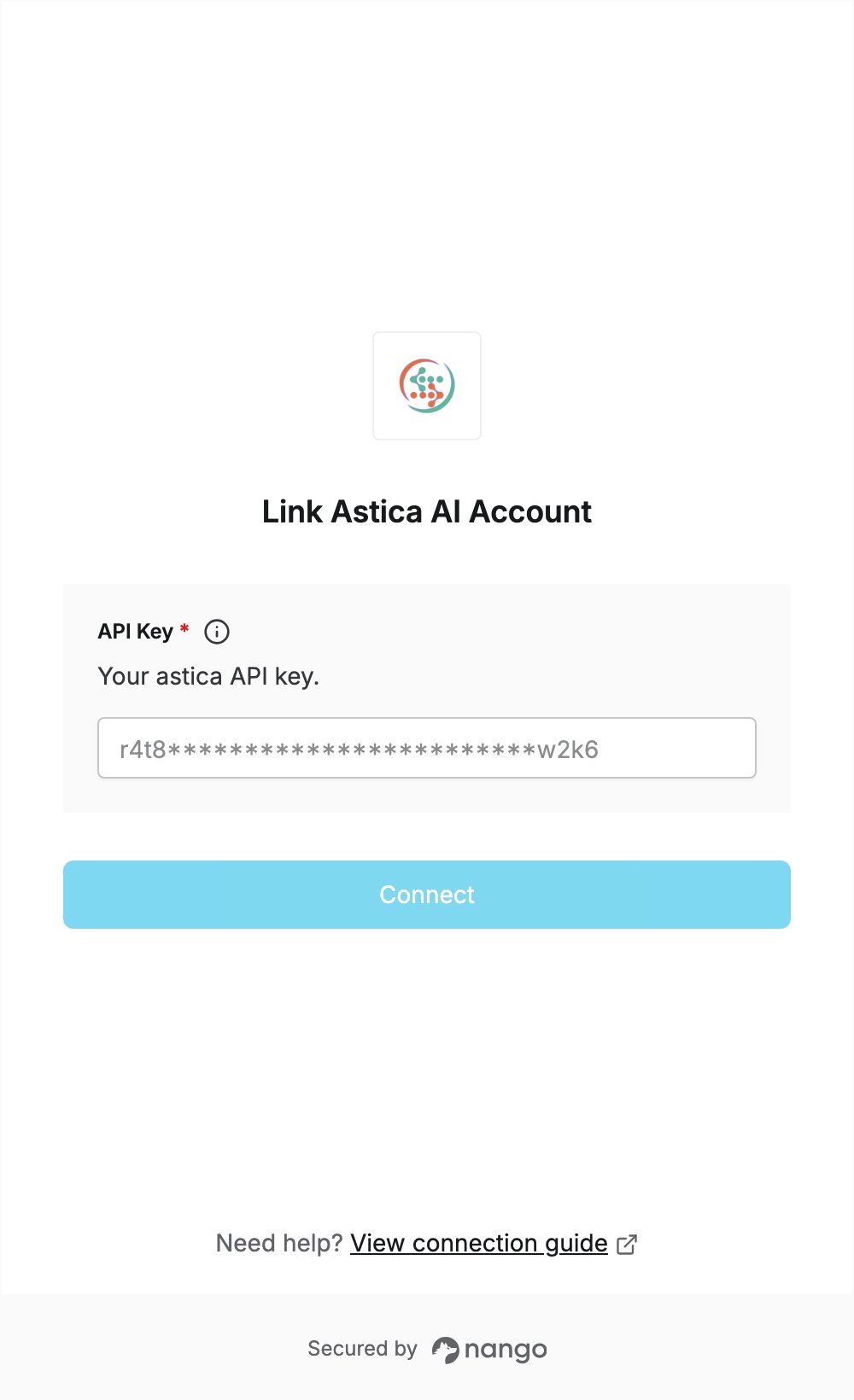
Step 2: Enter your API key in the Connect UI
- Open the form where you need to authenticate with Astica AI.
- Paste the key you copied in Step 1 into the API Key field.
- Submit the form, and you should be successfully authenticated.