Overview
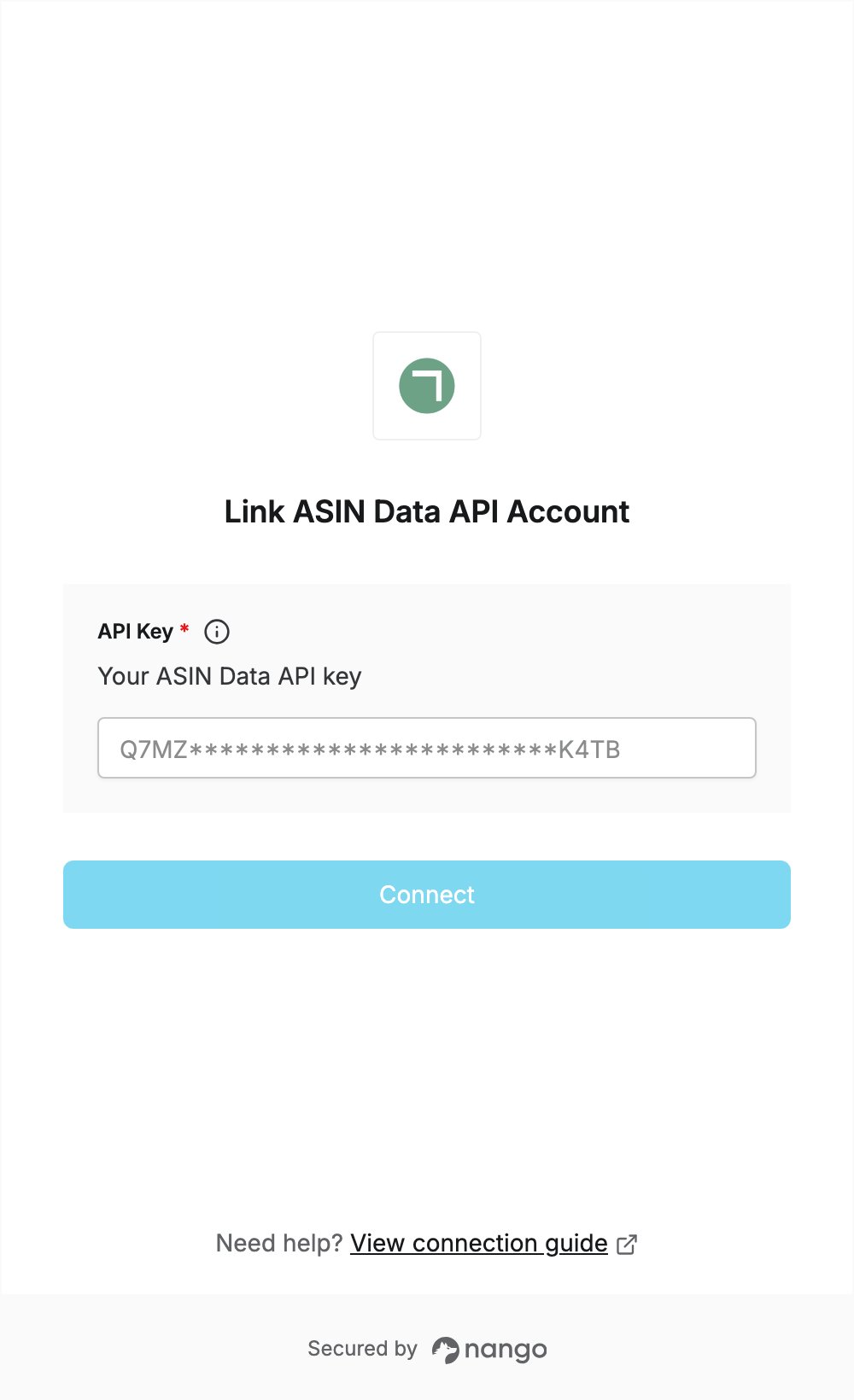
To authenticate with ASIN Data API, you need:- API Key - the API key of your ASIN Data API account.
Prerequisites
- An ASIN Data API account. If you don’t have one, sign up for free and click the verification link in the email ASIN Data API sends you.
Step 1: Copy your API key
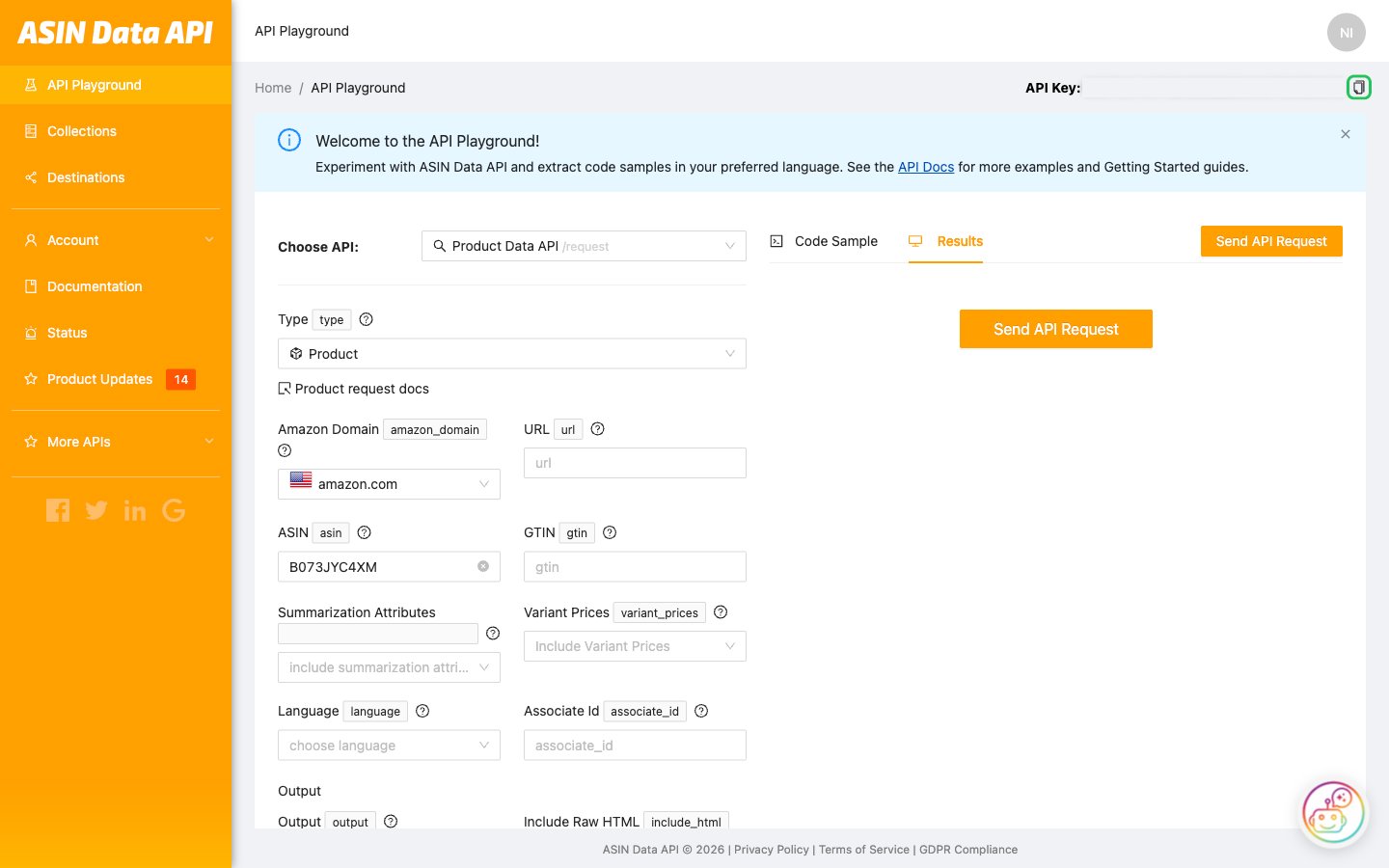
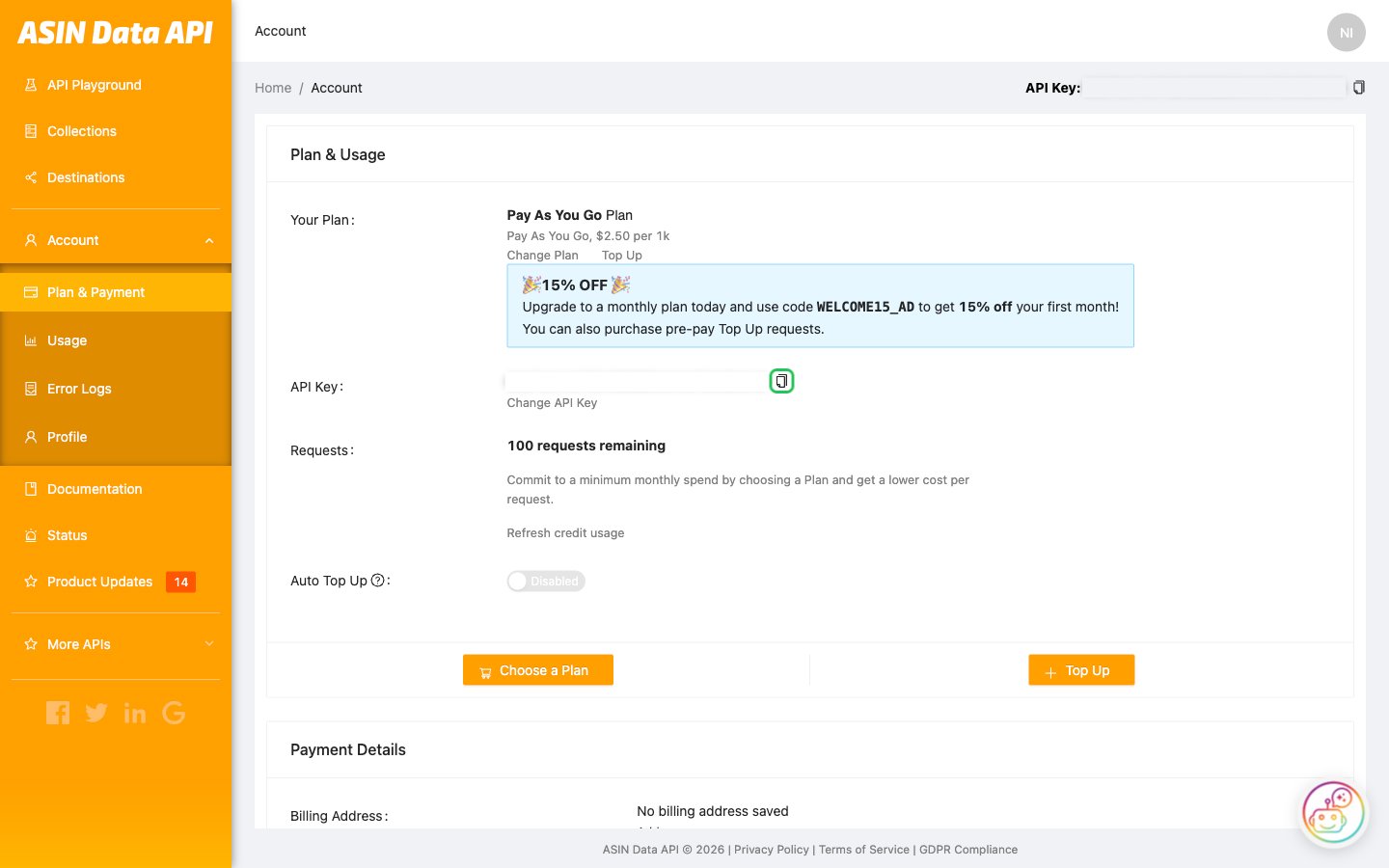
Each ASIN Data API account has one API key, created automatically.- Log in to the ASIN Data API dashboard. You land on the API Playground.
- Your API key is shown next to API Key at the top of the page. Click the copy icon next to it.
Step 2: Enter your API key in the Connect UI
- Open the form where you need to authenticate with ASIN Data API.
- Enter your API key in the API Key field.
- Submit the form, and you should be successfully authenticated.