Overview
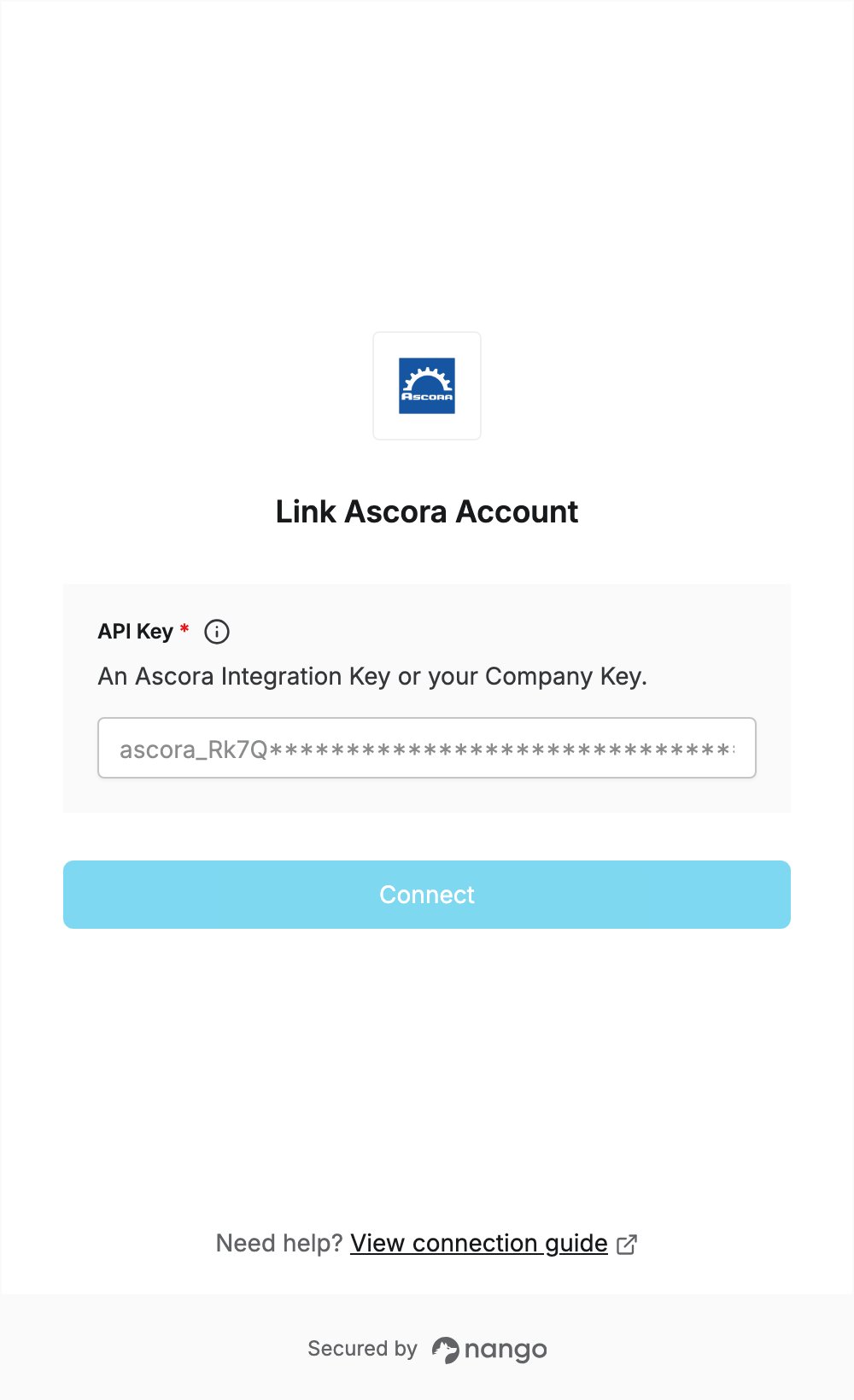
To authenticate with Ascora, you need:- API Key — an Ascora Integration Key, or your account’s Company Key.
Prerequisites
- An Ascora account where you are an Administrator. Only Administrators can open API Settings.
Step 1: Create an Integration Key
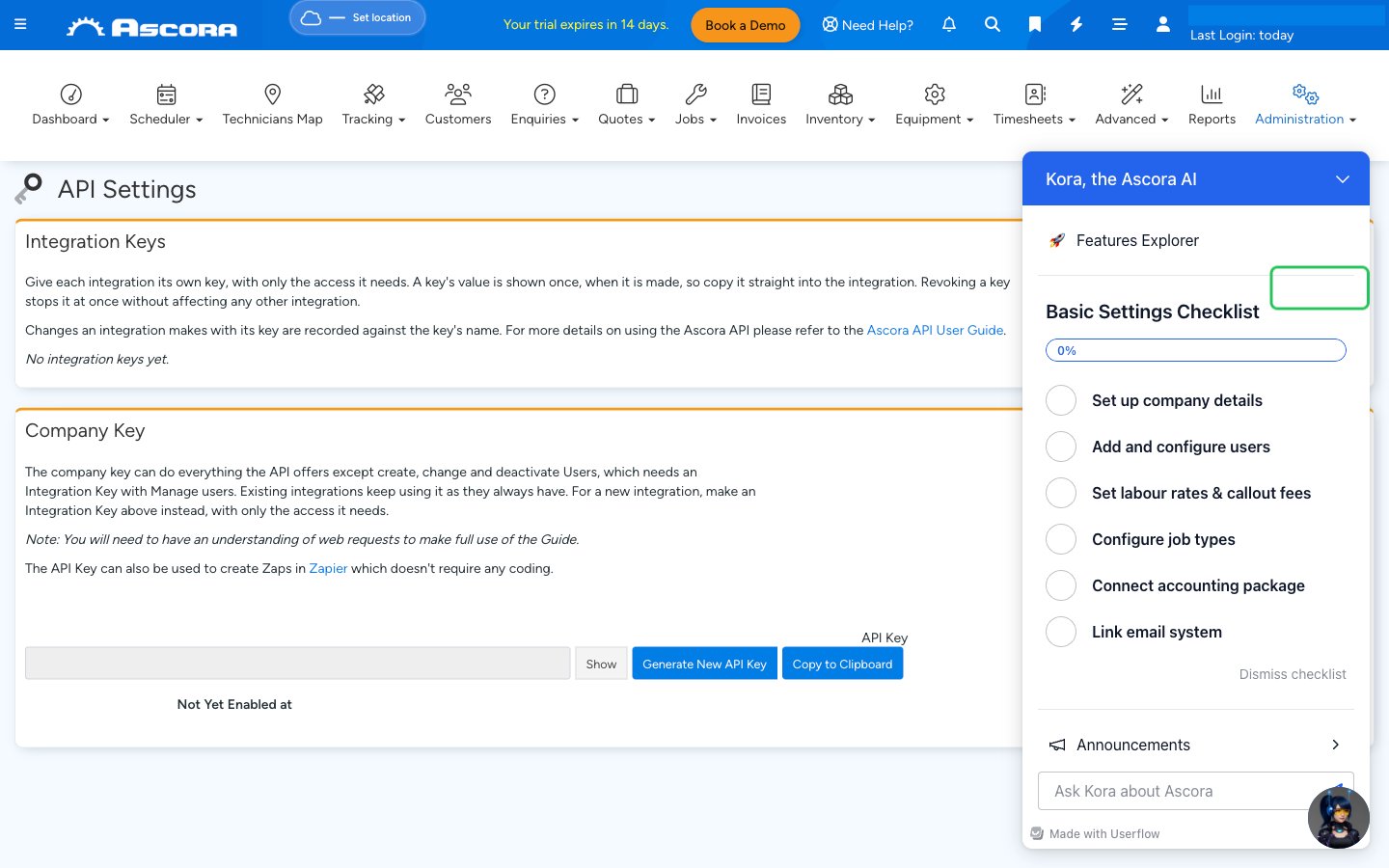
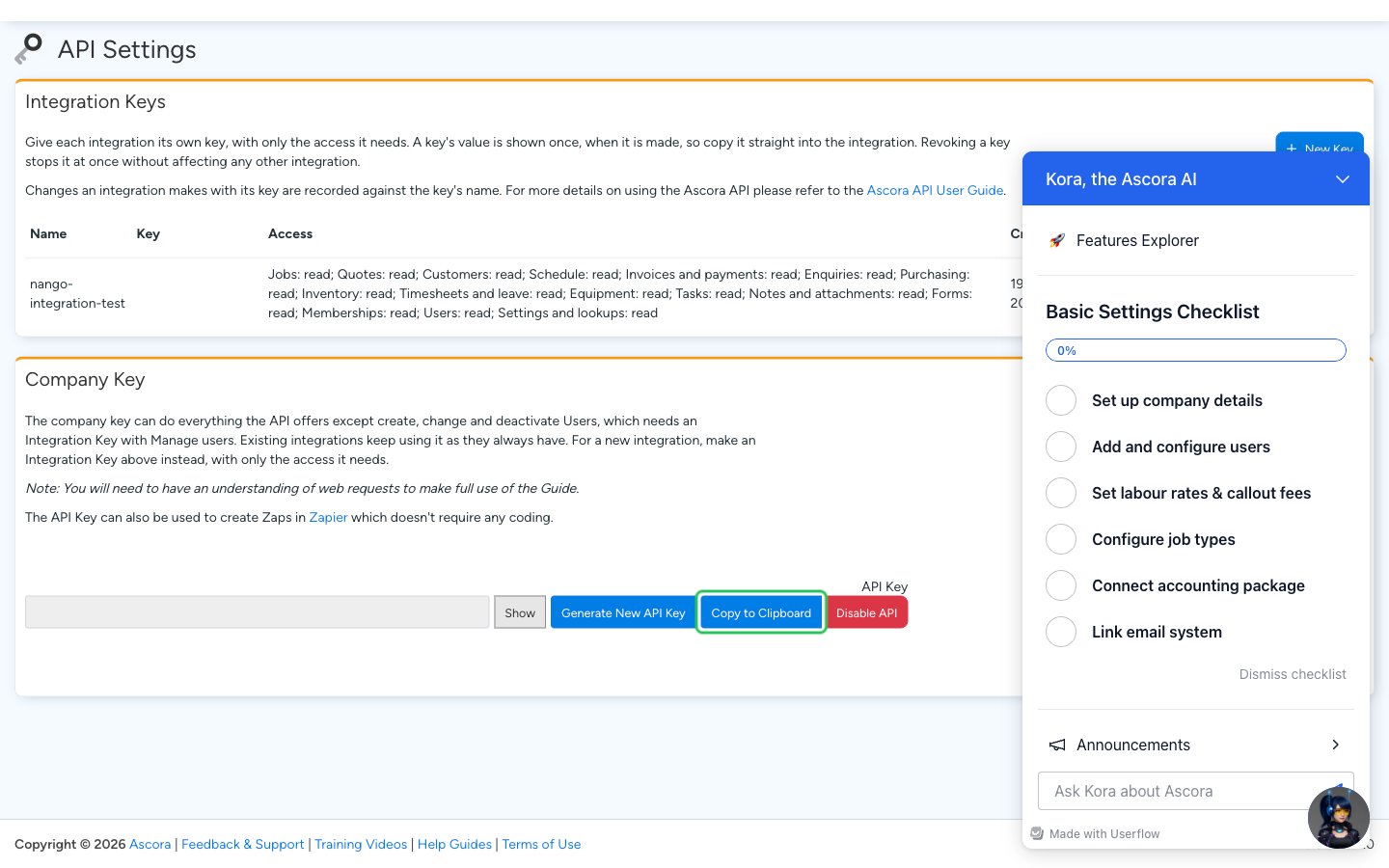
- Sign in to Ascora and go to Administration > Integrations & API > API Settings.
- In the Integration Keys section, click + New Key.
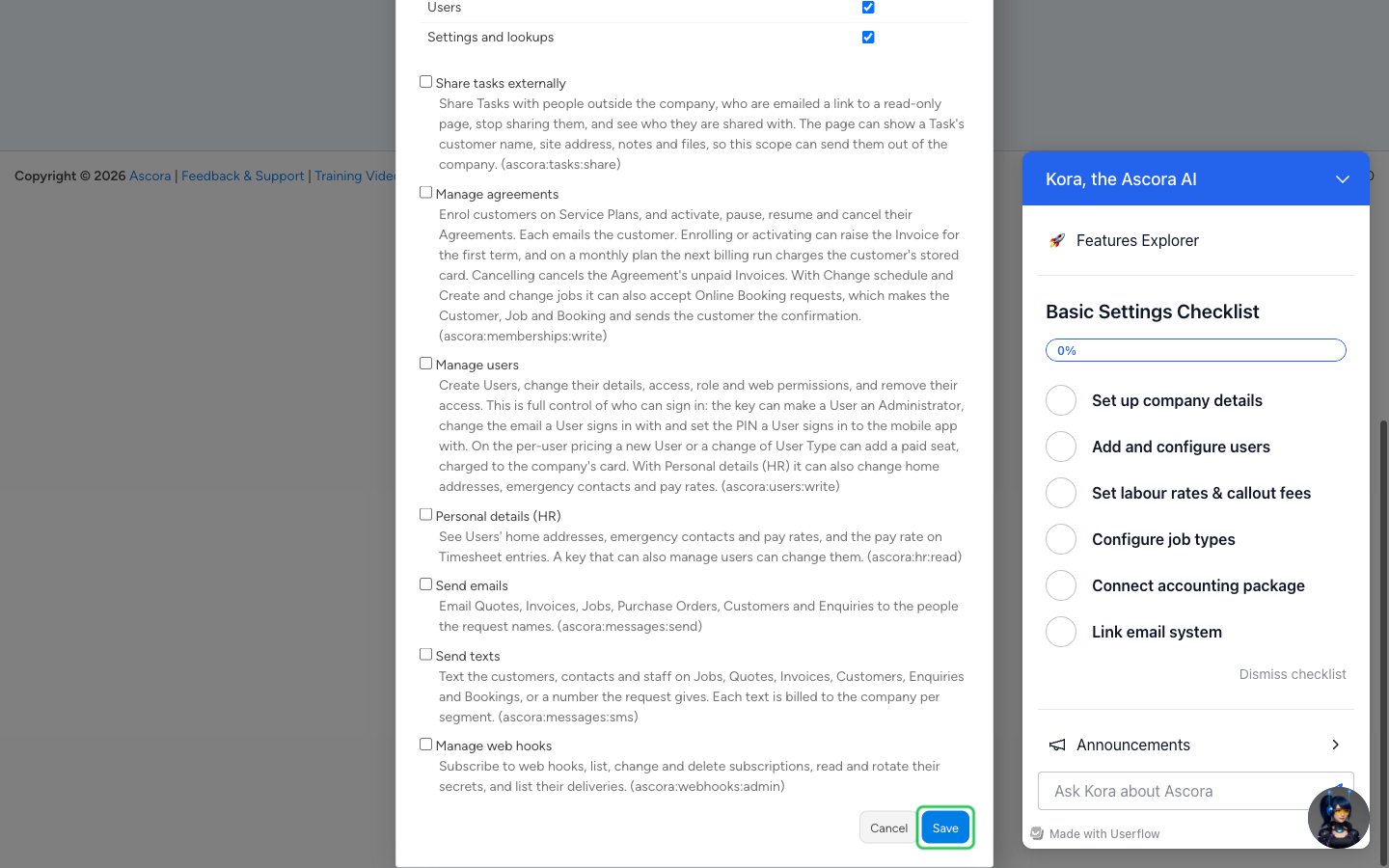
- Enter a Name that says what uses the key, choose when it Expires, and tick Read (and Write if your integration needs it) for each area under Access. Read everything ticks every Read box. Then click Save.
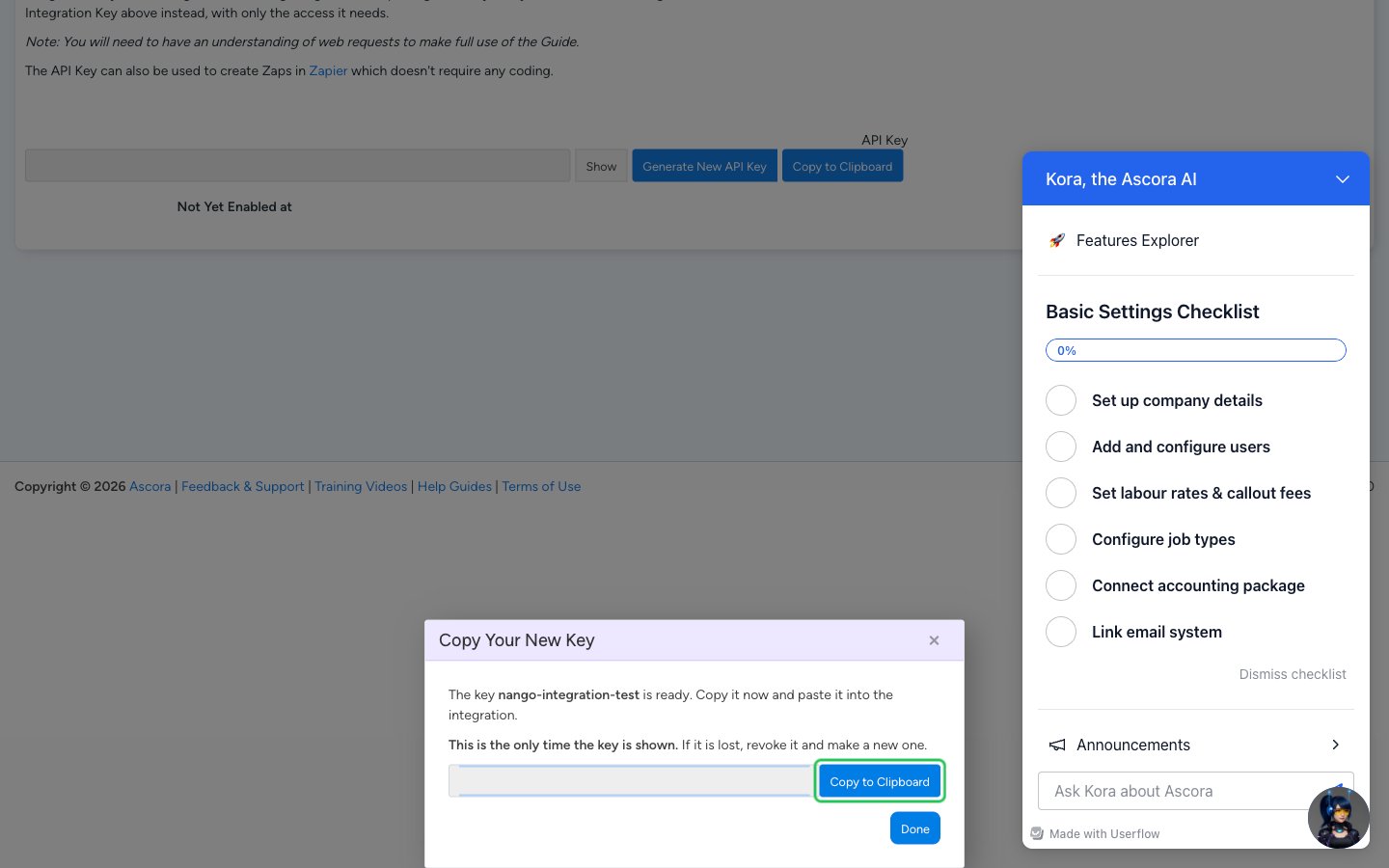
- Copy the key from the Copy Your New Key window. It starts with
ascora_and is shown only once: if you lose it, revoke it and create a new one.
Step 2: Enter your API key in the Connect UI
- Open the form where you need to authenticate with Ascora.
- Paste the key you copied in Step 1 into the API Key field.
- Submit the form. Nango checks the key with Ascora and rejects it if it is wrong, revoked or expired.