Overview
To authenticate with AppVeyor, you need:- API Key — an AppVeyor API key.
Prerequisites
- An AppVeyor account. You can sign up for free.
Step 1: Copy your API key
- Sign in to AppVeyor.
- Open the API keys page of your account.
- Copy the key you want to use:
- The account-level key works with this AppVeyor account only.
- The user-level key (v2) works with every account you have access to. Requests made with it must include the account name in the path, for example
/account/<account-name>/roles.
Step 2: Enter your API key in the Connect UI
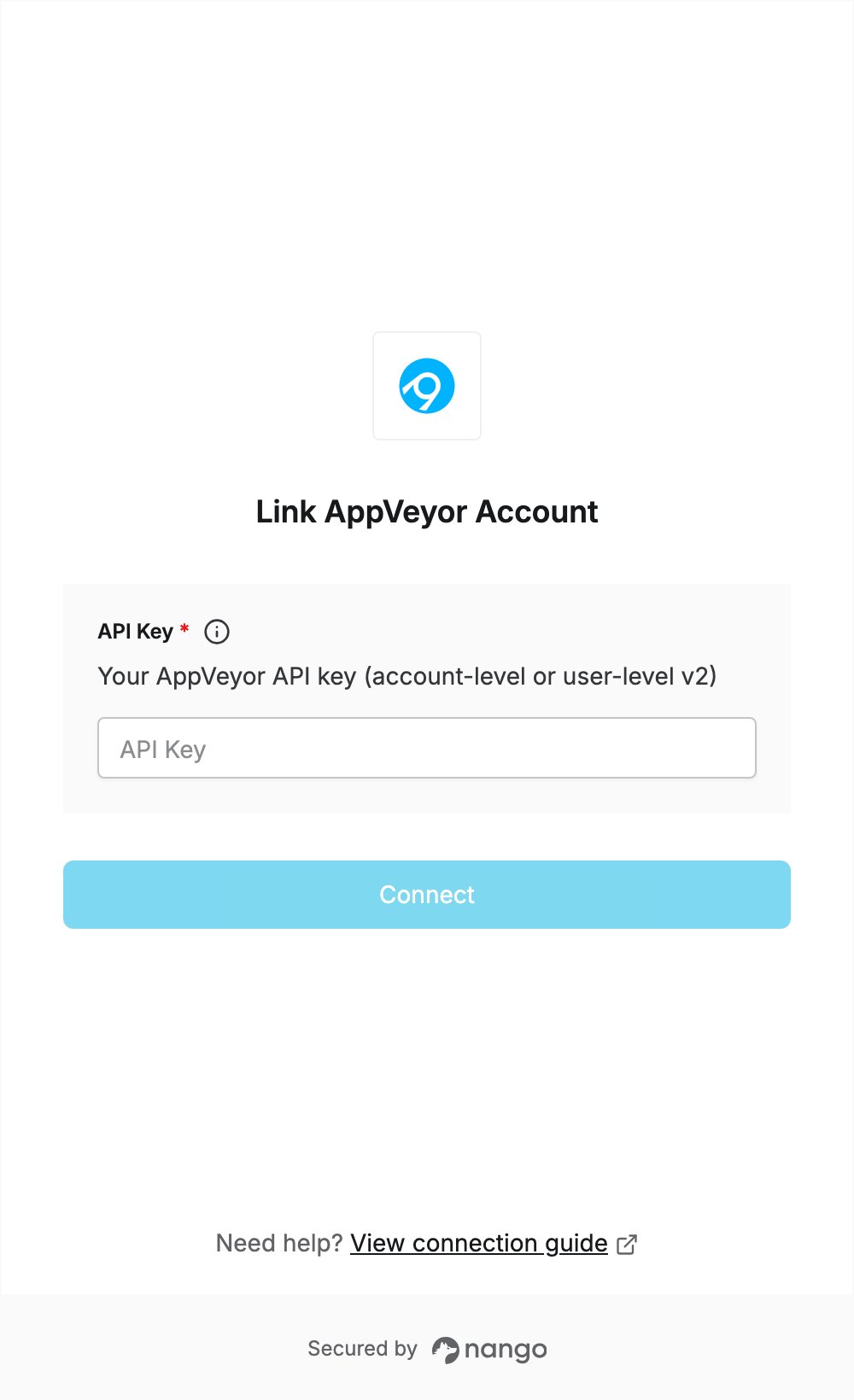
- Open the form where you need to authenticate with AppVeyor.
- Enter your key in the API Key field.
- Submit the form. The connection is saved without checking the key: if the key is wrong, the first API request returns an authentication error.