Overview
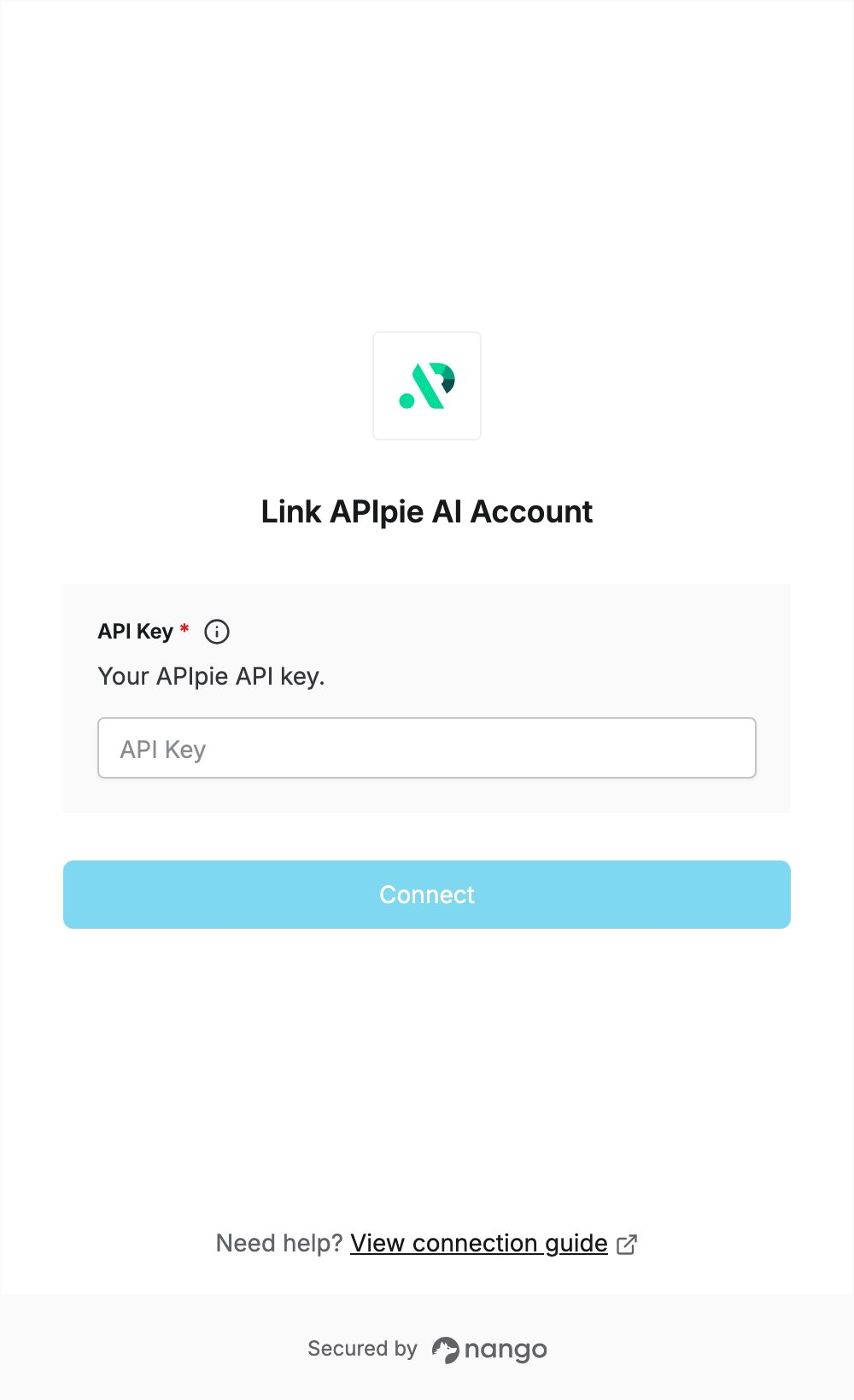
To authenticate with APIpie AI, you need:- API Key — an APIpie API key.
Prerequisites
- An APIpie account. You can register here.
- Credits on your account. After logging in, add credits on the subscription page to enable API access.
Step 1: Create an API key
- Log in to APIpie.
- Open the API keys page.
- Create a new API key and copy it.
Step 2: Enter your API key in the Connect UI
- Open the form where you need to authenticate with APIpie AI.
- Enter your API Key in the designated field.
- Submit the form, and you should be successfully authenticated.