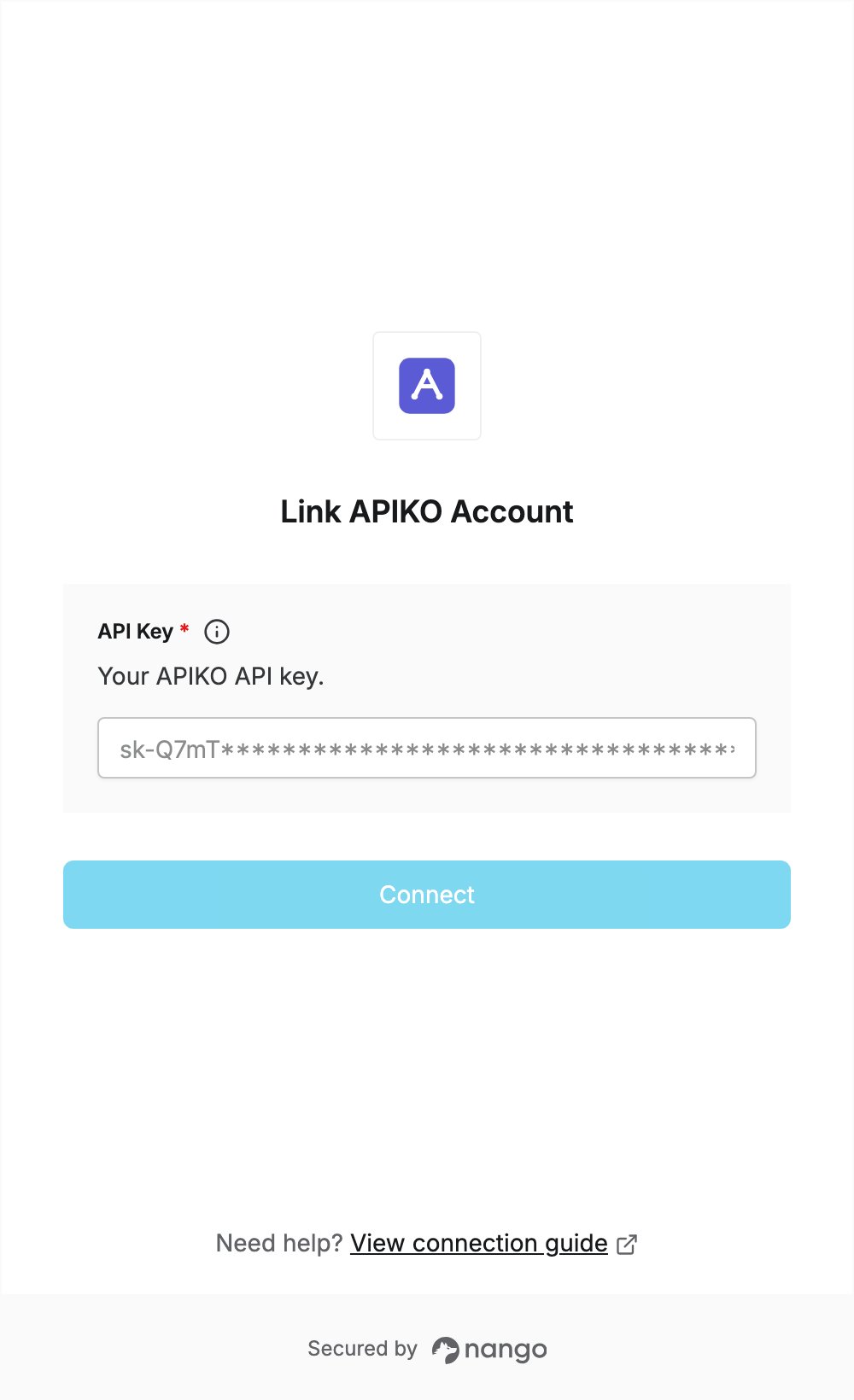
Overview
To authenticate with APIKO, you need:- API Key — your APIKO API key, starting with
sk-.
Prerequisites
- An APIKO account. You can sign up here with Google or email.
Step 1: Create an API key
- Sign in to the APIKO dashboard.
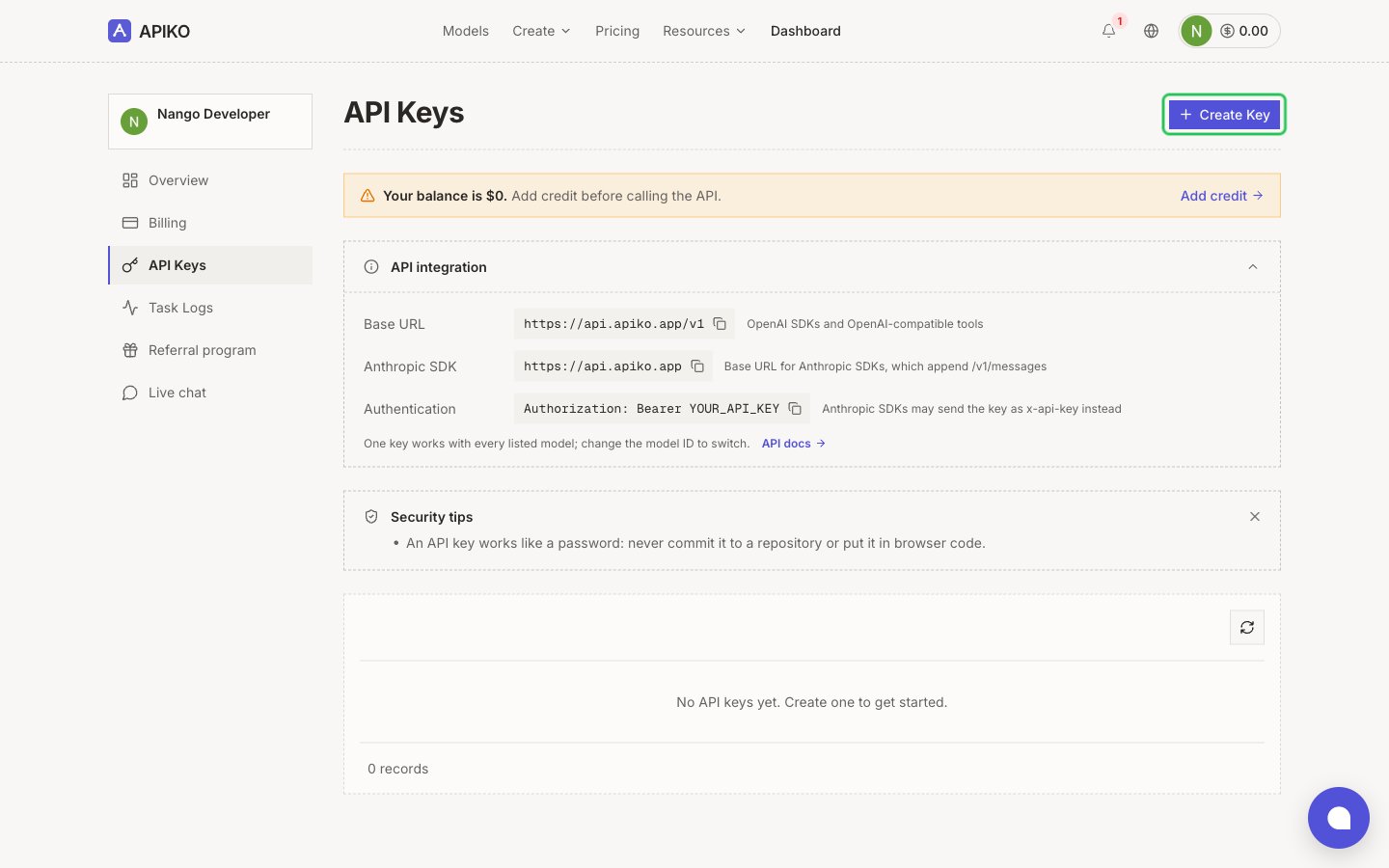
- In the sidebar, open API Keys and click Create Key.
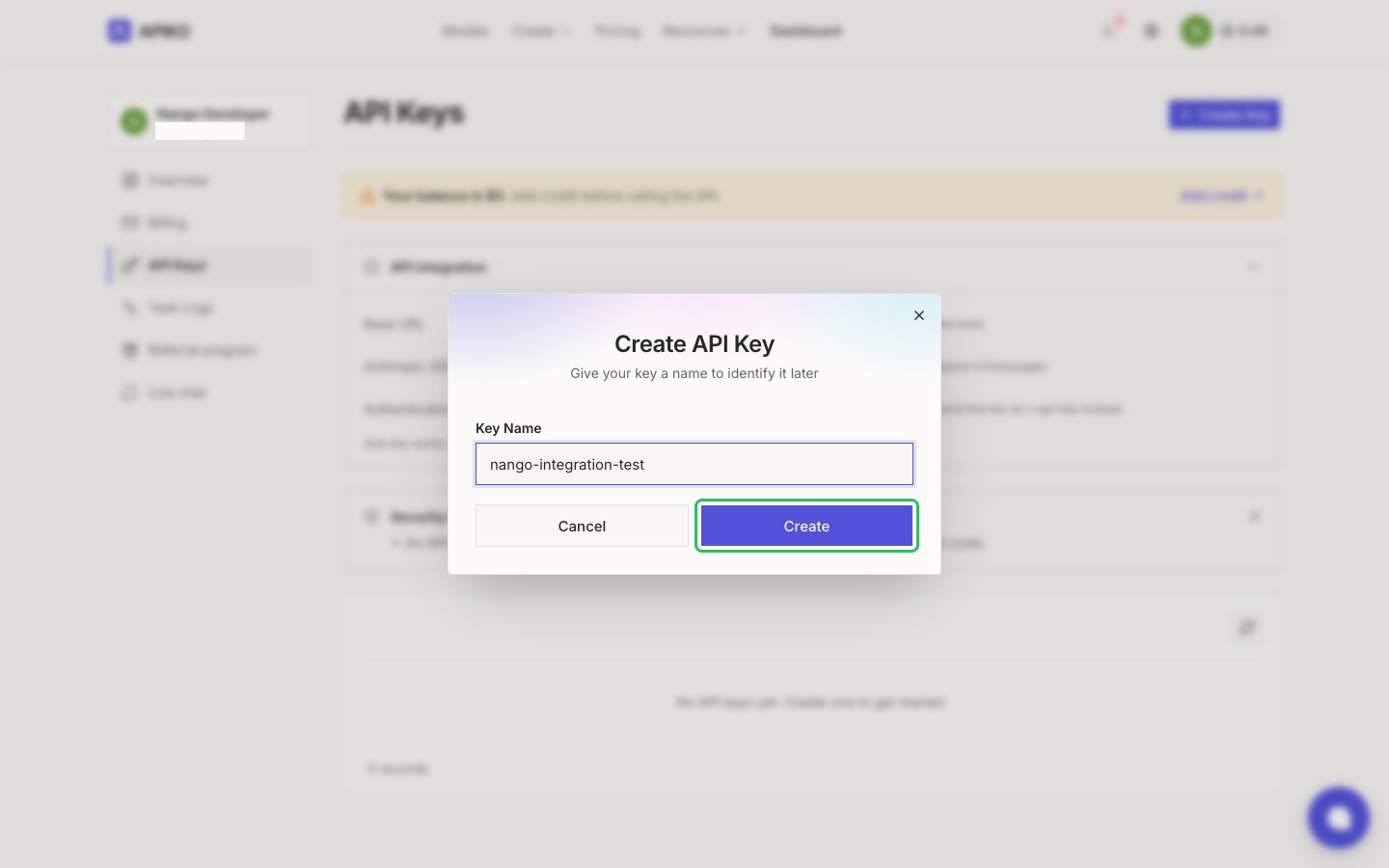
- Enter a Key Name, such as
nango, and click Create.
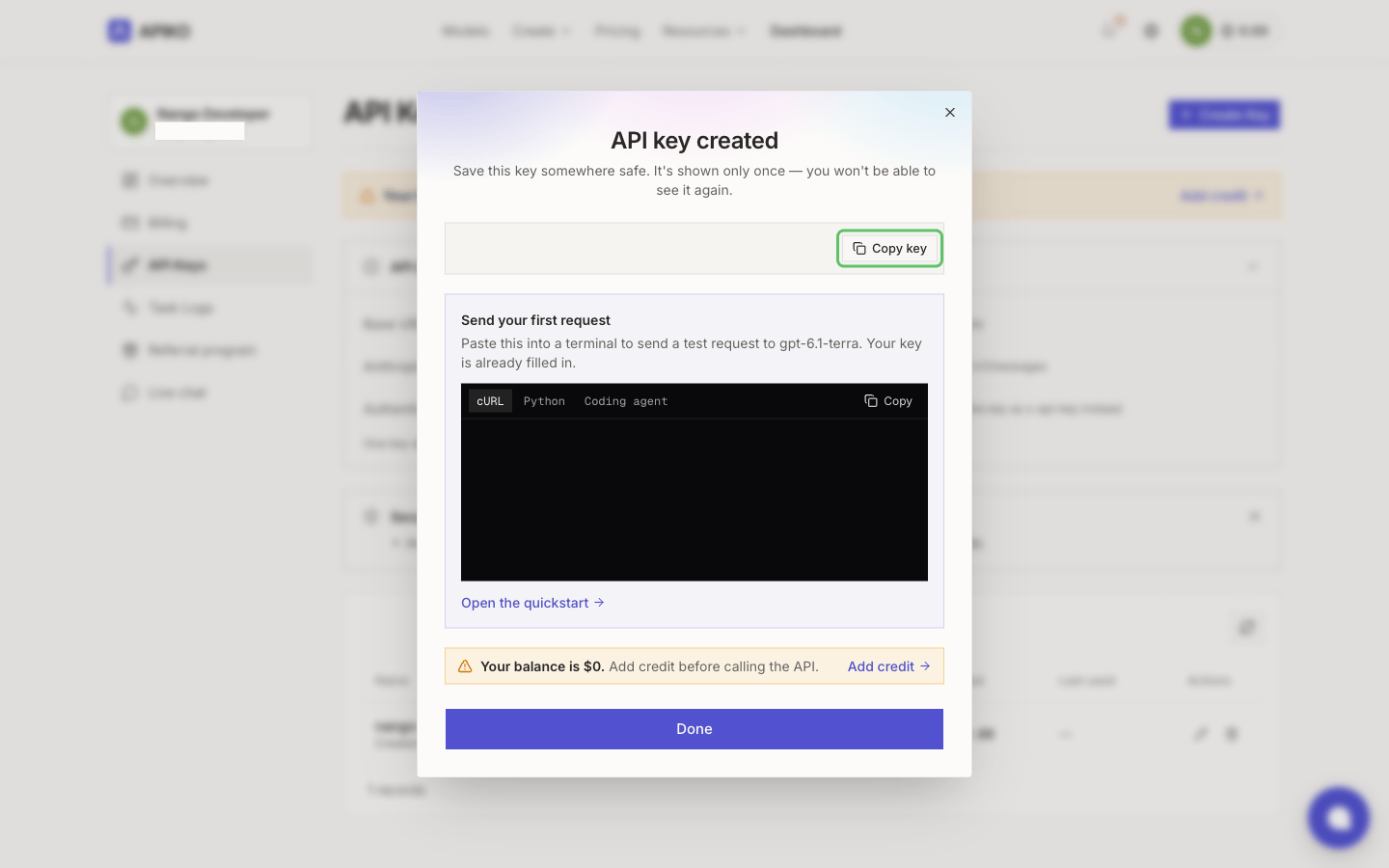
- In the API key created dialog, click Copy key to copy the
sk-...value, then click Done. The key is shown only once, so store it securely.
Step 2: Enter your API key in the Connect UI
- Open the form where you need to authenticate with APIKO.
- Enter your API Key in the designated field.
- Submit the form, and you should be successfully authenticated.