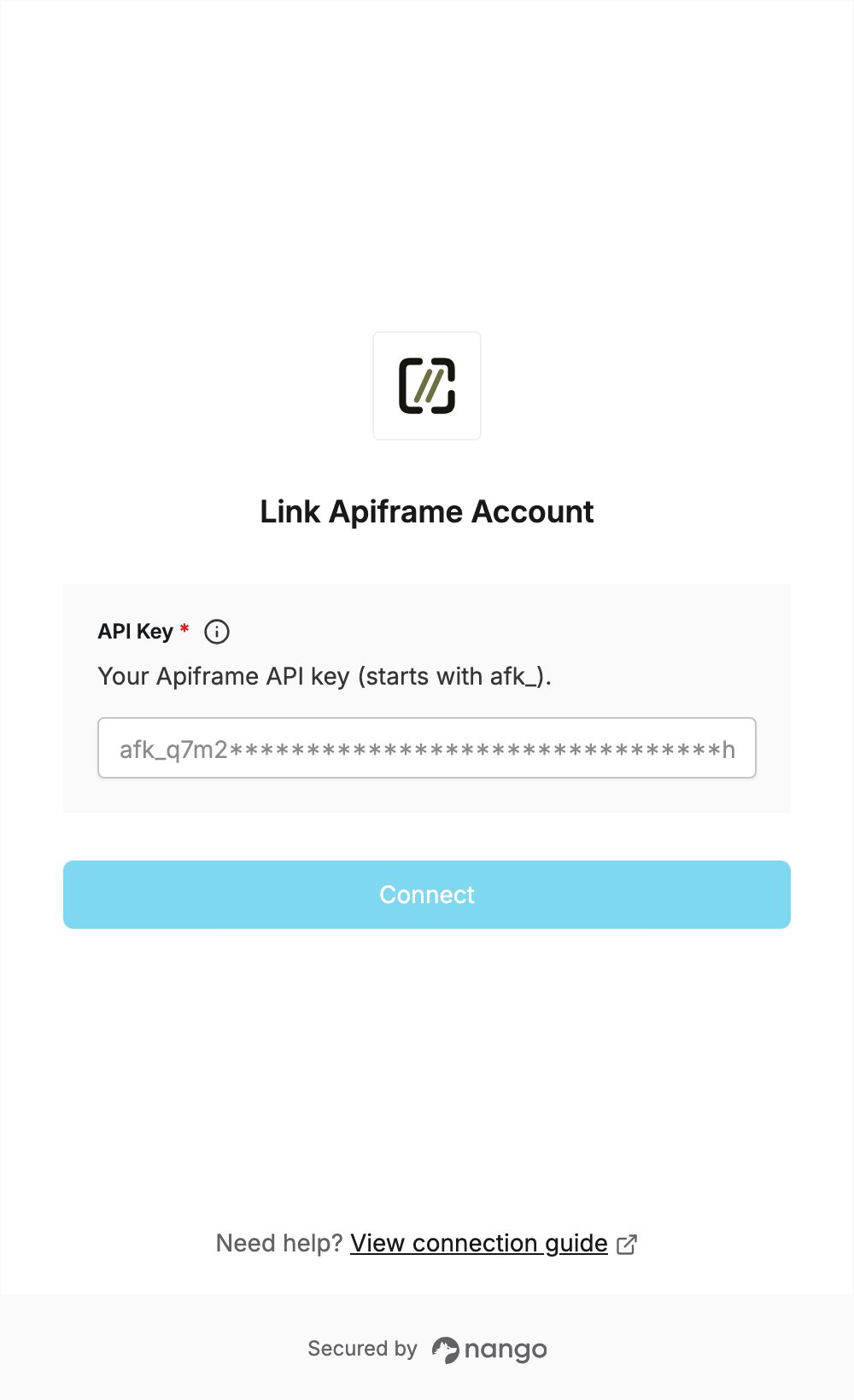
Overview
To authenticate with Apiframe, you need:- API Key — an Apiframe API key. It starts with
afk_.
Prerequisites
- An Apiframe account. You can sign up yourself. New teams can unlock 100 starter credits after a phone check or a one-time $1 payment.
Step 1: Create an API key
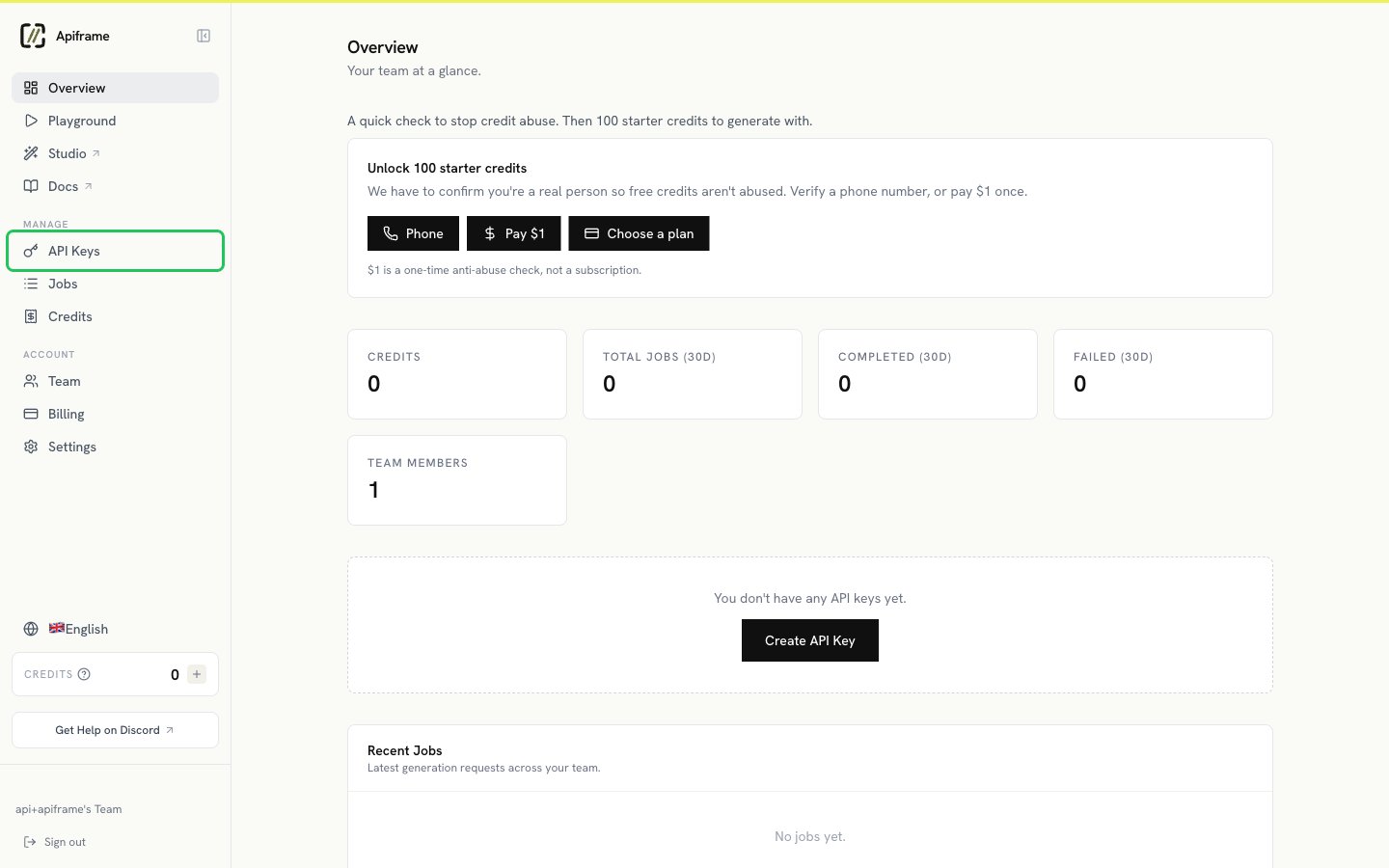
- Log in to the Apiframe dashboard. In the sidebar, under Manage, click API Keys.
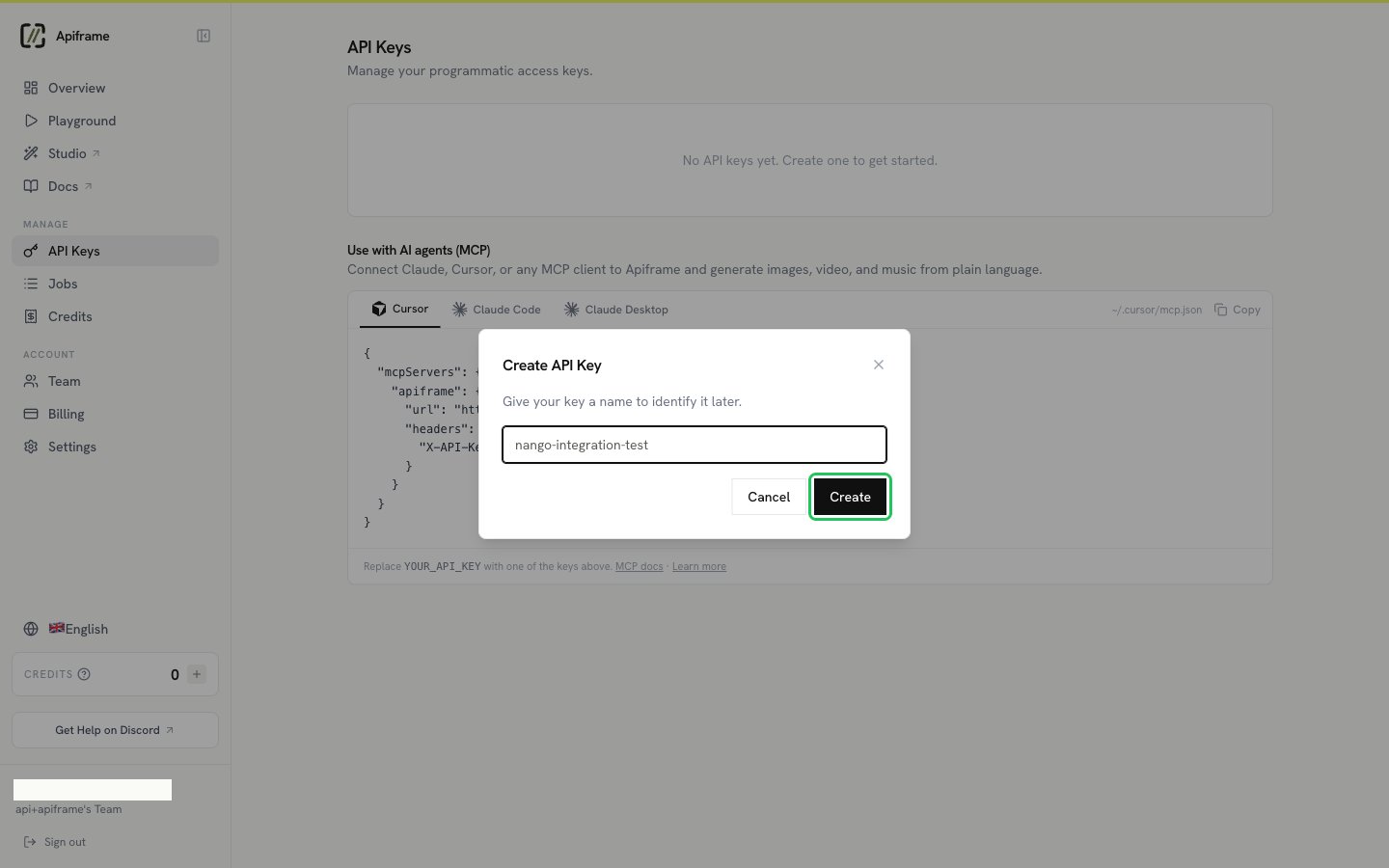
- Click Create API Key, enter a name for the key, then click Create.
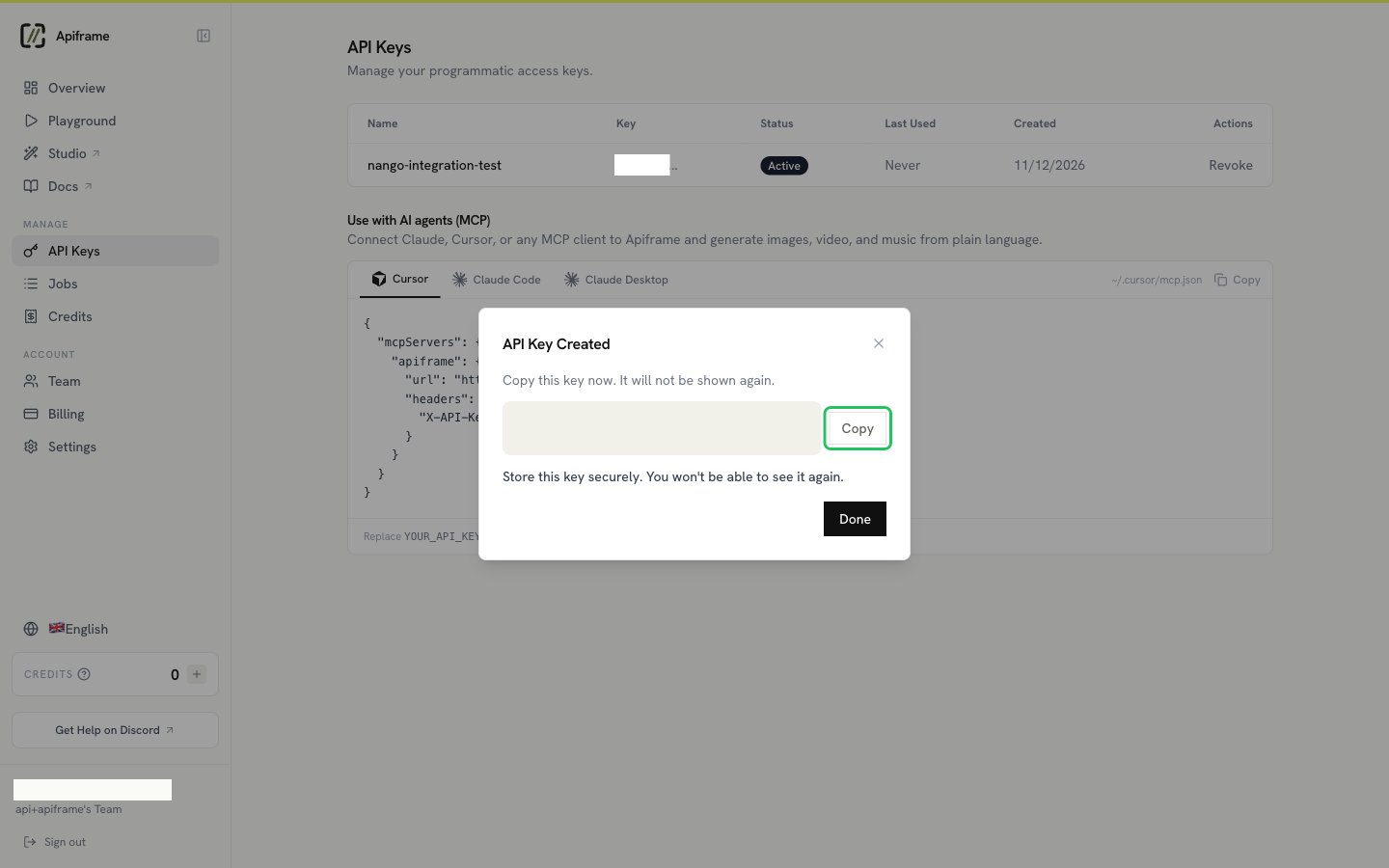
- Click Copy to copy the new key, then click Done. The key is shown only once.
Step 2: Enter your API key in the Connect UI
- Open the form where you need to authenticate with Apiframe.
- Enter your API Key in the designated field.
- Submit the form, and you should be successfully authenticated.