Overview
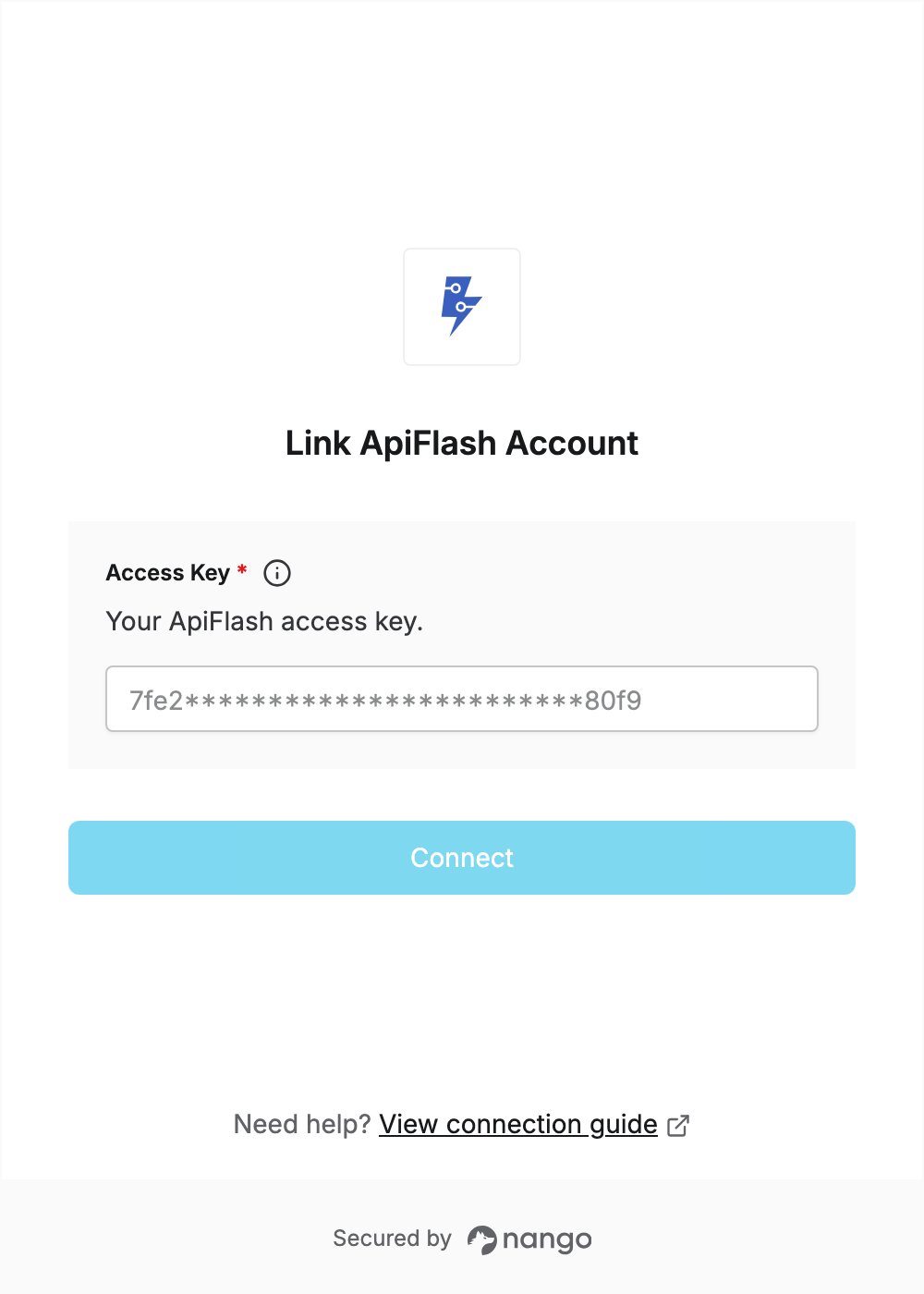
To authenticate with ApiFlash, you need:- Access Key — an ApiFlash access key.
Prerequisites
- An ApiFlash account. The free plan includes 100 screenshots per month and doesn’t need a credit card. Sign up here.
Step 1: Get your access key
- Log in to ApiFlash.
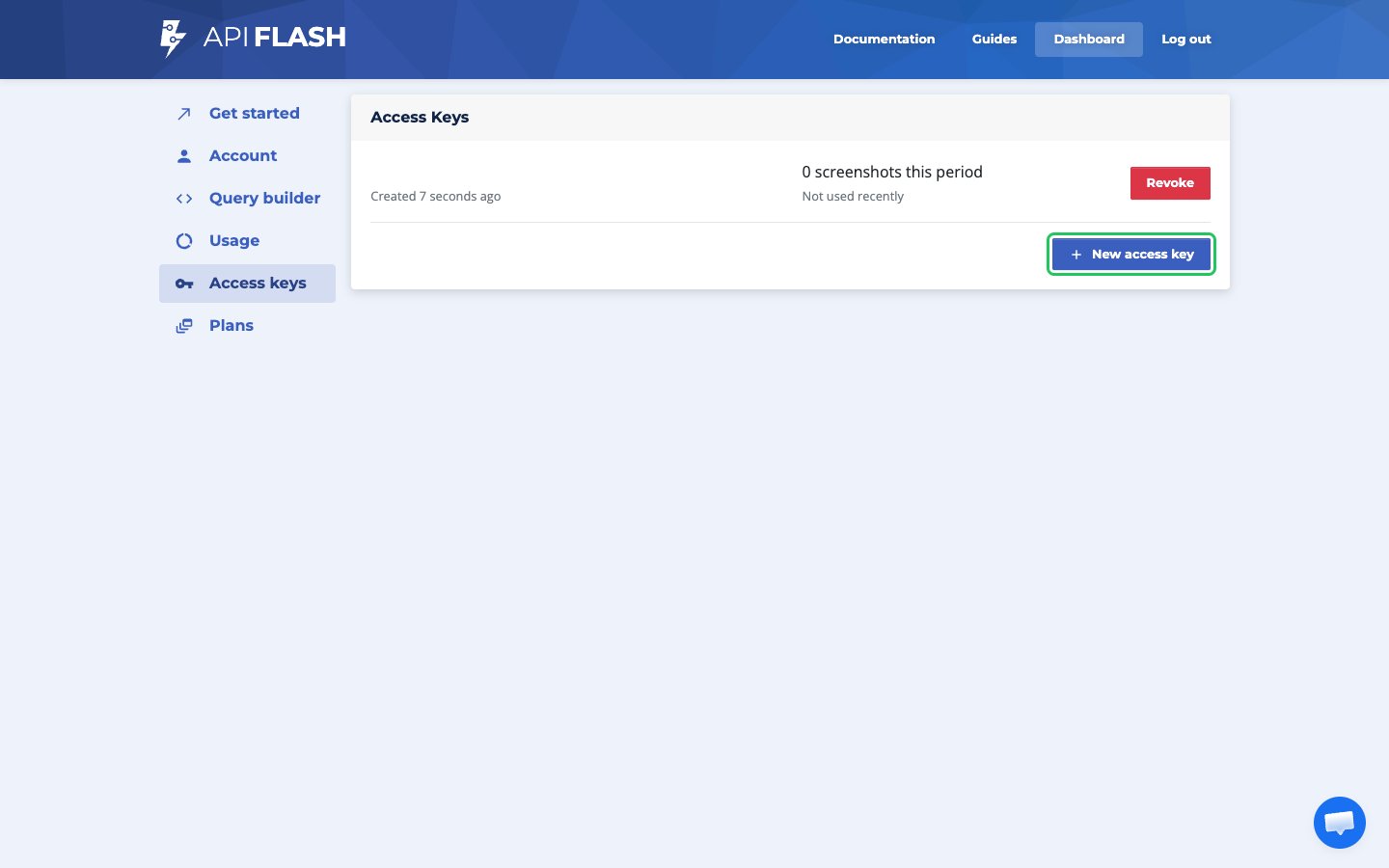
- In the dashboard sidebar, click Access keys.
- Copy an existing access key, or click New access key to create one.
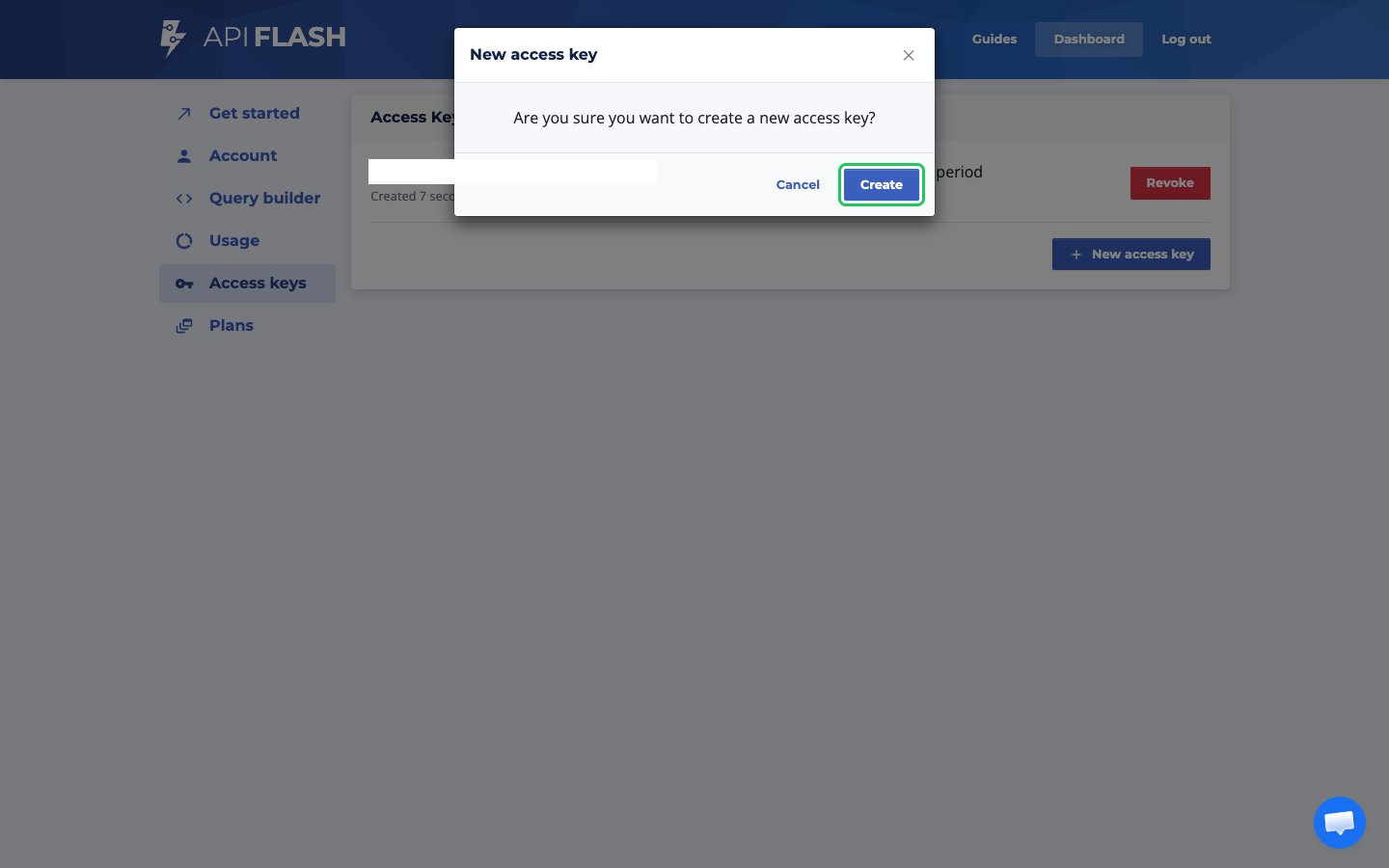
- If you’re creating a new key, confirm by clicking Create, then copy the new key from the list.
Step 2: Enter your access key in the Connect UI
- Open the form where you need to authenticate with ApiFlash.
- Enter your Access Key in the designated field.
- Submit the form, and you should be successfully authenticated.