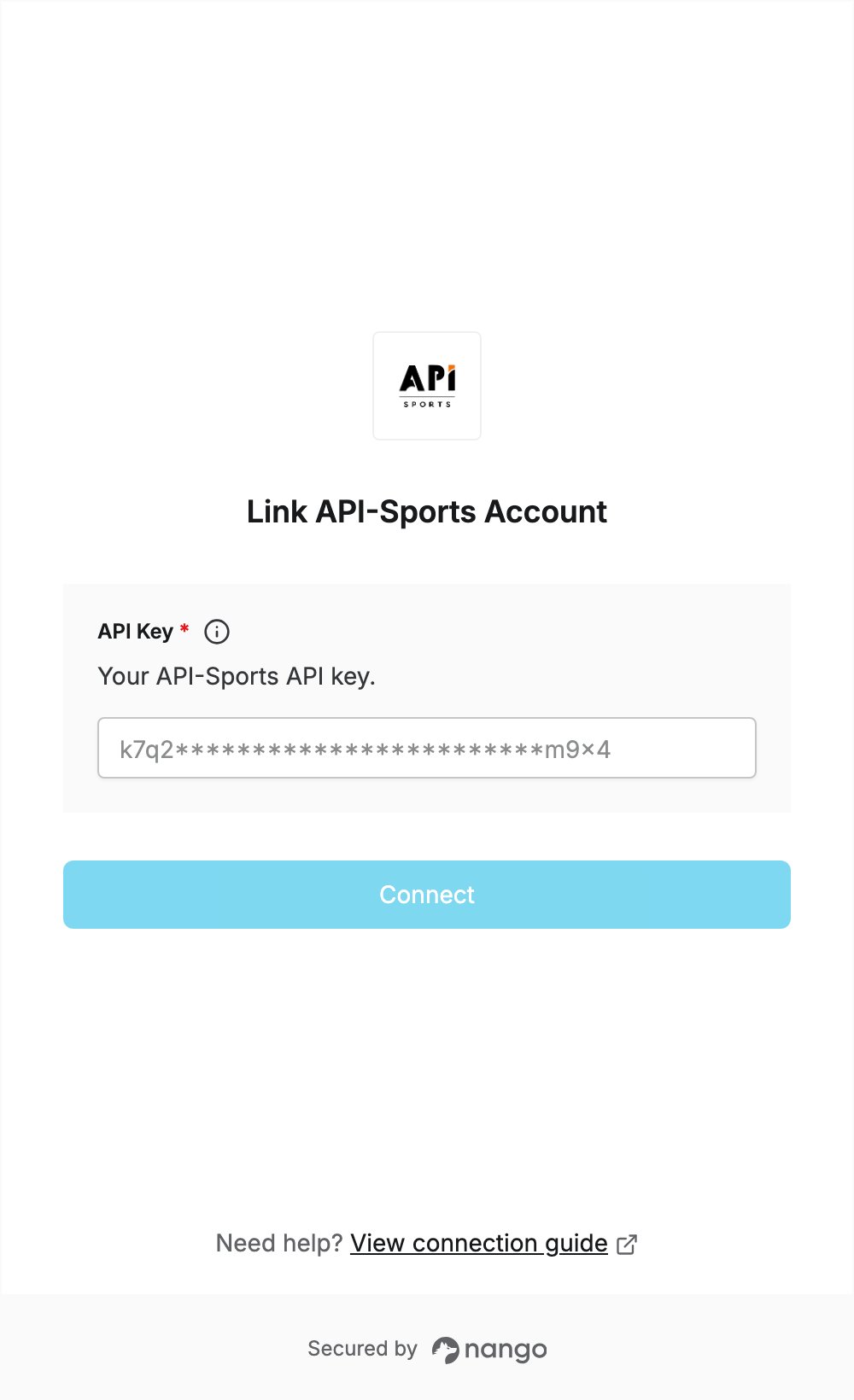
Overview
To authenticate with API-Sports, you need:- API Key — the API key of your API-Sports account, shown on the My Access page of the dashboard.
Prerequisites
- An API-Sports account. The free plan works and needs no credit card.
Step 1: Copy your API key
- Sign in to the API-Sports dashboard.
- Open your user profile panel and click My Access.
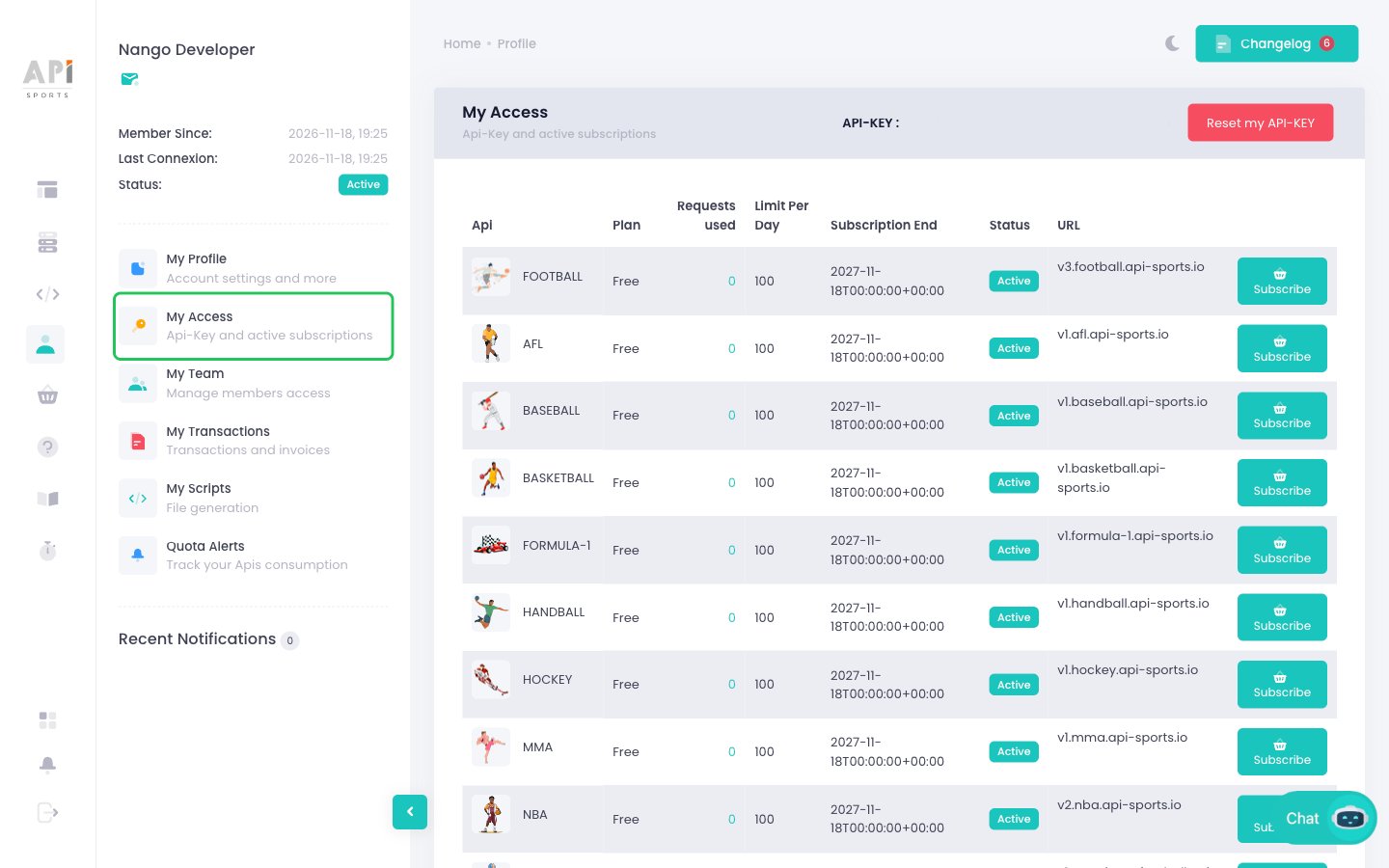
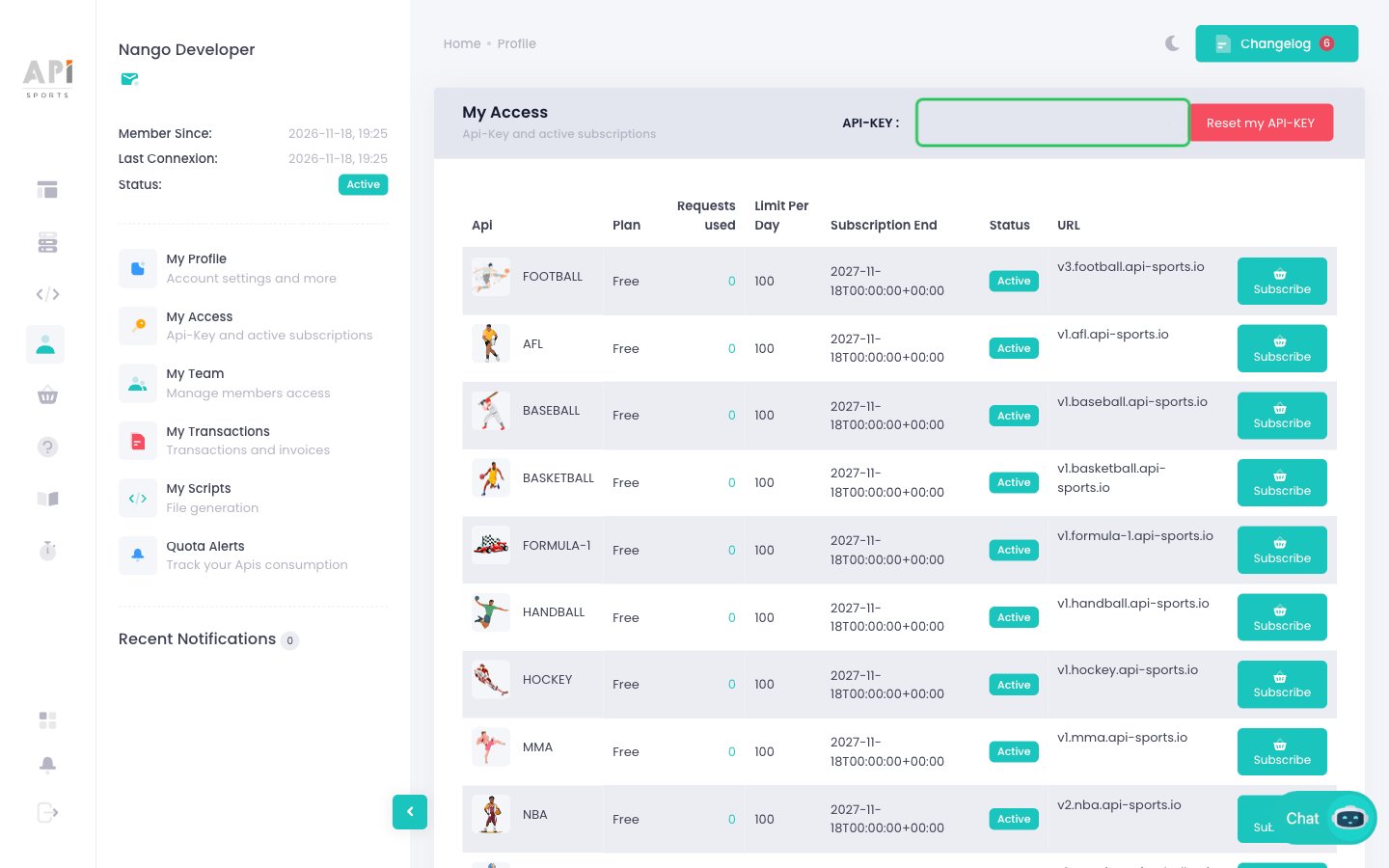
- Hover over the field next to API-KEY to reveal your key, then copy it. Your account has one key; Reset my API-KEY replaces it with a new one.
Step 2: Enter your API key in the Connect UI
- Open the form where you need to authenticate with API-Sports.
- Paste the key you copied in Step 1 into the API Key field.
- Submit the form, and you should be successfully authenticated.