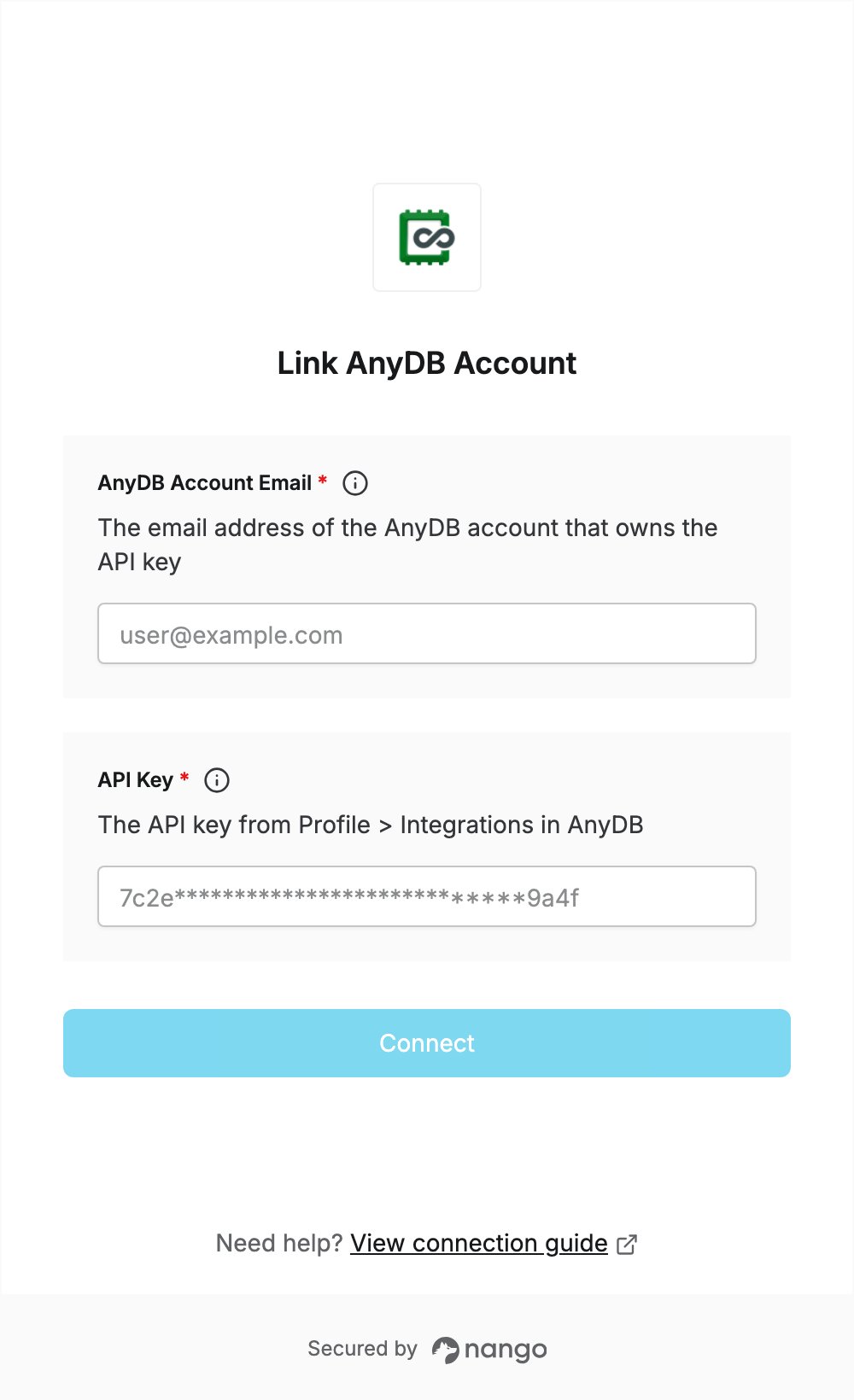
Overview
To authenticate with AnyDB, you need:- API Key — the API key of your AnyDB user.
- AnyDB Account Email — the email address of the same AnyDB account.
Prerequisites
- An AnyDB account. You can sign up for the Free plan.
Step 1: Copy your API key
- Log in to AnyDB.
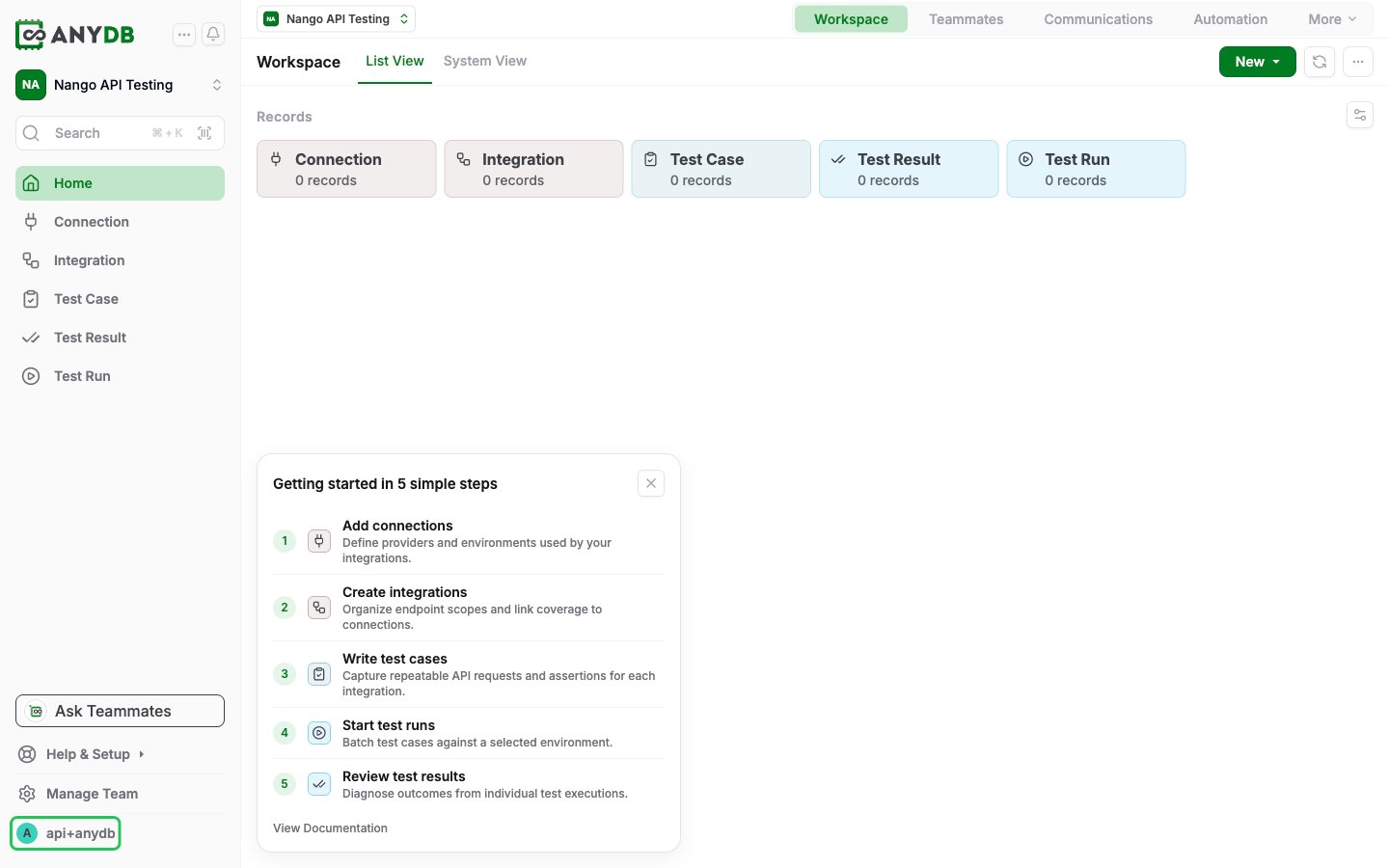
- Click your user icon at the bottom of the left sidebar to open your profile.
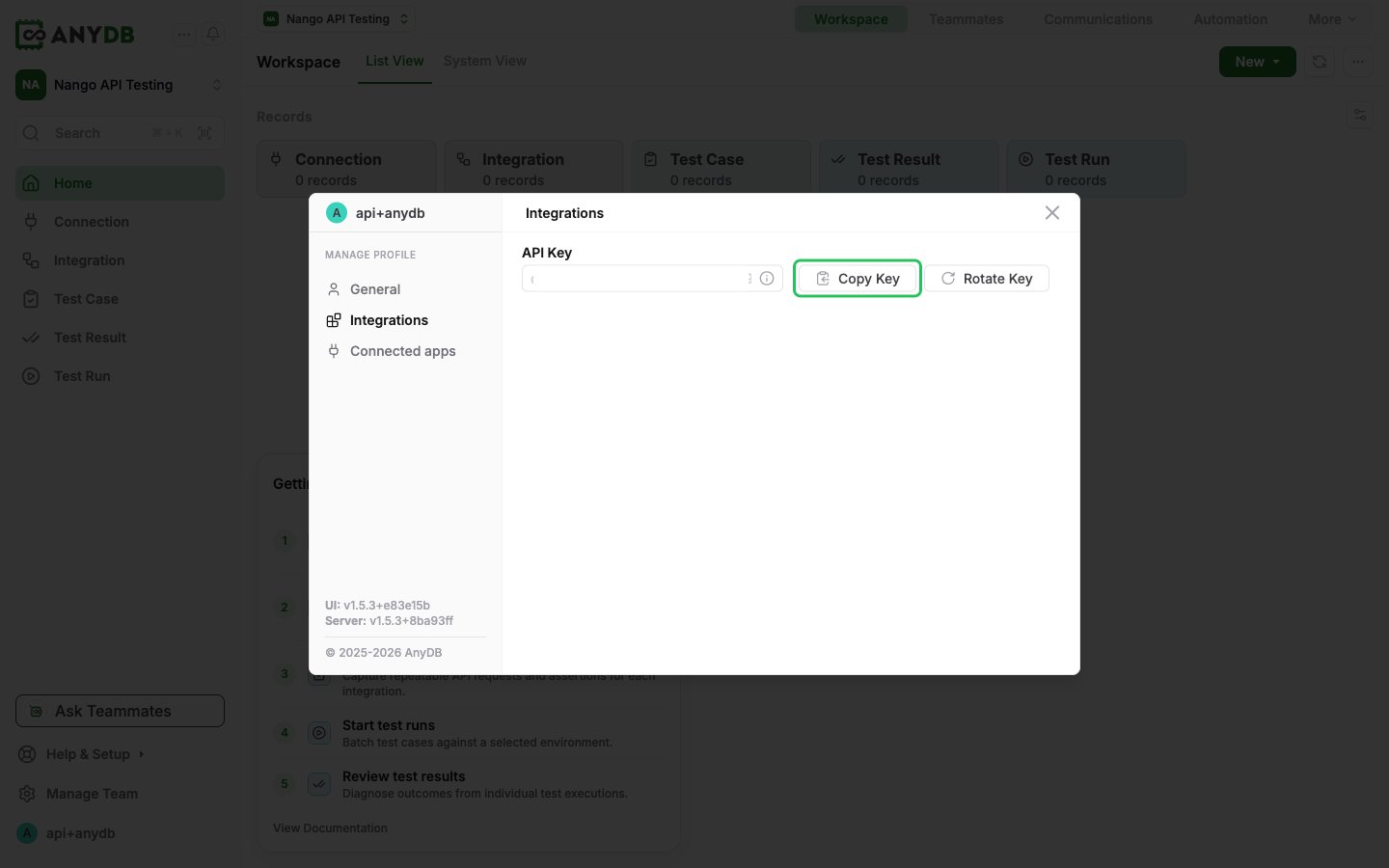
- In the profile dialog, open the Integrations tab.
- Click Show Key, then Copy Key.
Step 2: Find your account email
Use the email address you log in to AnyDB with. It must belong to the same account as the API key from Step 1.Step 3: Enter your credentials in the Connect UI
- Open the form where you need to authenticate with AnyDB.
- Enter your API key in the API Key field and your email address in the AnyDB Account Email field.
- Submit the form. Nango checks the key and email with AnyDB before saving the connection.