Overview
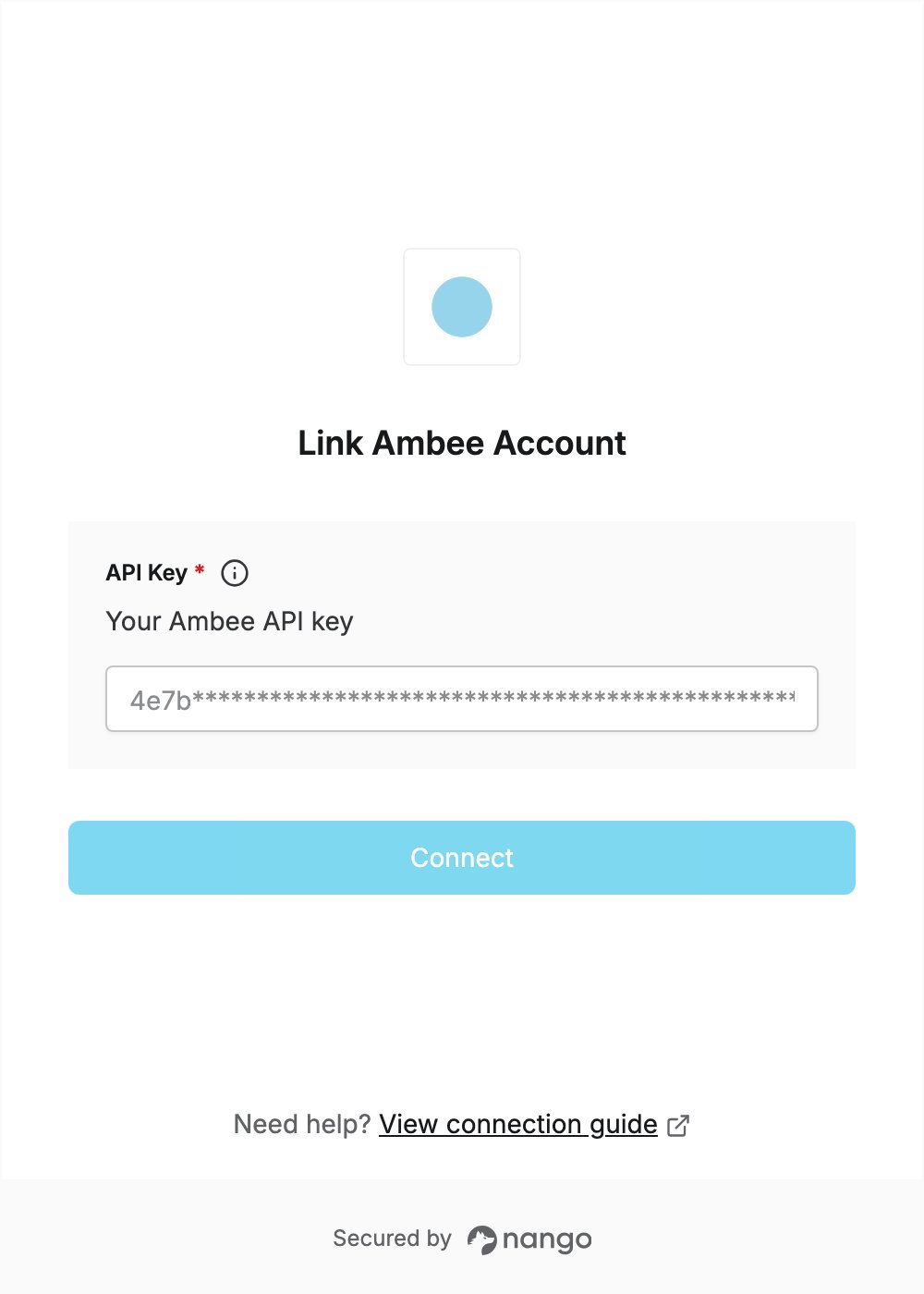
To authenticate with Ambee, you need:- API Key — the API key of your Ambee account.
Prerequisites
- An Ambee account. If you don’t have one, sign up for free on the Ambee API Dashboard with your Google or business account.
Step 1: Copy your API key
- Sign in to the Ambee API Dashboard.
- On the dashboard home page, find the API key card and click Copy.
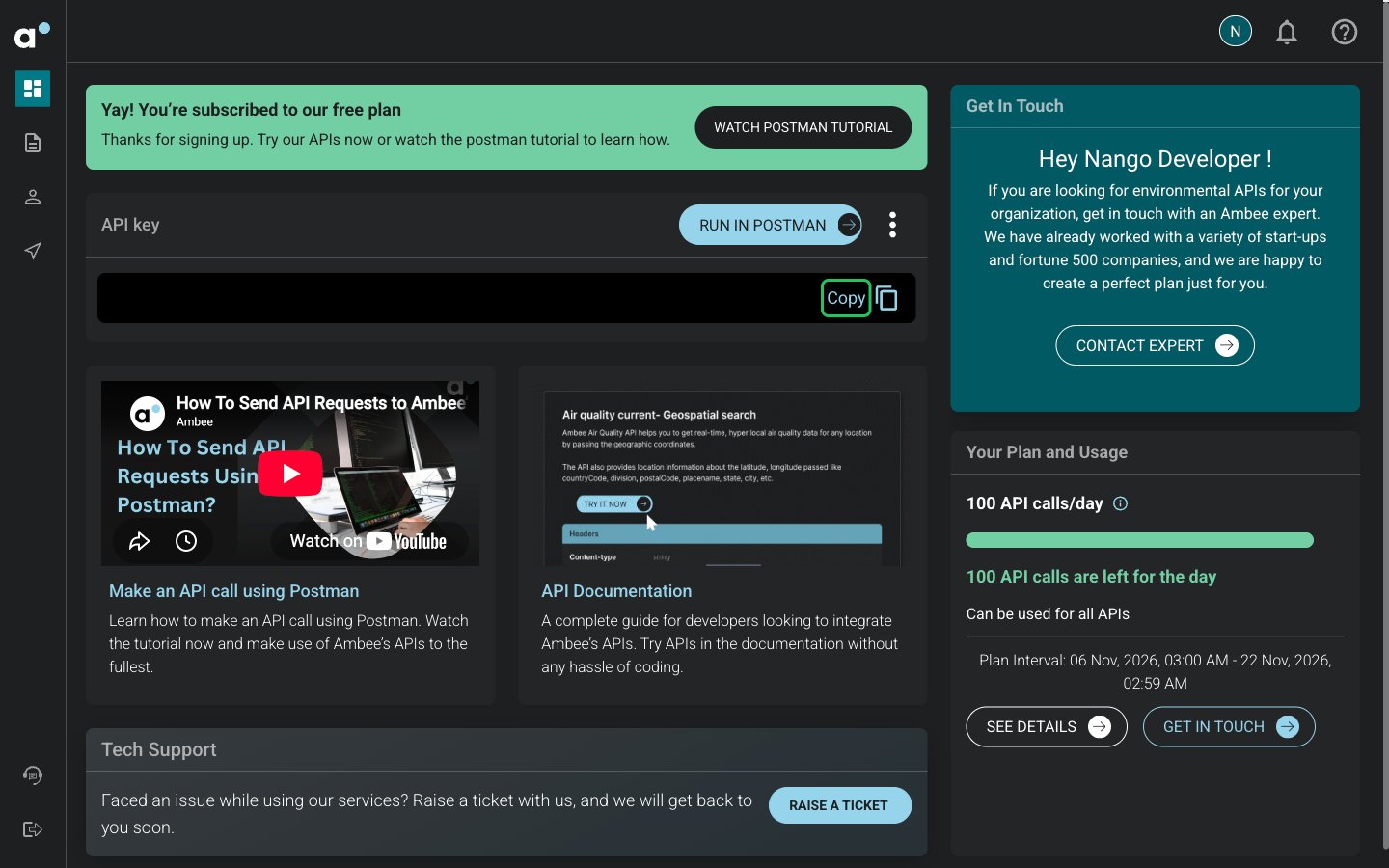
You can reset the API key once every 30 days from the API Dashboard, using your registered email address.
Step 2: Enter your API key in the Connect UI
- Open the form where you need to authenticate with Ambee.
- Enter your API key in the API Key field.
- Submit the form, and you should be successfully authenticated.