Overview
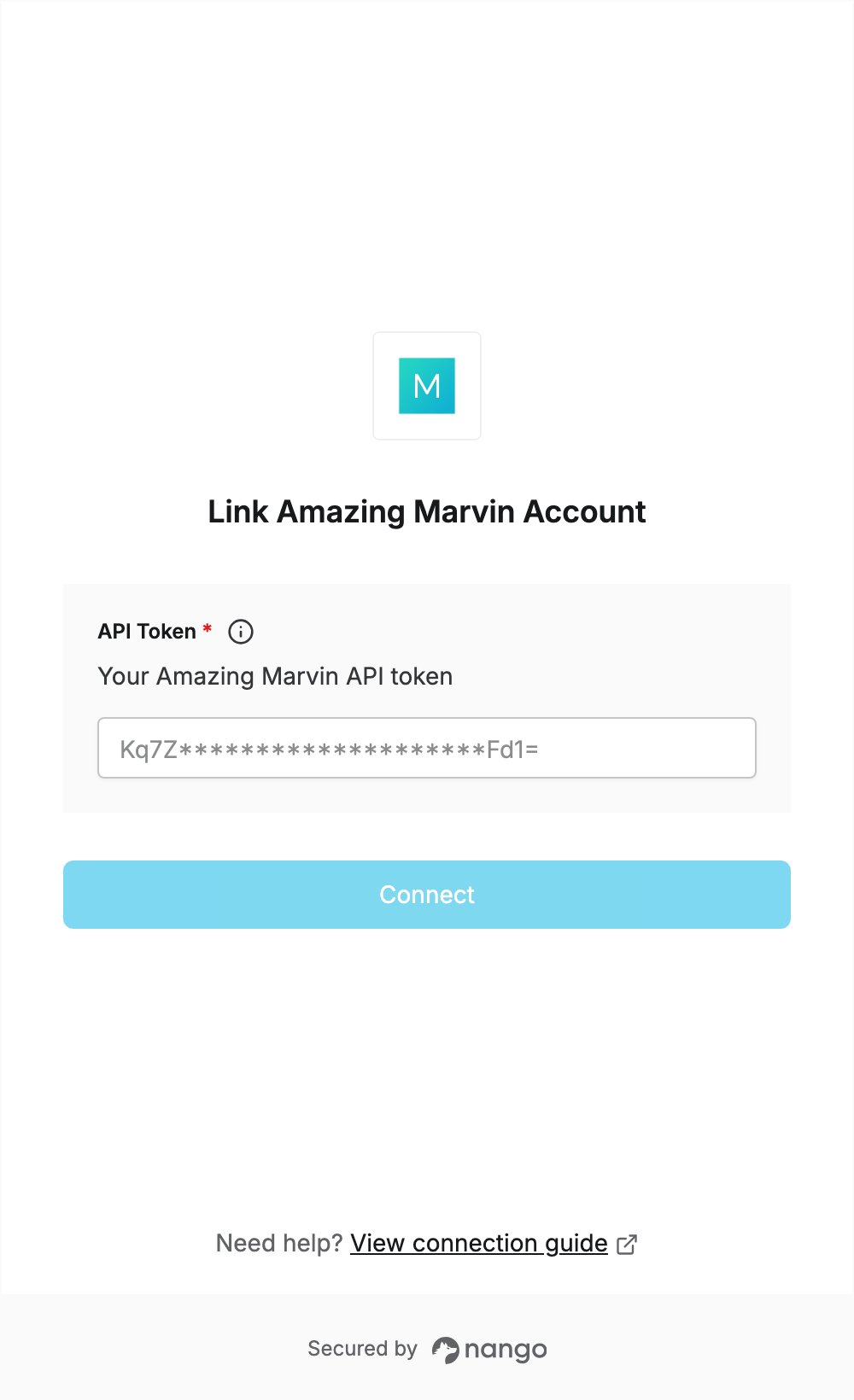
To authenticate with Amazing Marvin, you need:- API Token — the limited-access API token from your Marvin API credentials.
Prerequisites
- An Amazing Marvin account. New accounts start with a 14-day trial, no credit card required. Sign up here.
Step 1: Copy your API token
- Sign in to the Amazing Marvin web app.
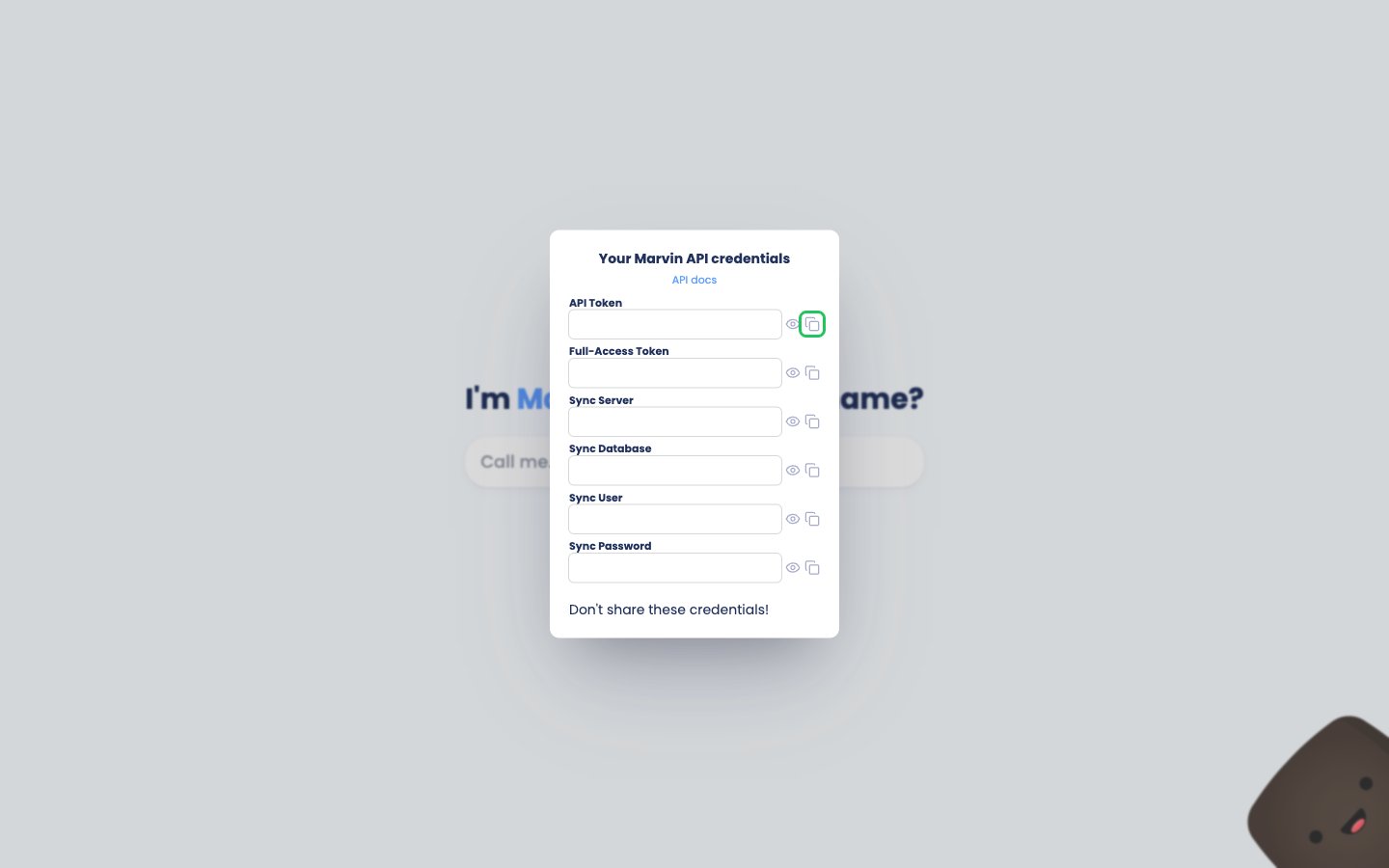
- Open https://app.amazingmarvin.com/pre?api. The Your Marvin API credentials dialog opens.
- Click the copy icon next to API Token. Use the API token, not the Full-Access Token.
Step 2: Enter your API token in the Connect UI
- Open the form where you need to authenticate with Amazing Marvin.
- Enter your token in the API Token field.
- Submit the form, and you should be successfully authenticated.