Overview
To authenticate with Alpha Vantage, you need:- API Key — a free Alpha Vantage API key, or a premium API key.
Prerequisites
- A valid email address. The free API key allows 25 requests per day and covers most datasets.
- For higher limits or premium endpoints, a premium plan.
Step 1: Claim your API key
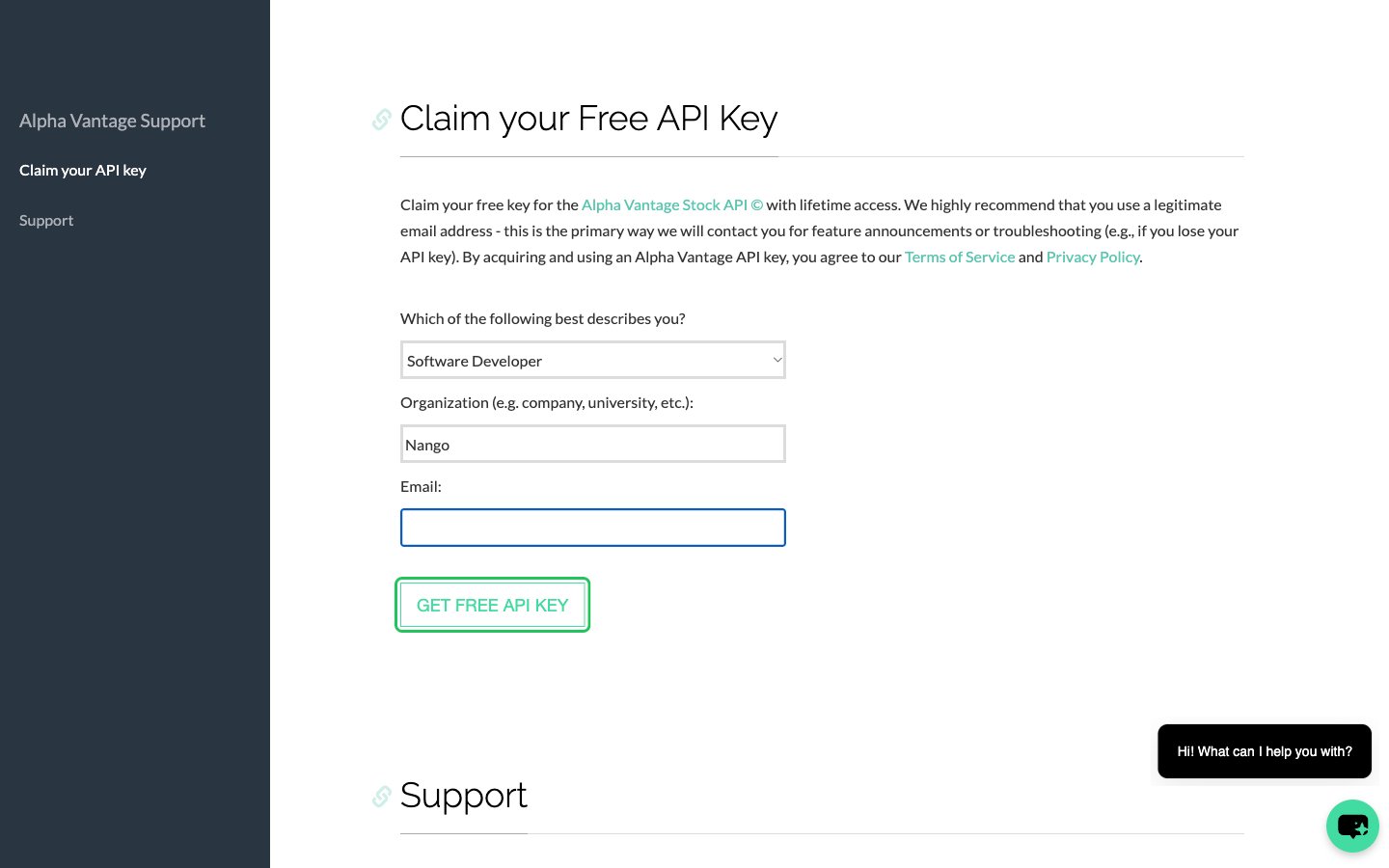
- Open the Claim your Free API Key form on the Alpha Vantage support page.
- Under Which of the following best describes you?, choose the option that fits you.
- Enter your organization and a valid email address, then click GET FREE API KEY.
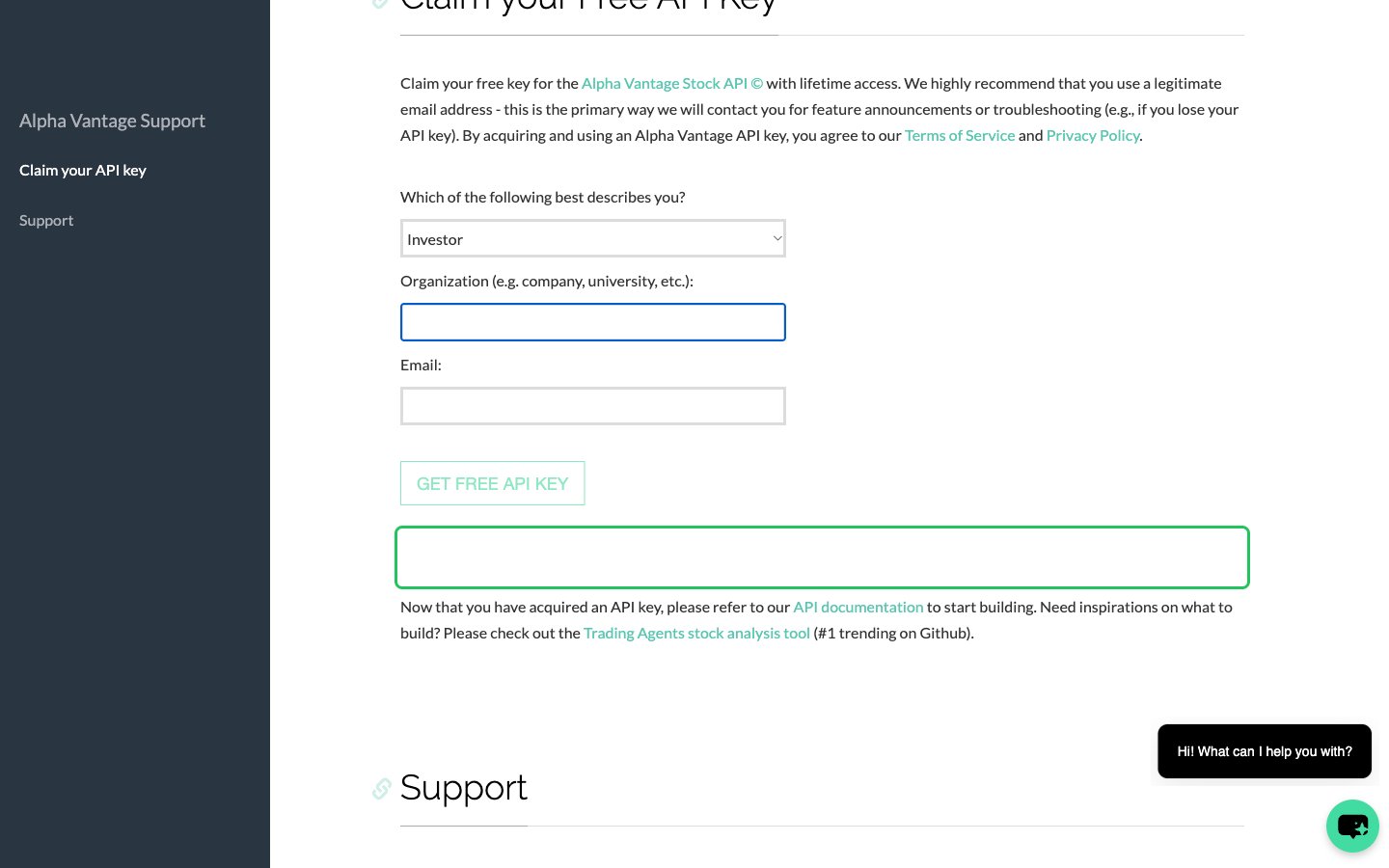
- Your API key appears right below the form. Copy it and keep it somewhere safe: there is no dashboard where you can see it again.
Step 2: Enter your API key in the Connect UI
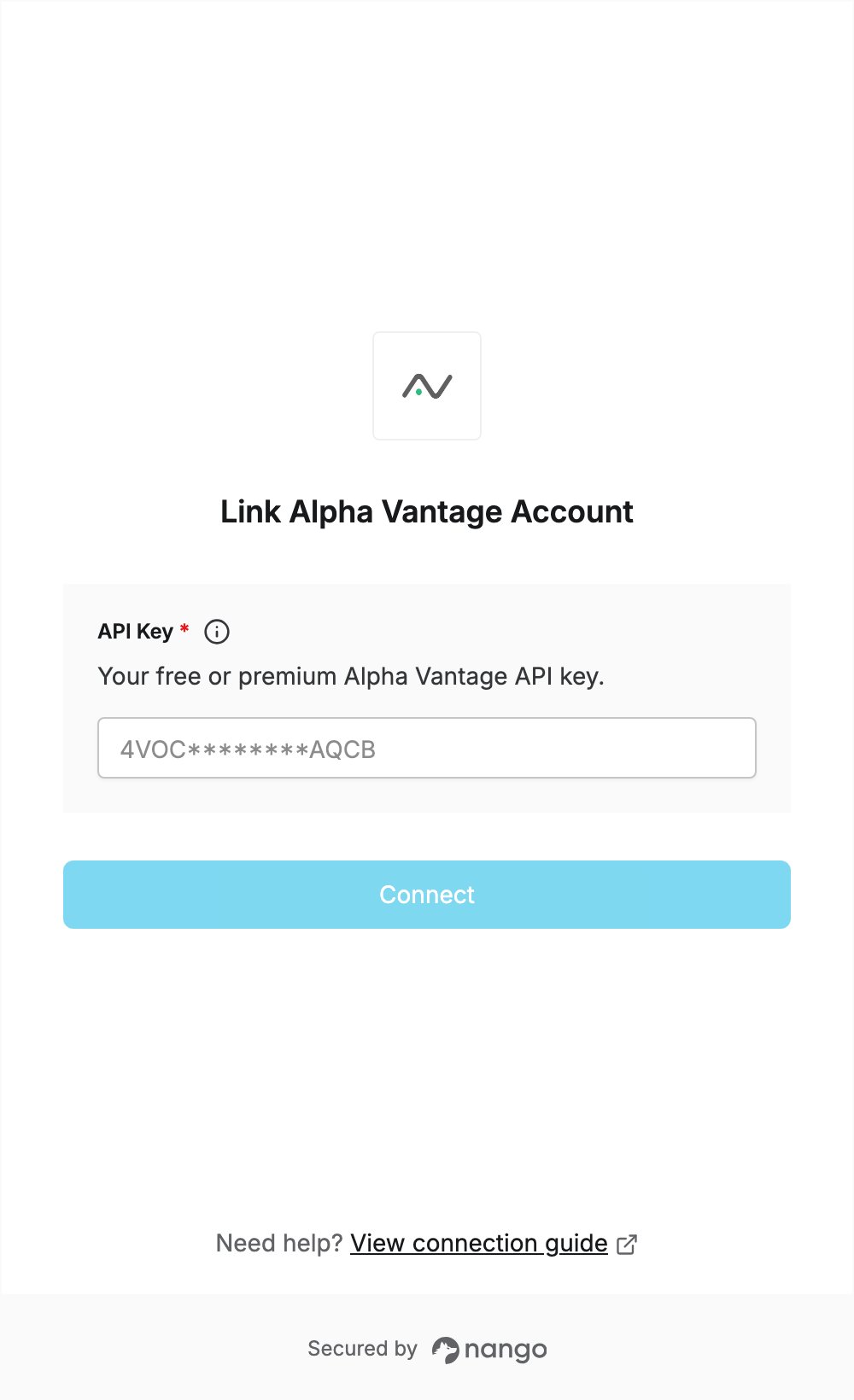
- Open the form where you need to authenticate with Alpha Vantage.
- Paste the key you copied in Step 1 into the API Key field.
- Submit the form.