Overview
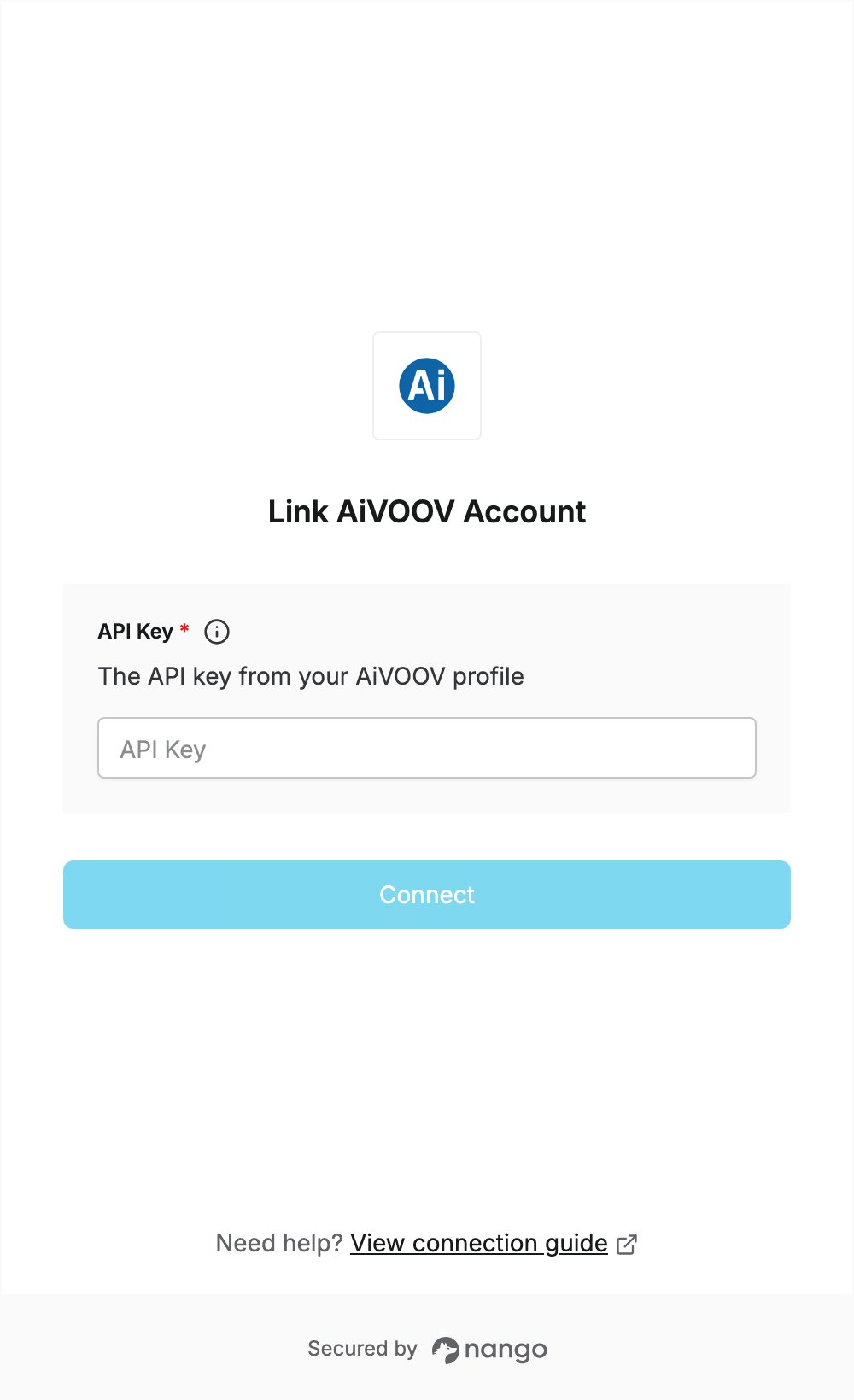
To authenticate with AiVOOV, you need:- API Key — the API key from your AiVOOV profile.
Prerequisites
- An AiVOOV account. If you don’t have one, sign up.
- A plan that includes API access. The API is a premium feature available only with selected plans; see AiVOOV pricing.
- A Characters Credit balance on your account, which the API needs.
Step 1: Copy your API key
- Log in to your AiVOOV account.
- Open your Profile page.
- Go to the API section and copy your API key.
Step 2: Enter your API key in the Connect UI
- Open the form where you need to authenticate with AiVOOV.
- Enter your API key in the API Key field.
- Submit the form, and you should be successfully authenticated.