Overview
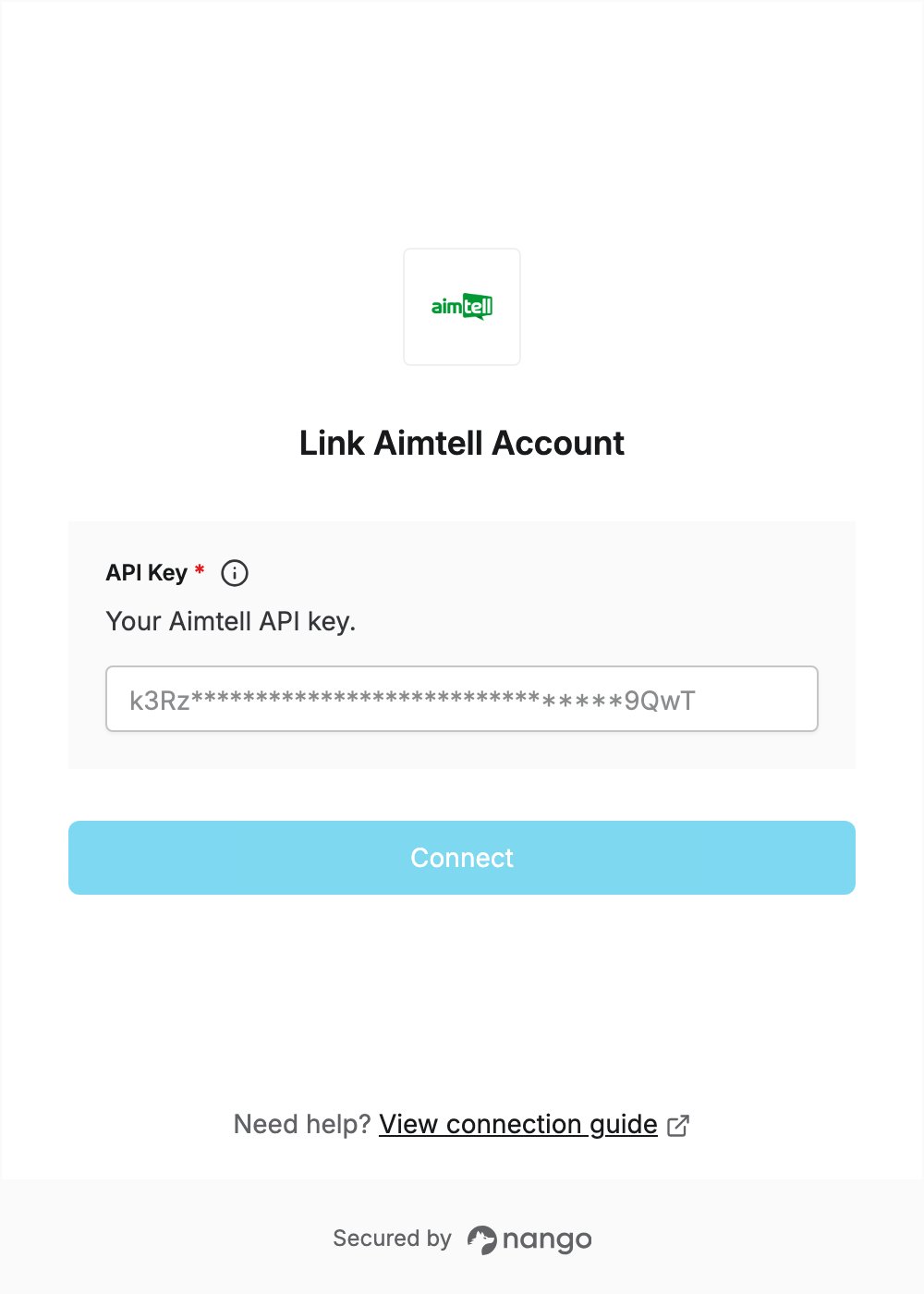
To authenticate with Aimtell, you need:- API Key — your Aimtell account API key.
Prerequisites
- An Aimtell account. API access is included on every plan, and you can start with the 14-day free trial.
Step 1: Generate your API key
- Log in to the Aimtell dashboard. If the setup wizard opens, add your site to continue to the dashboard.
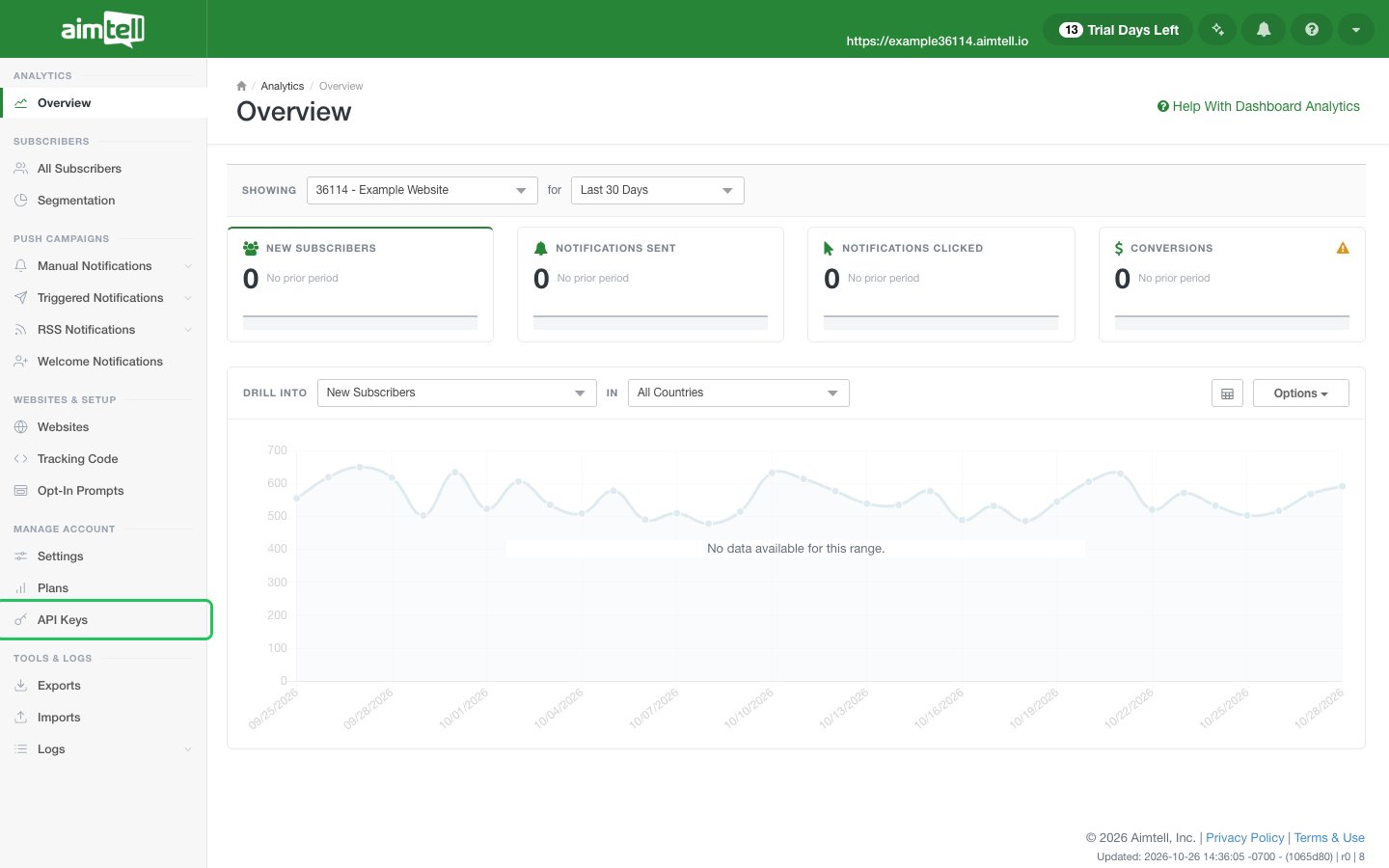
- In the left navigation, under Manage Account, click API Keys.
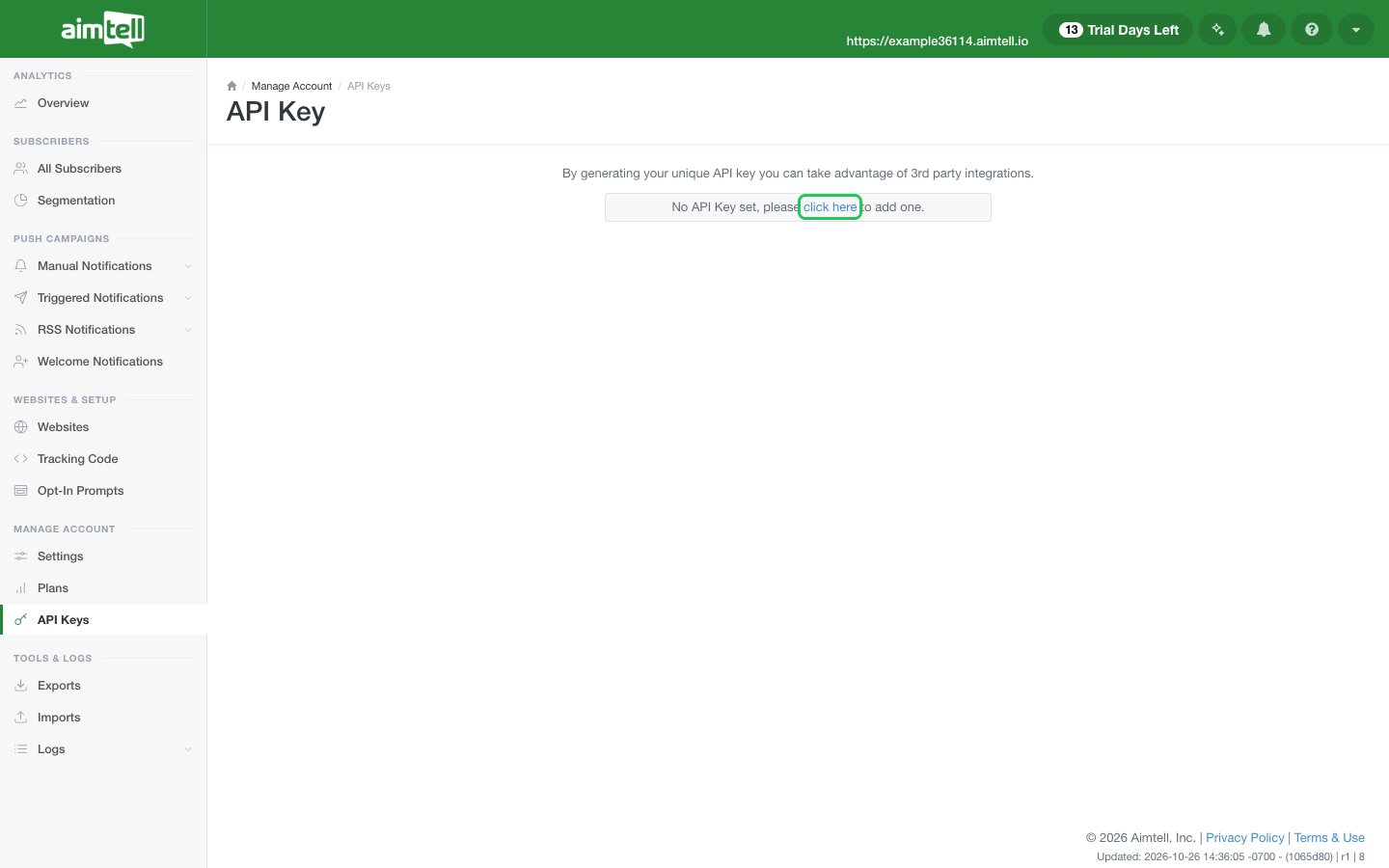
- If you don’t have an API key yet, click click here in “No API Key set, please click here to add one”.
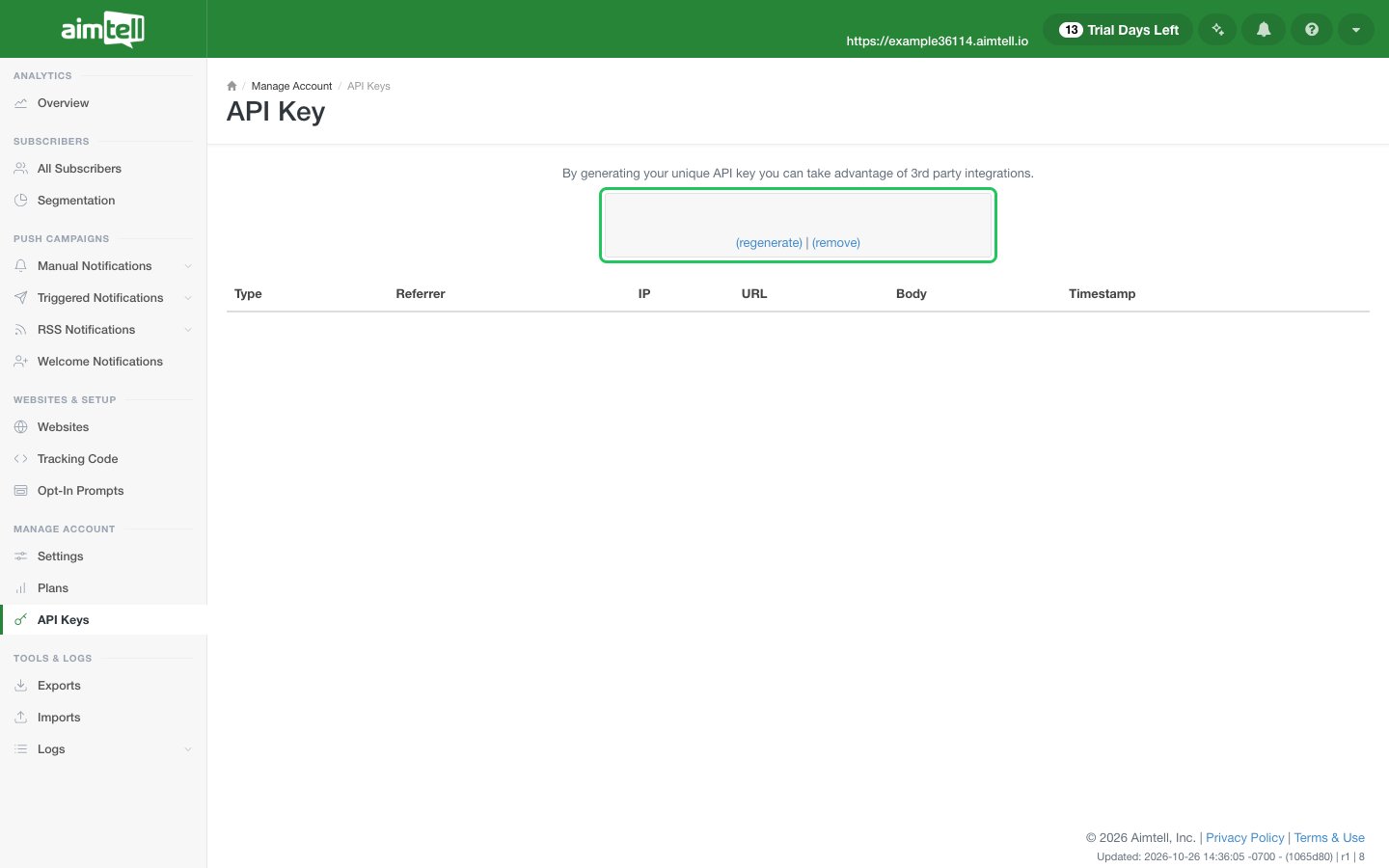
- Copy the key shown after Your API Key is:.
Step 2: Enter your API key in the Connect UI
- Open the form where you need to authenticate with Aimtell.
- Enter your API Key in the designated field.
- Submit the form, and you should be successfully authenticated.