Overview
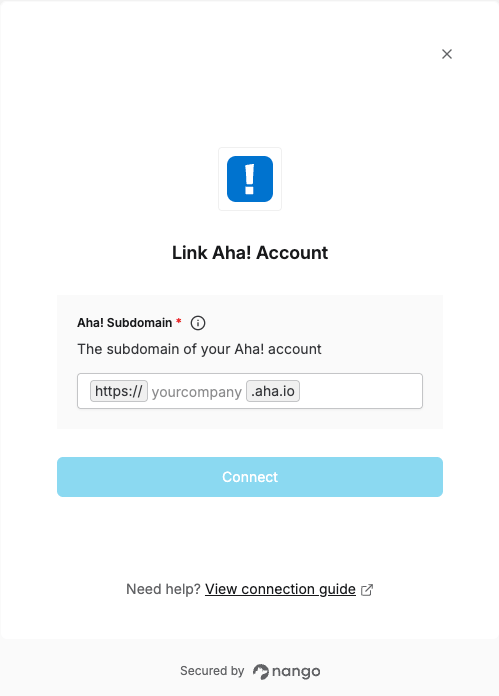
To authenticate with Aha!, you need:- Aha! Subdomain — the subdomain of your Aha! account.
Prerequisites
- An Aha! account.
Step 1: Find your subdomain
- Sign in to Aha!.
- Look at the address in your browser. It looks like
https://yourcompany.aha.io. - Your subdomain is the part before
.aha.io. In this example, it’syourcompany.
Step 2: Enter your subdomain in the Connect UI
- Open the form where you need to authenticate with Aha!.
- Enter your Aha! Subdomain.
- Click Connect. You’ll be redirected to Aha! to authorize access.