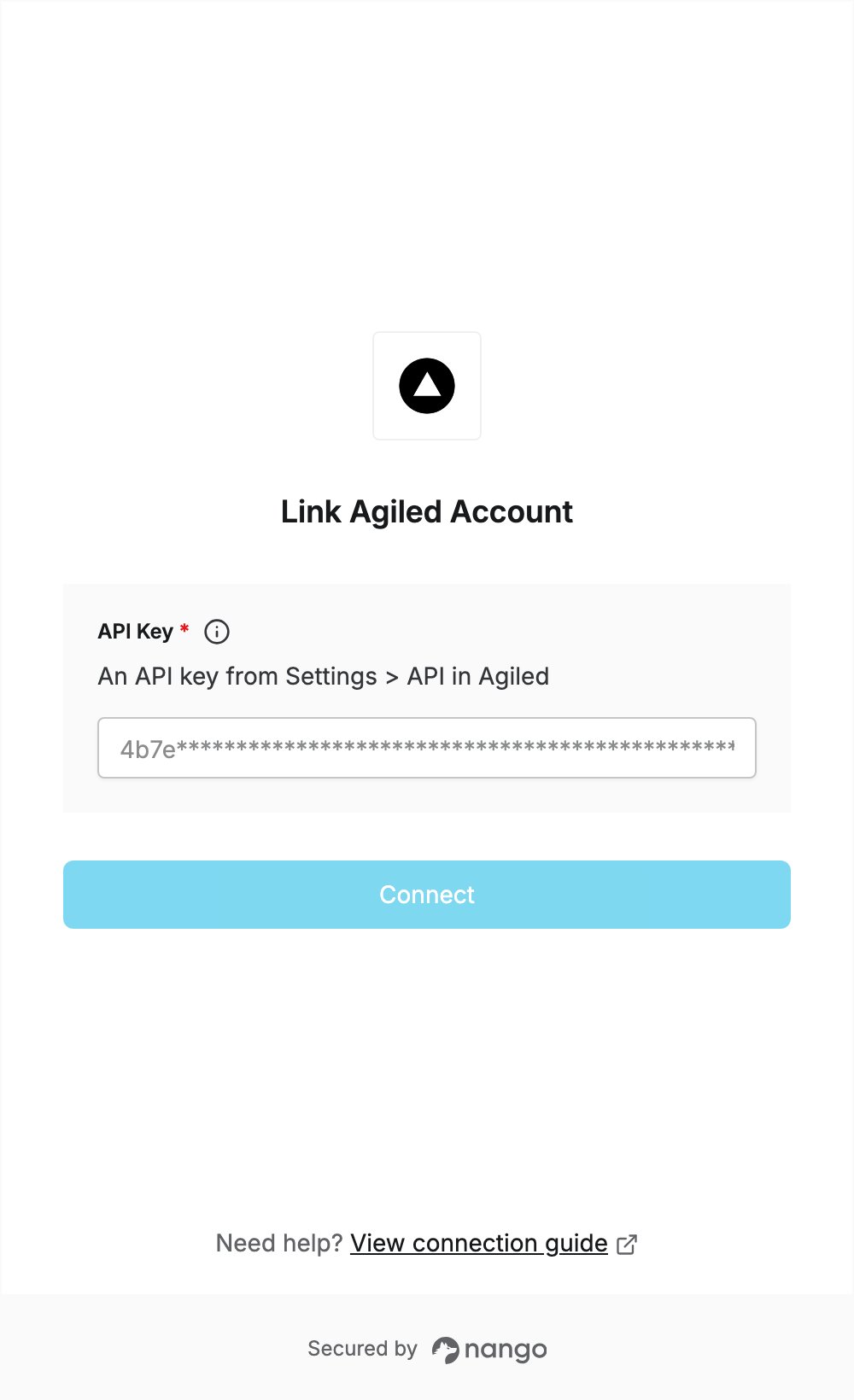
Overview
To authenticate with Agiled, you need:- API Key — an API key from your Agiled workspace.
Prerequisites
- An Agiled account. Sign up without a card: every new business starts with a free 14-day trial of the Business plan.
Step 1: Create an API key
- Sign in to Agiled and open Settings.
- In the left settings menu, under Integrations, click API.
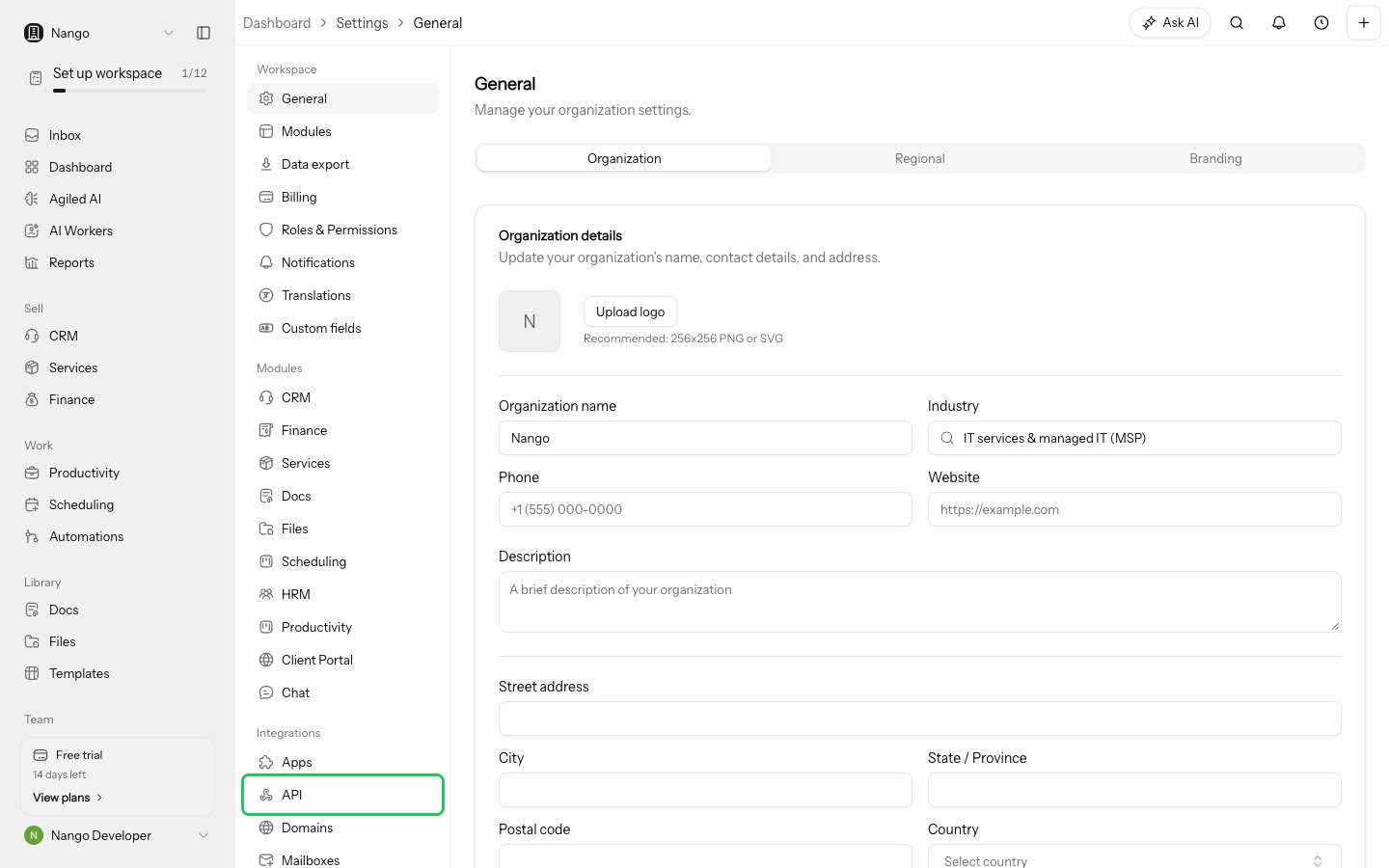
- In the API Keys section, enter a Name that identifies where the key is used.
- Choose a Preset: Read Only or Full access.
- Click Create key.
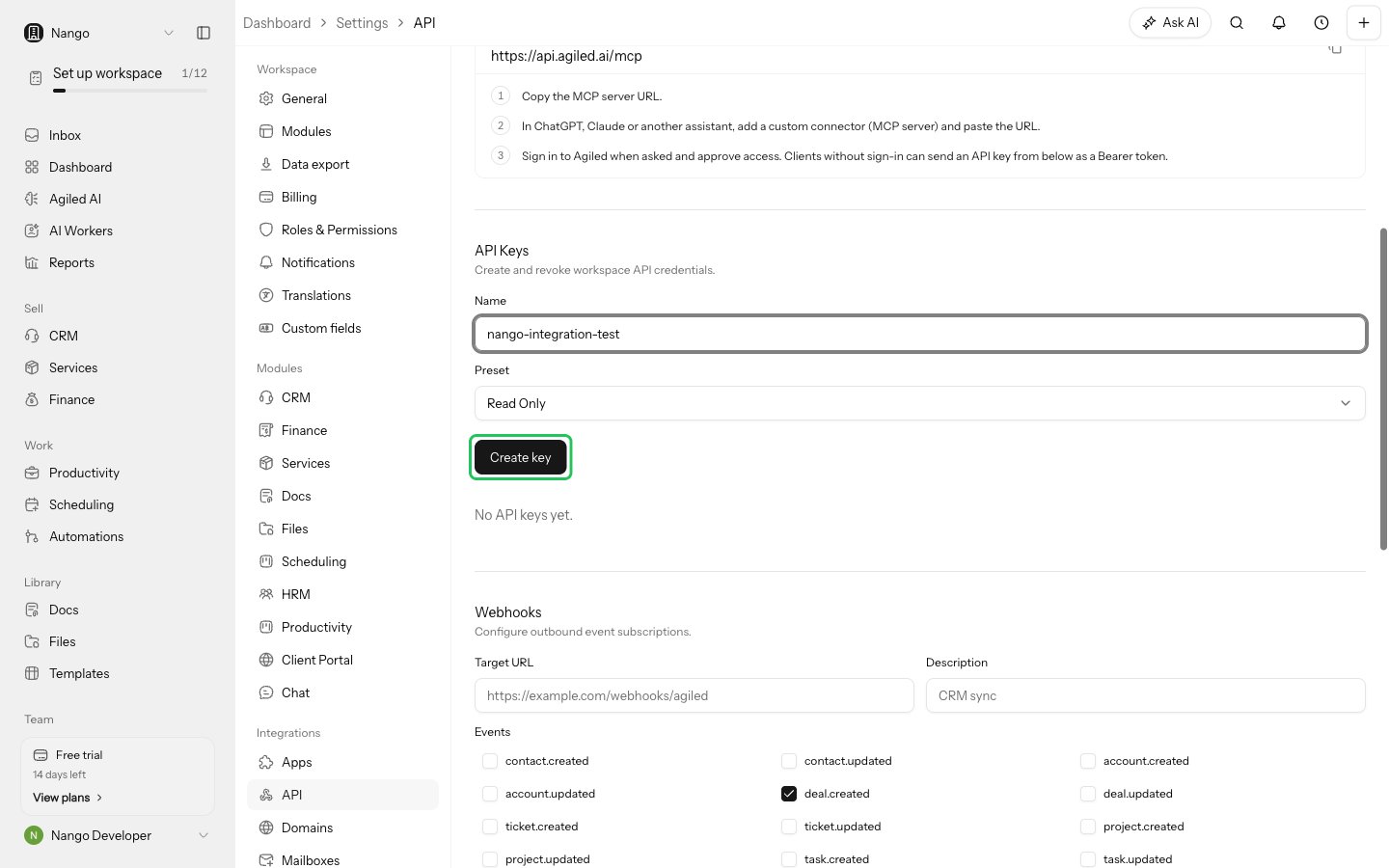
- Click the copy button next to the token and store it safely. Agiled shows the token only once.
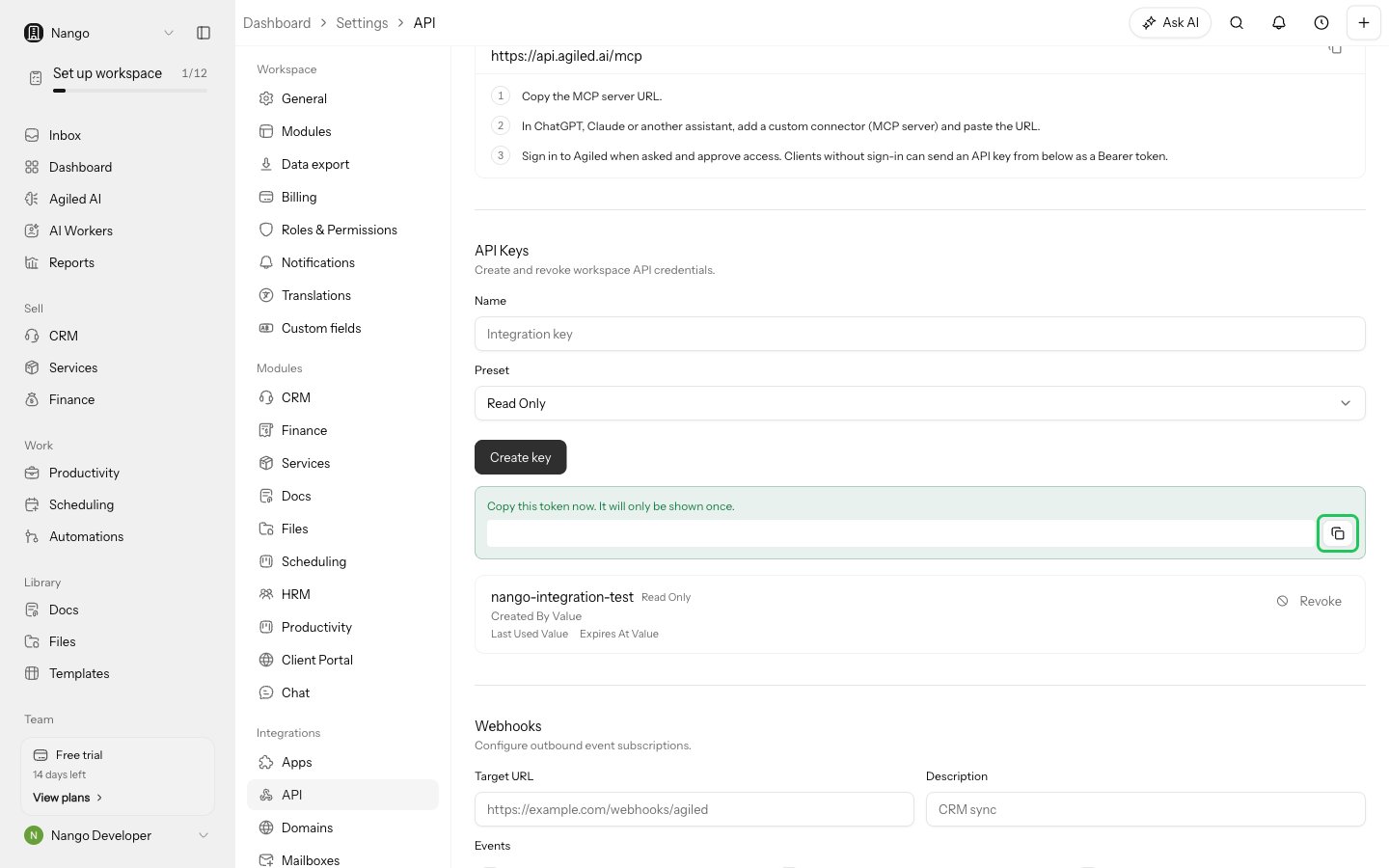
Step 2: Enter your API key in the Connect UI
- Open the form where you need to authenticate with Agiled.
- Enter your API key in the API Key field.
- Submit the form. Nango checks the key with Agiled before saving the connection.