Overview
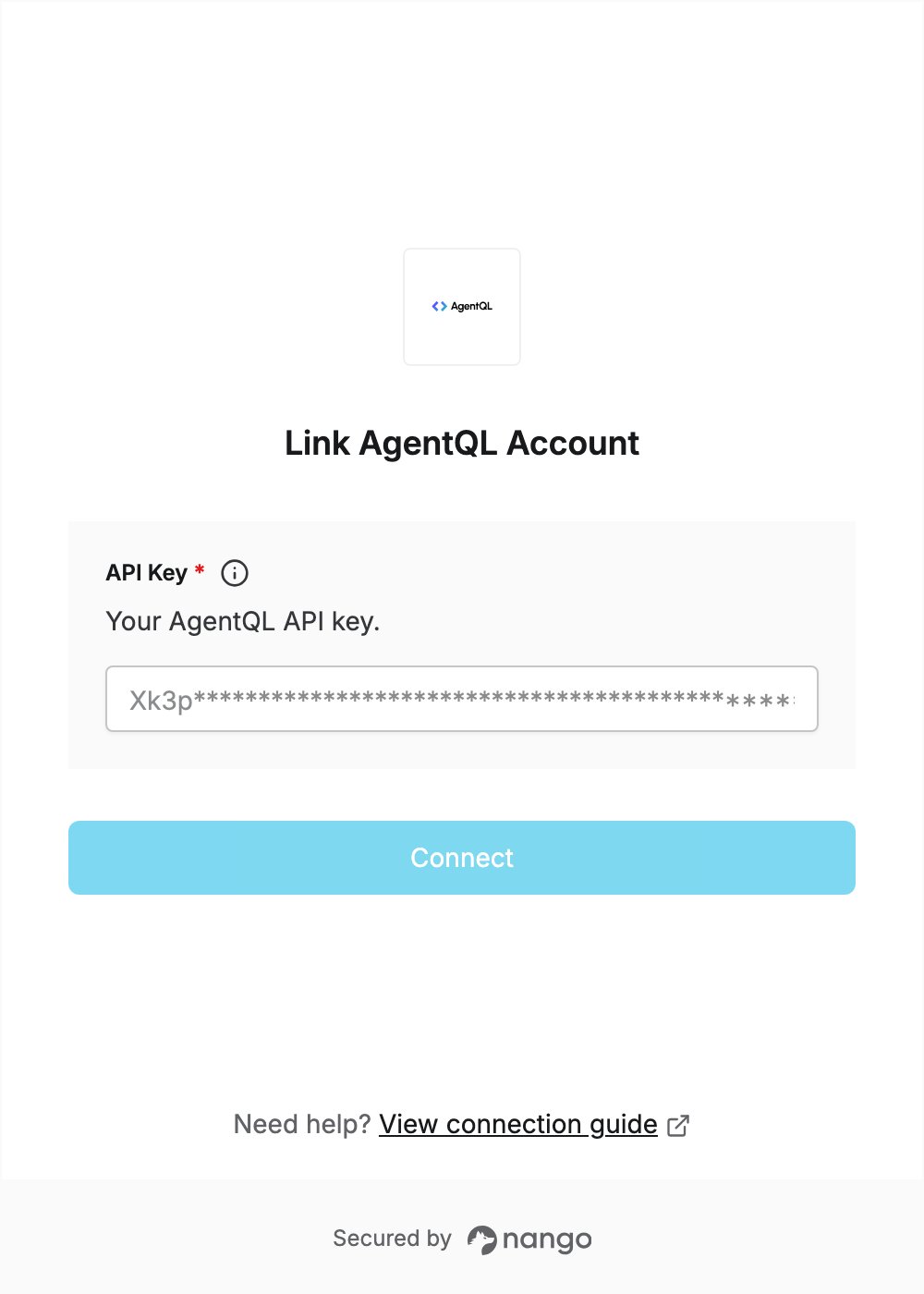
To authenticate with AgentQL, you need:- API Key — an API key from the AgentQL Dev Portal.
Prerequisites
- An AgentQL account. Sign up with Google or GitHub; the free trial includes 300 API calls and needs no credit card.
Step 1: Create an API key
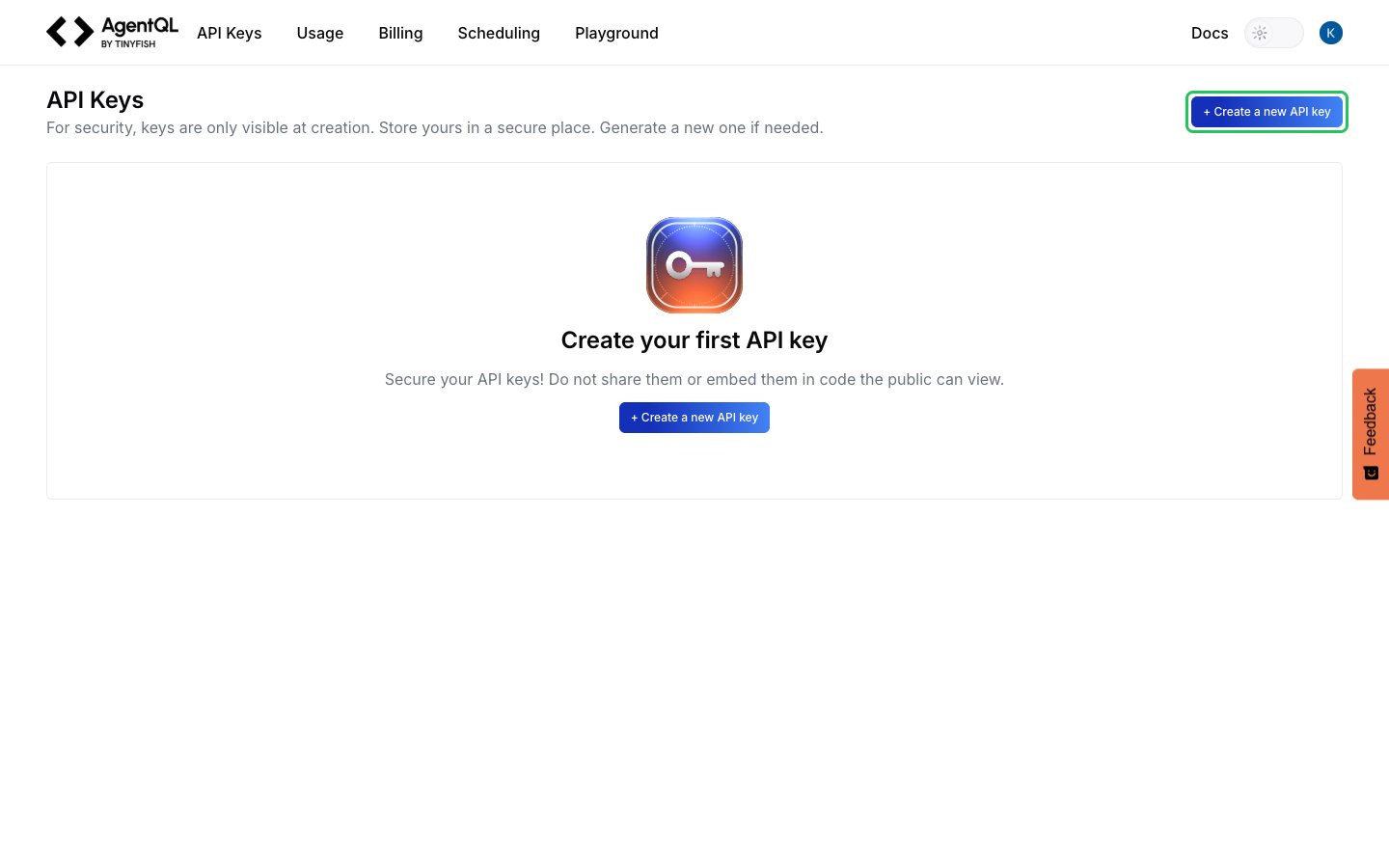
- Sign in to the AgentQL Dev Portal and open API Keys.
- Click + Create a new API key.
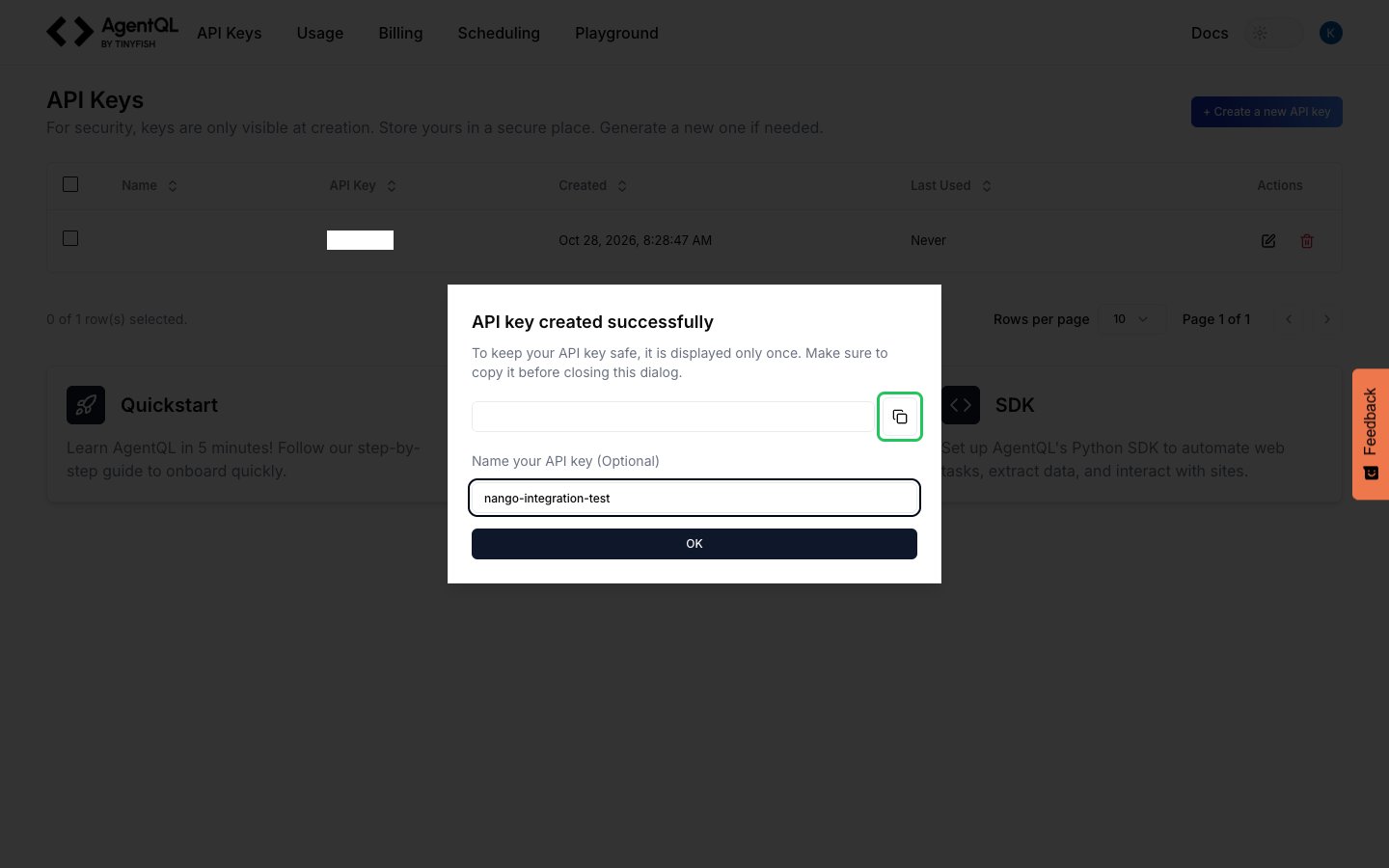
- Copy the key with the copy button next to it. AgentQL shows it only once.
- Optionally name the key, then click OK.
Step 2: Enter your API key in the Connect UI
- Open the form where you need to authenticate with AgentQL.
- Enter your API Key in the designated field.
- Submit the form, and you should be successfully authenticated.