Overview
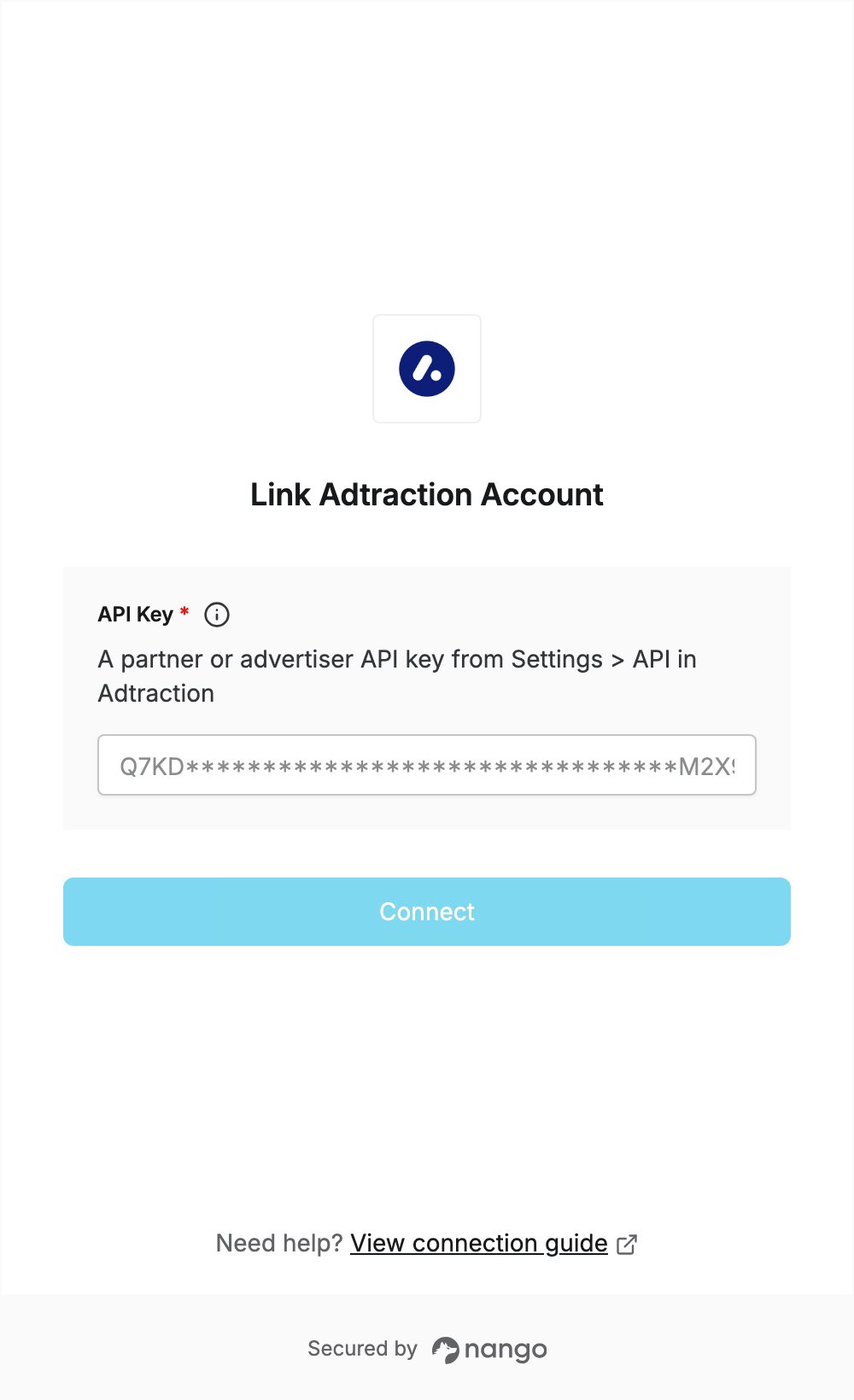
To authenticate with Adtraction, you need:- API Key — an API key from your Adtraction partner or advertiser account.
Prerequisites
- An Adtraction account. Partner accounts are free: sign up as a partner. Advertiser accounts are set up with Adtraction’s team through the form on adtraction.com.
Step 1: Create an API key
- Sign in to Adtraction.
- Click your account at the bottom of the left menu, then click Settings.
- Open the API tab. Your account’s API key is listed in the API keys table, but its value is masked.
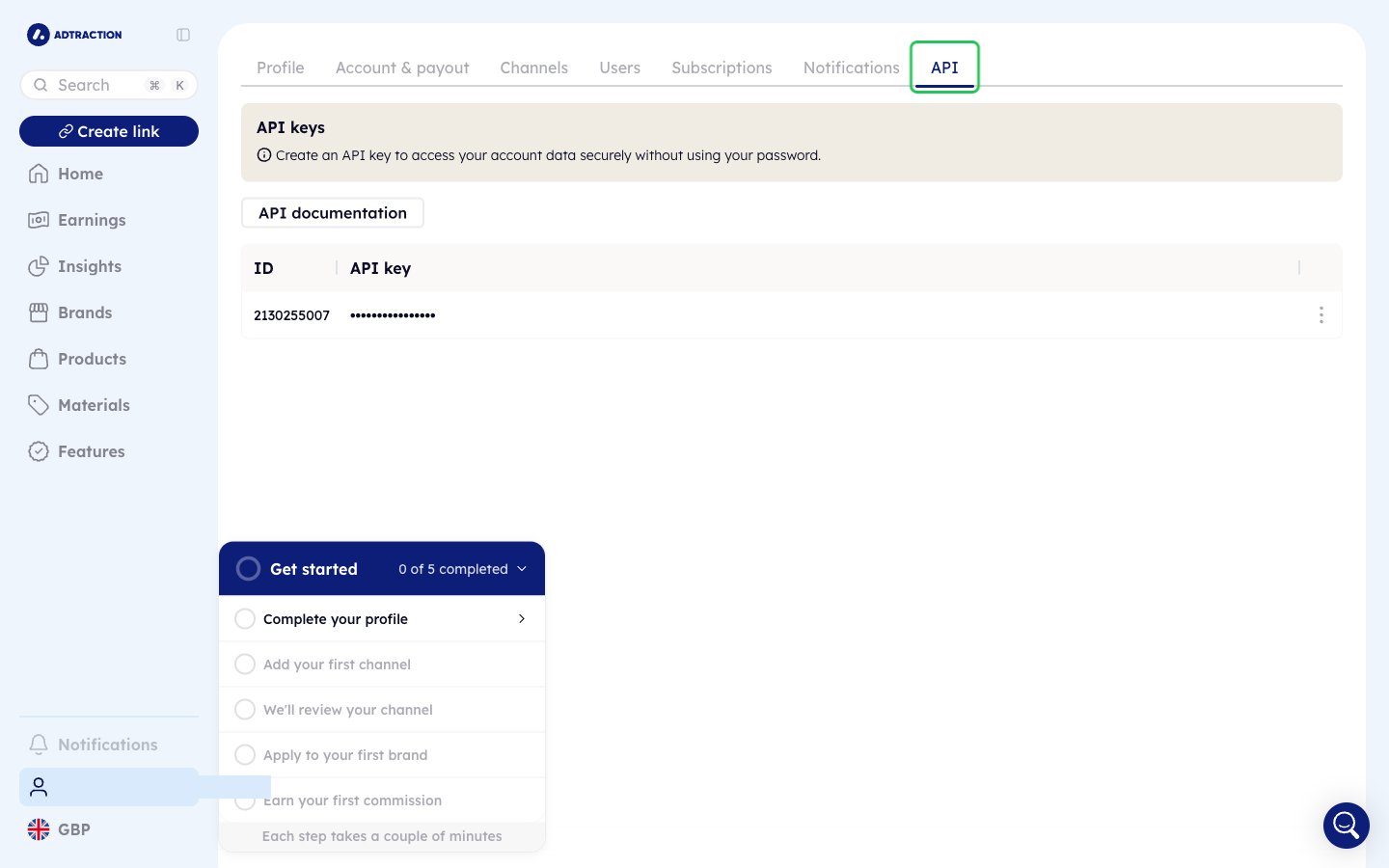
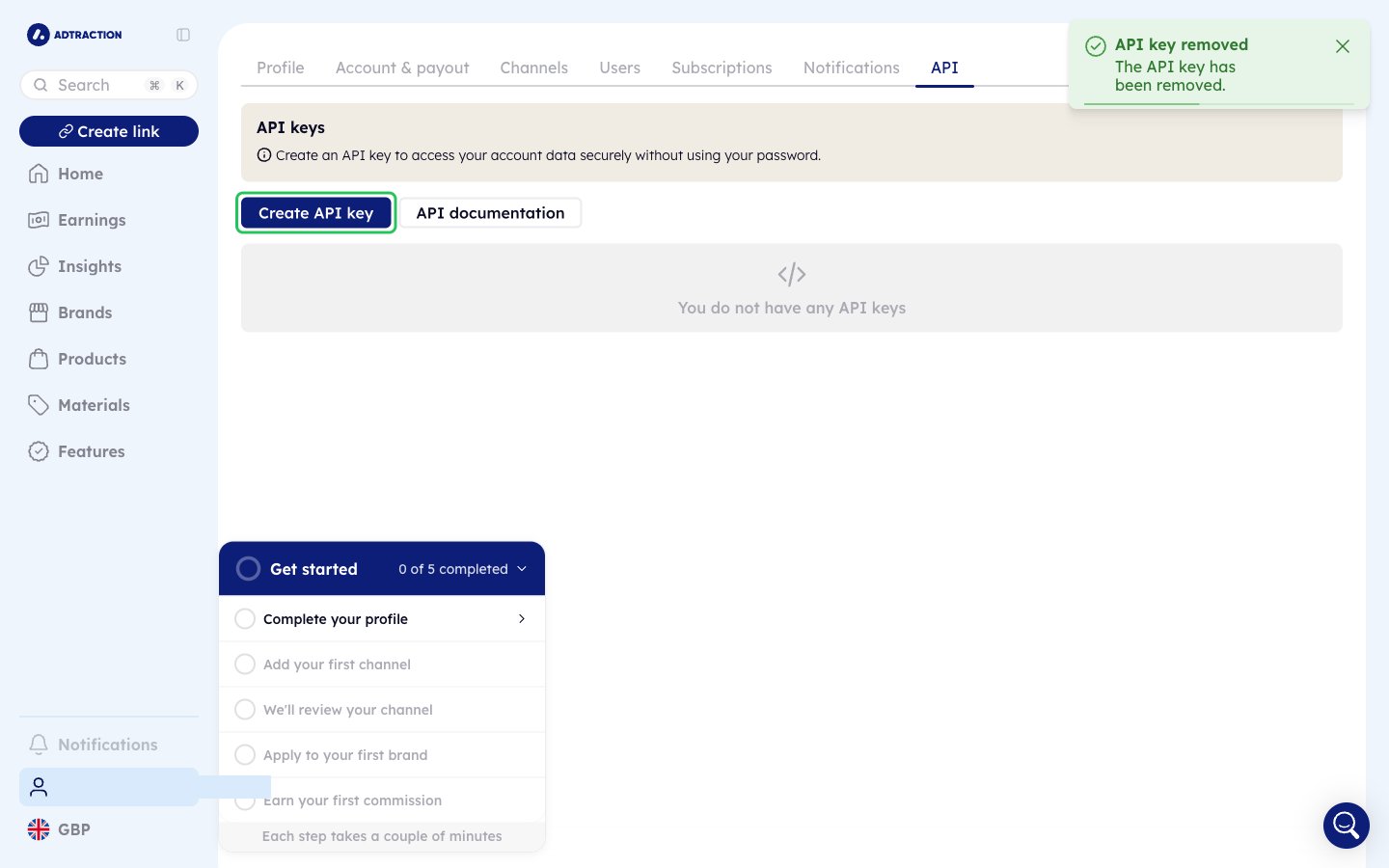
- If you don’t have the key’s value, open the ⋮ menu on that key, click Remove API key and confirm.
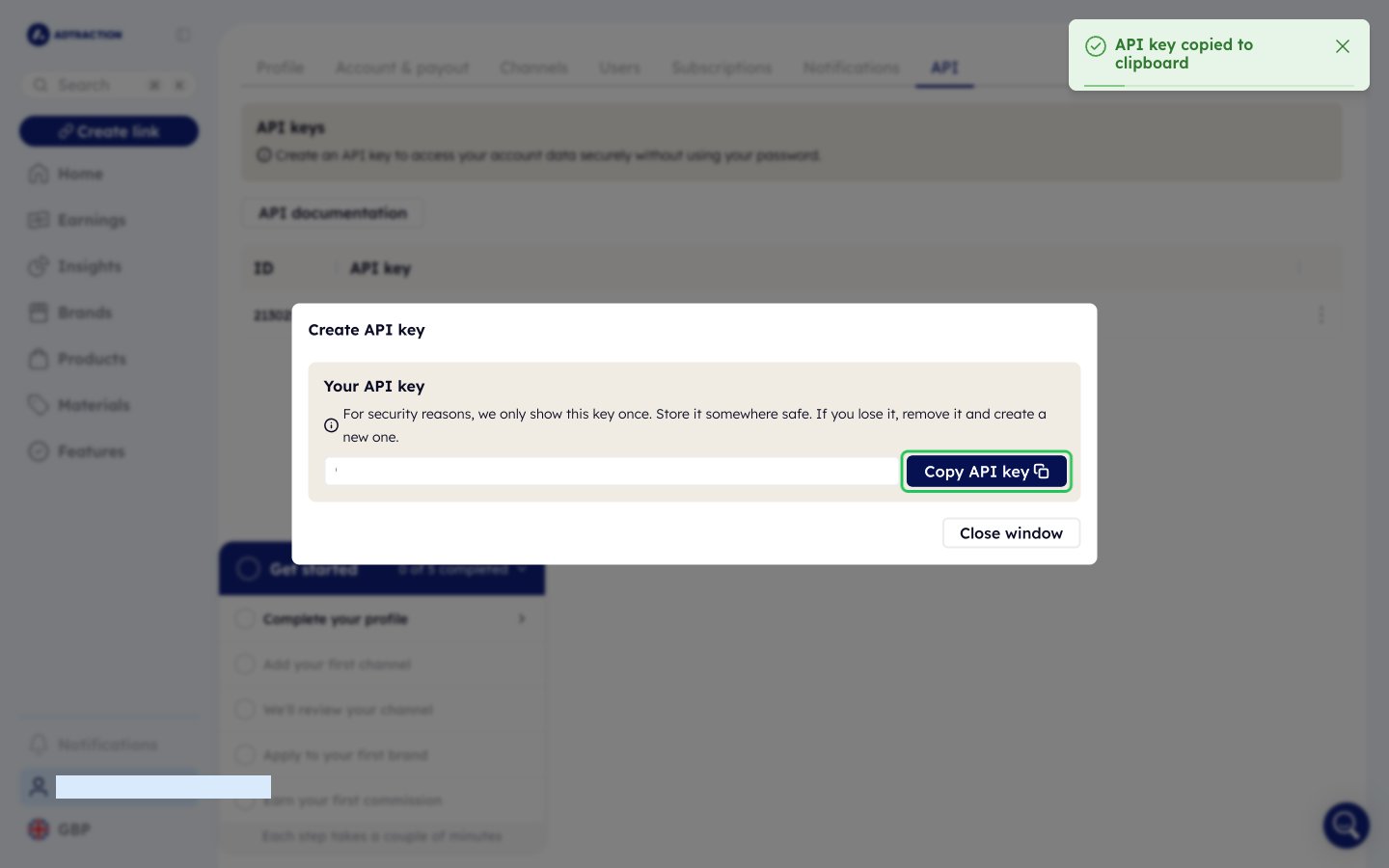
- Click Create API key, then click Create API key again in the dialog.
- Click Copy API key and store the key safely. It is only shown once.
Step 2: Enter your API key in the Connect UI
- Open the form where you need to authenticate with Adtraction.
- Enter your API key in the API Key field.
- Submit the form. Nango checks the key with Adtraction before saving the connection.