Overview
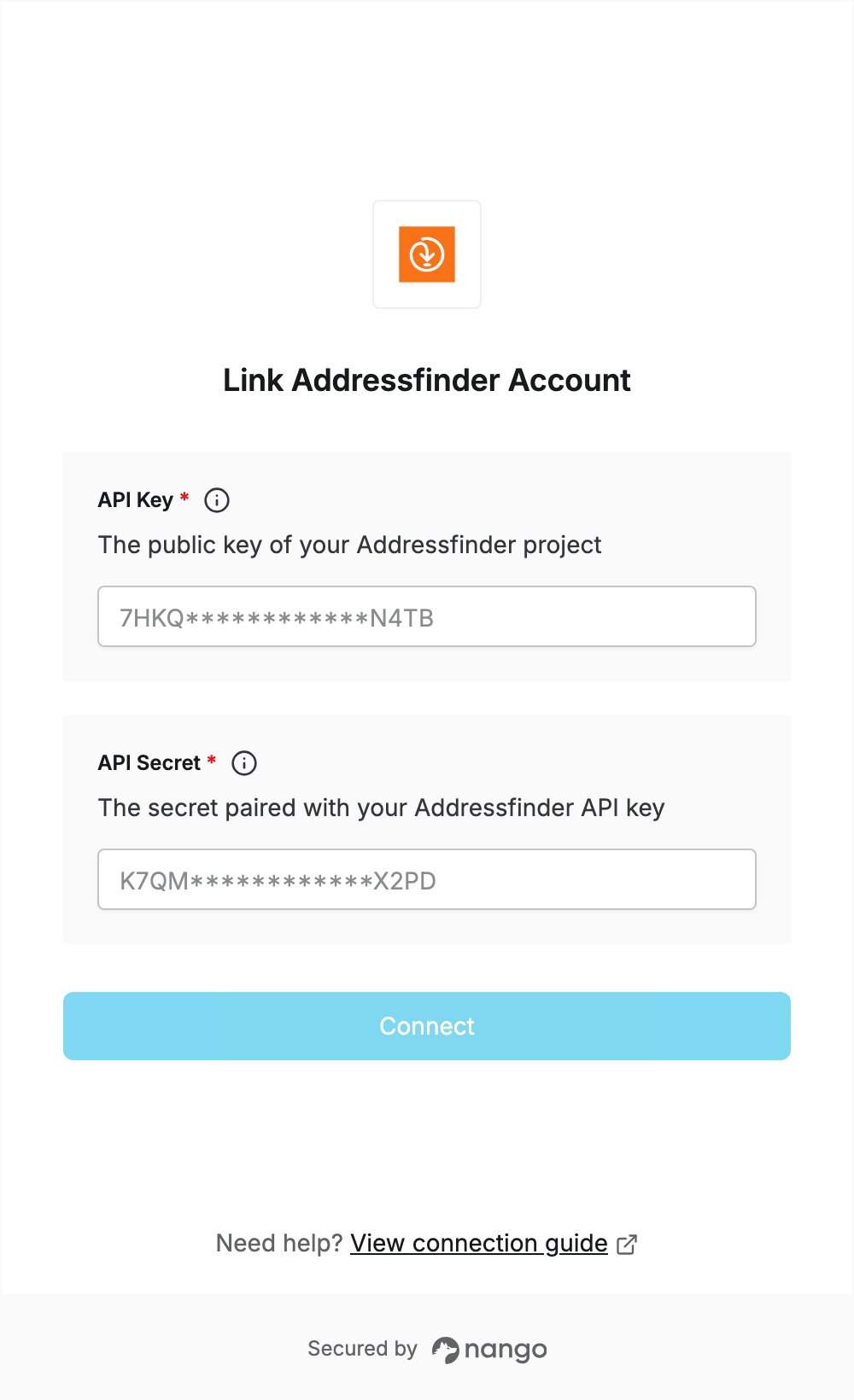
To authenticate with Addressfinder, you need:- API Key — the public key of your Addressfinder project.
- API Secret — the secret paired with that key.
Prerequisites
- An Addressfinder account. If you don’t have one, sign up for the 30-day trial. No credit card is required.
Step 1: Open the Keys page
Log in to the Addressfinder Portal and click Keys in the left sidebar, under your project.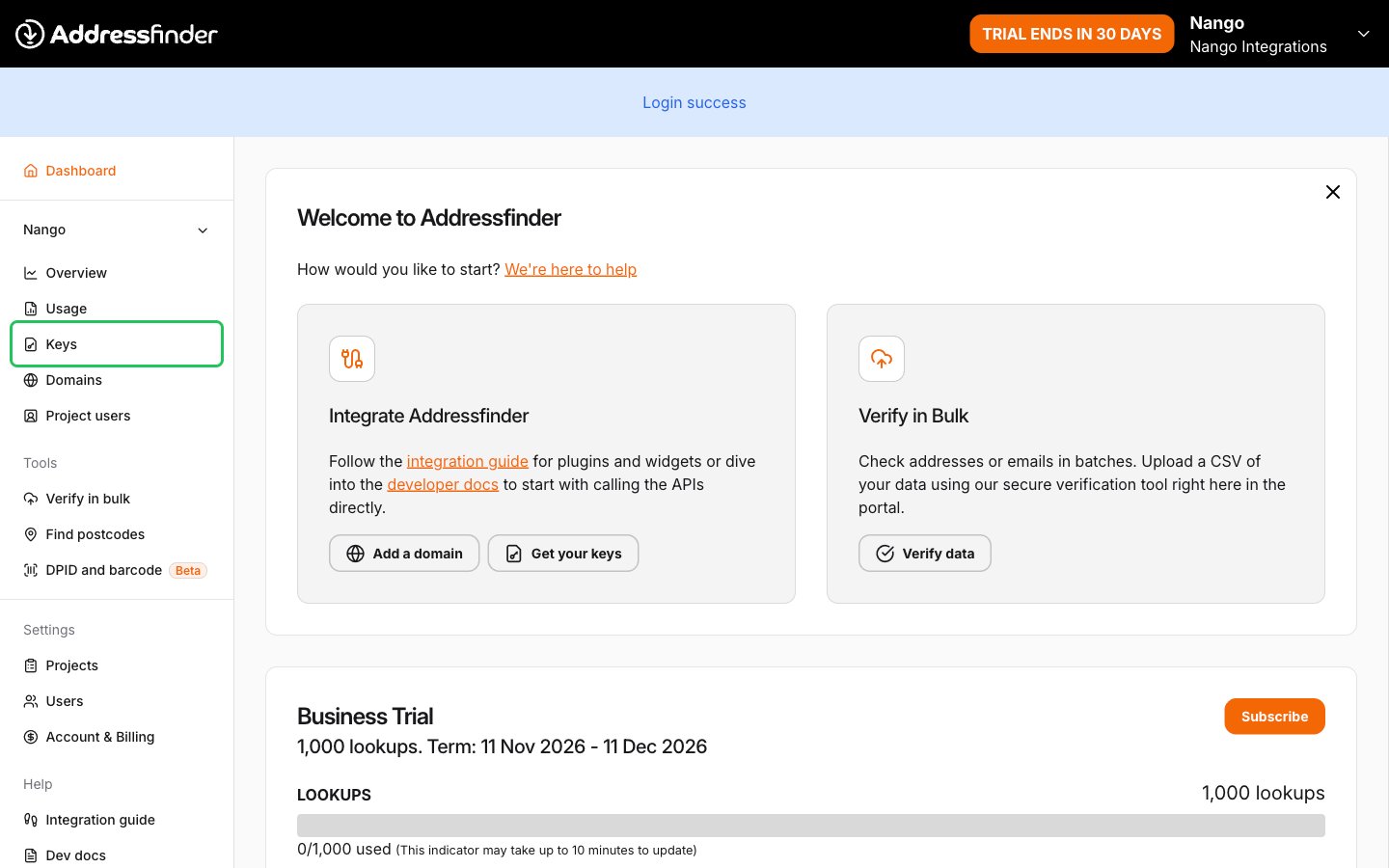
Step 2: Copy your key and secret
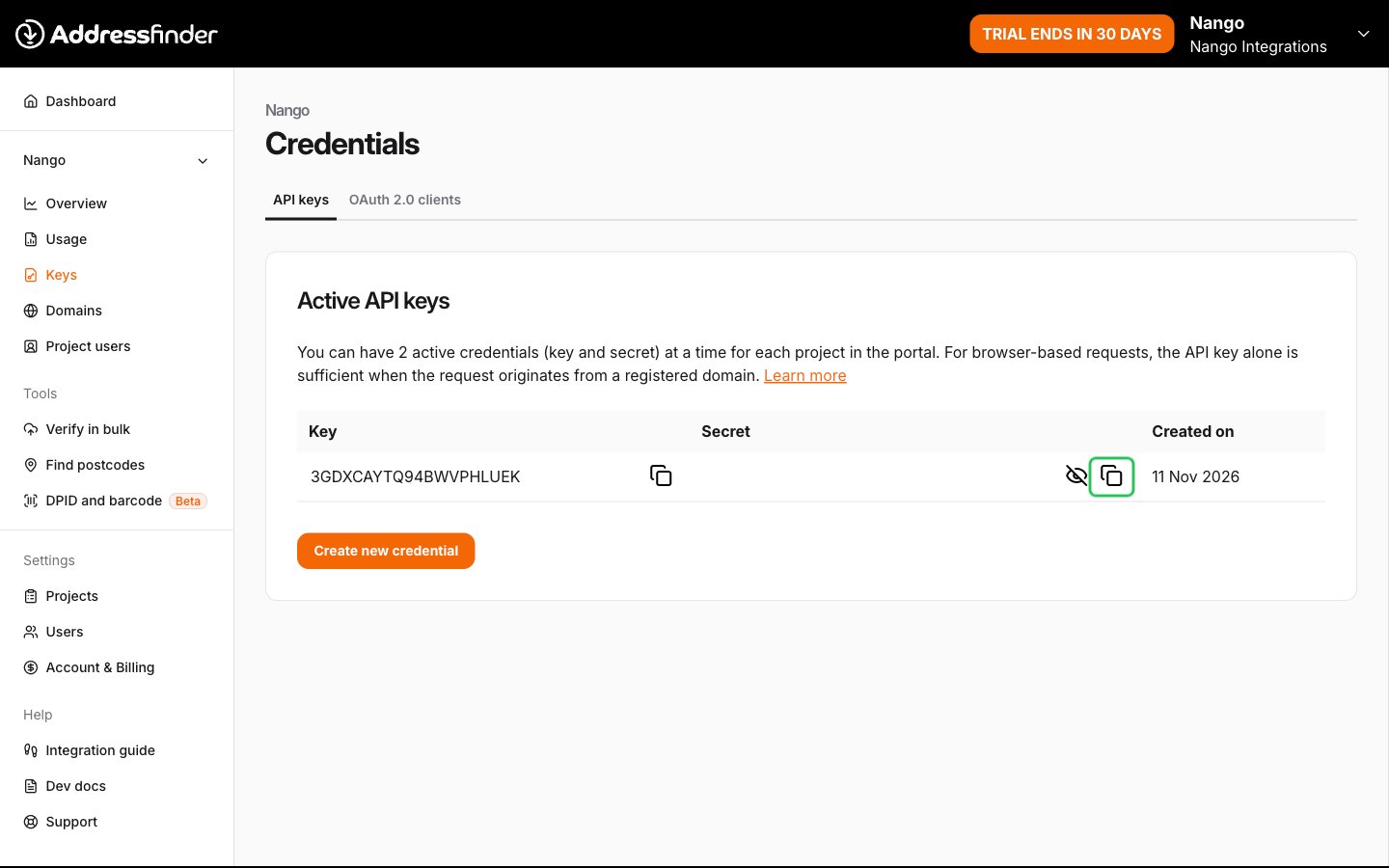
On the Credentials page, open the API keys tab. Your project already has a key and secret pair.- Copy the value in the Key column. This is your API key.
- Click Show secret, then copy the value in the Secret column. This is your API secret.
Step 3: Enter your key and secret in the Connect UI
- Open the form where you need to authenticate with Addressfinder.
- Enter your key in the API Key field and your secret in the API Secret field.
- Submit the form, and you should be successfully authenticated.