Overview
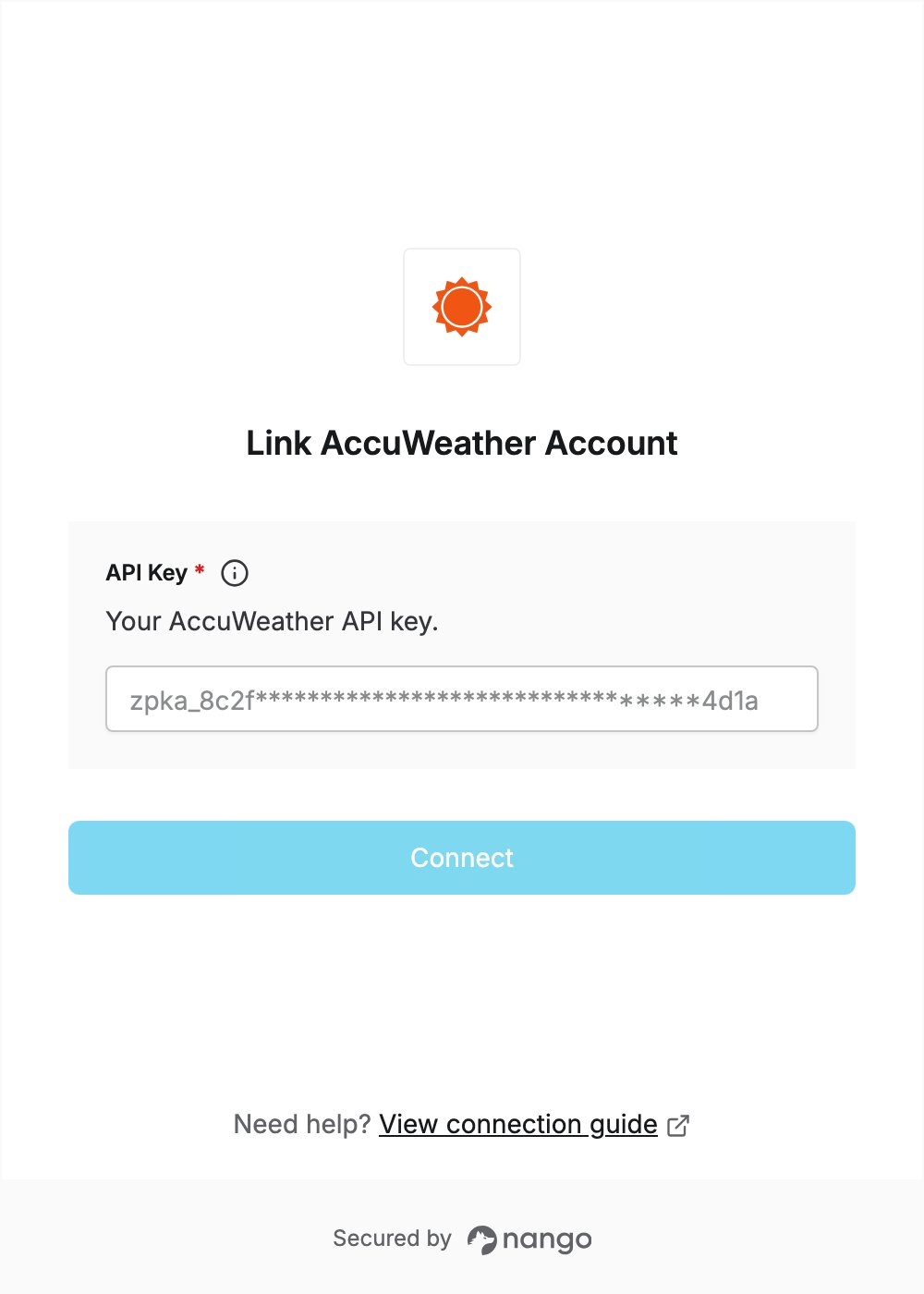
To connect with AccuWeather, you need:- API Key — the API key of your AccuWeather developer app.
Prerequisites
- An AccuWeather developer account with an active subscription. You can sign up for free and start a 14-day free trial, with no credit card required.
Step 1: Activate a subscription
- Sign in to the AccuWeather developer portal.
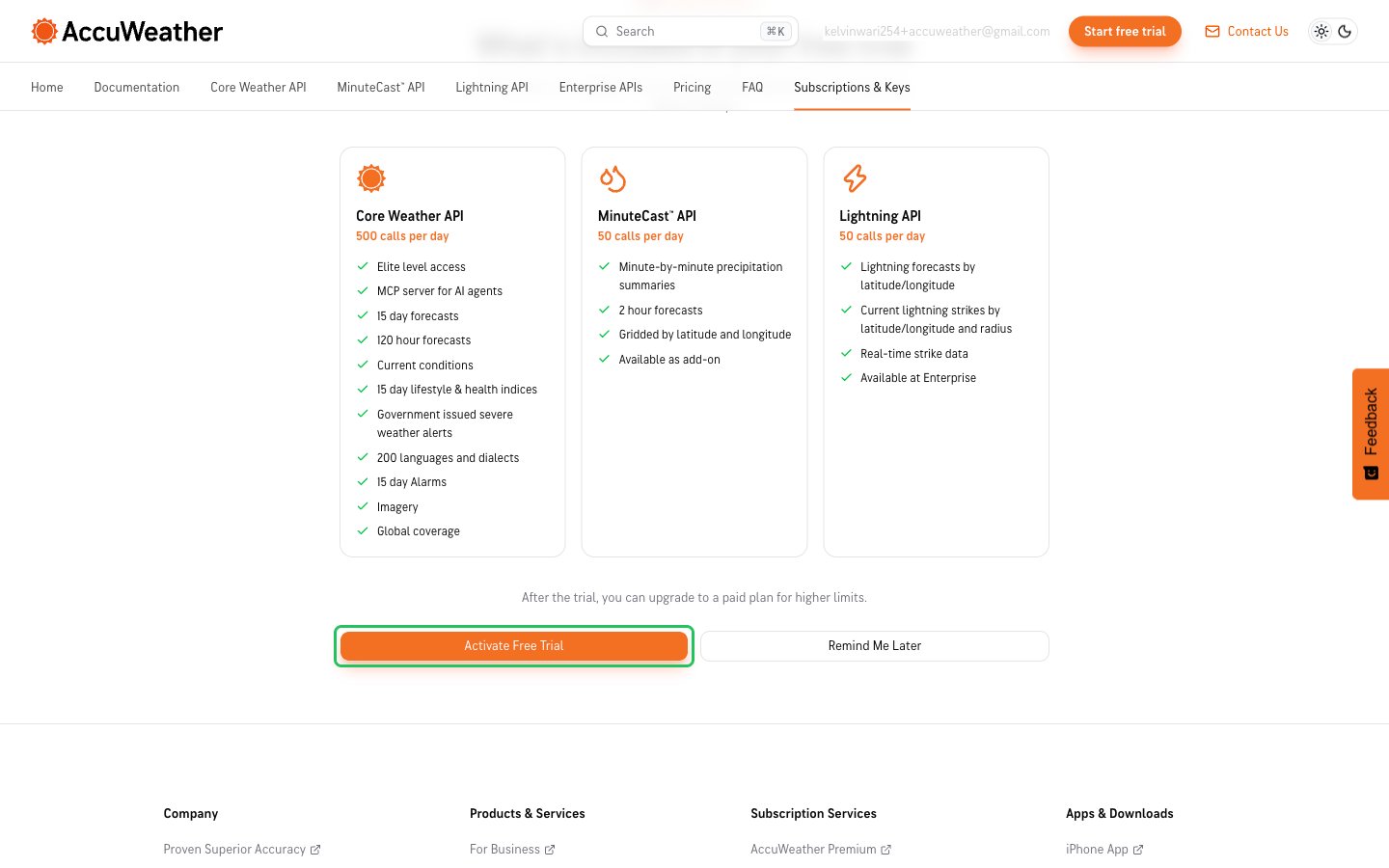
- Click Subscriptions & Keys in the top navigation. On your first visit, fill in the Complete Your Profile form and click Continue.
- Click Activate Free Trial to start the 14-day trial. If you already have a paid plan, skip this step.
Step 2: Copy your API key
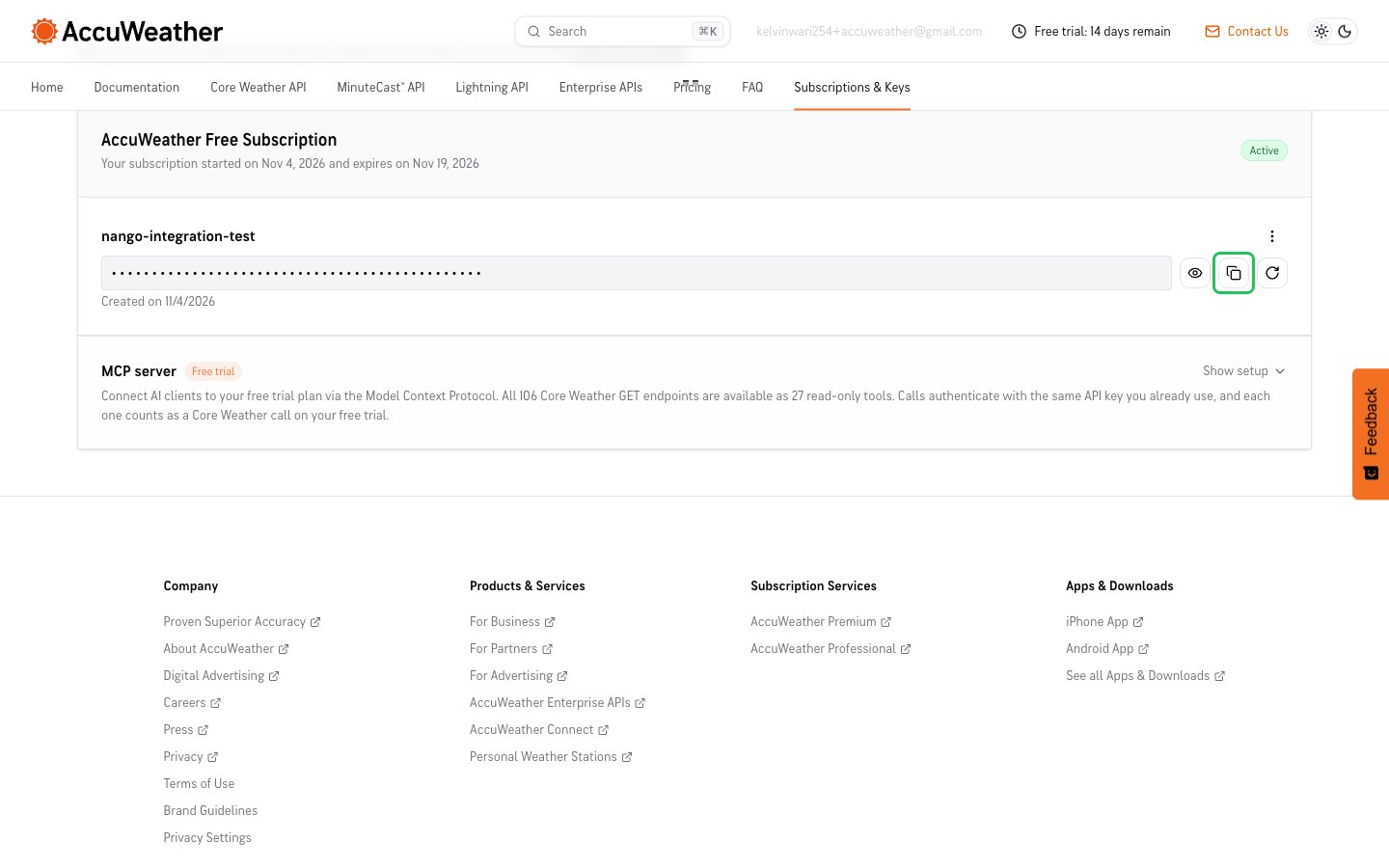
- On the Subscriptions & Keys page, find your app under My Subscriptions. AccuWeather creates an app with an API key for your subscription.
- Click the copy icon next to the masked API key.
Step 3: Enter your API key in the Connect UI
- Open the form where you need to authenticate with AccuWeather.
- Enter your API Key in the designated field.
- Click Connect.