Overview
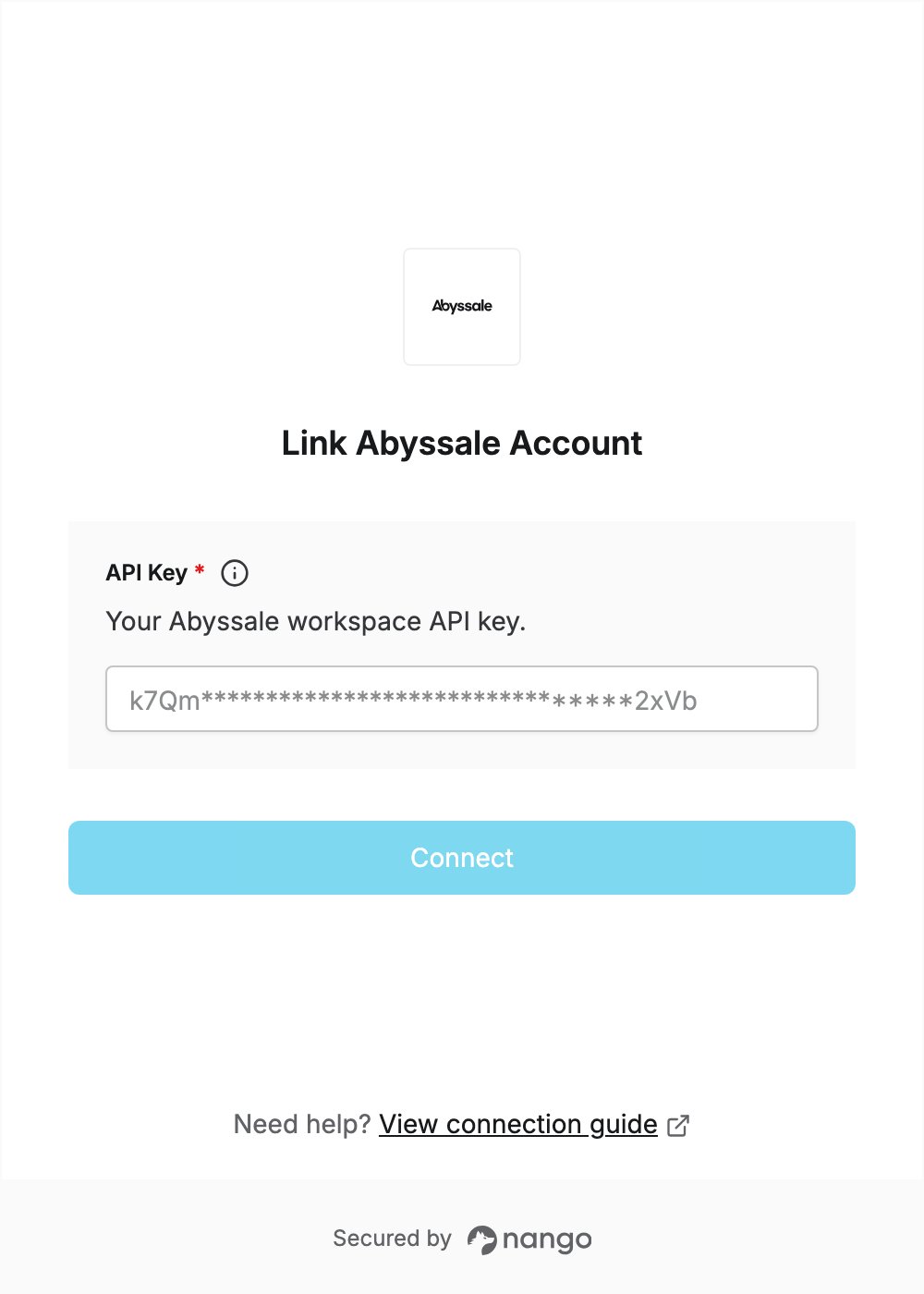
To authenticate with Abyssale, you need:- API Key - A workspace API key that lets Nango call the Abyssale API on behalf of your workspace.
Prerequisites
- An Abyssale workspace on the Pro plan or higher. The Start plan does not include API access.
- At least the Admin role on the workspace, which is needed to read the API key.
Step 1: Create an API key
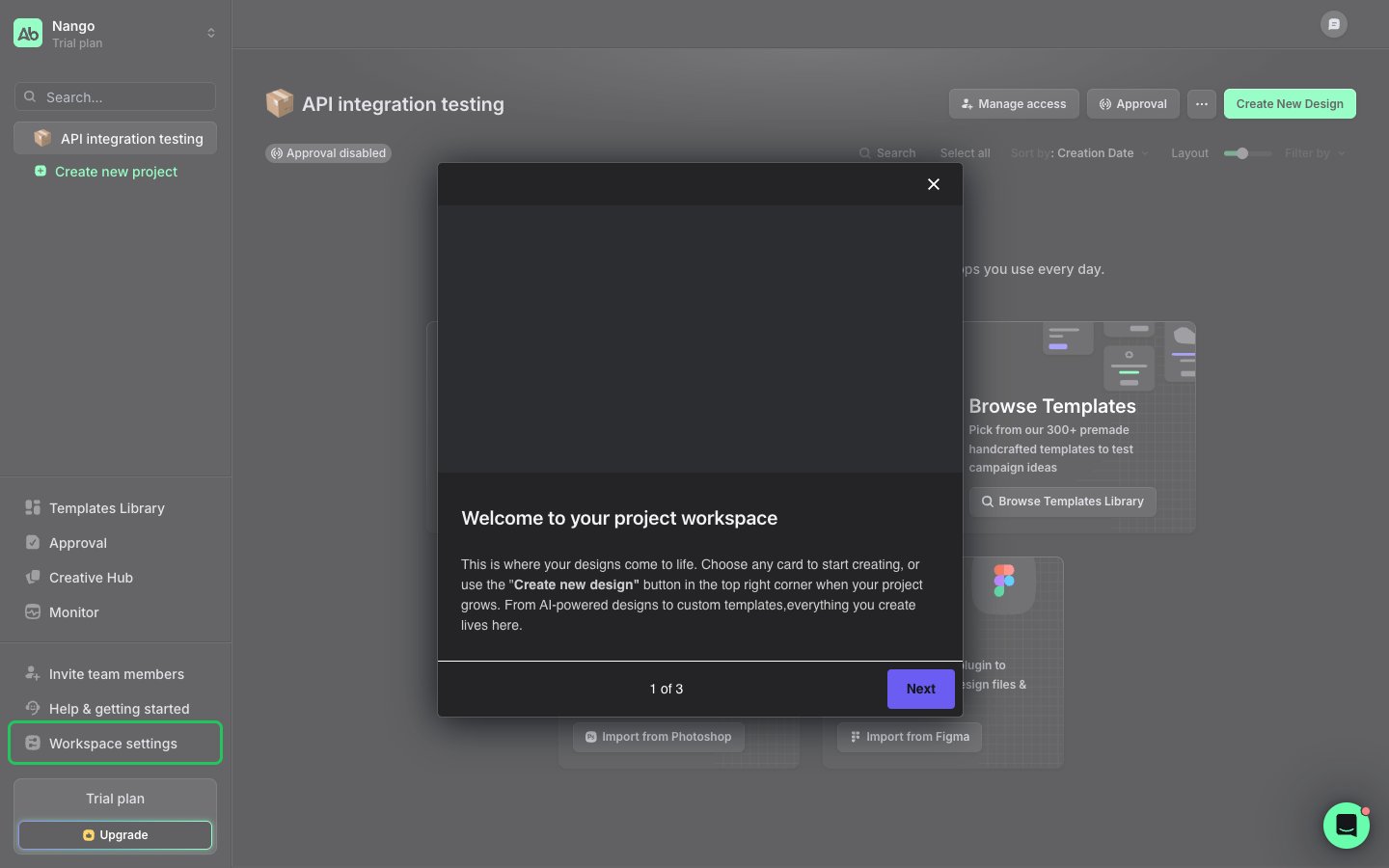
- Log in to Abyssale and click Workspace settings at the bottom of the left menu.
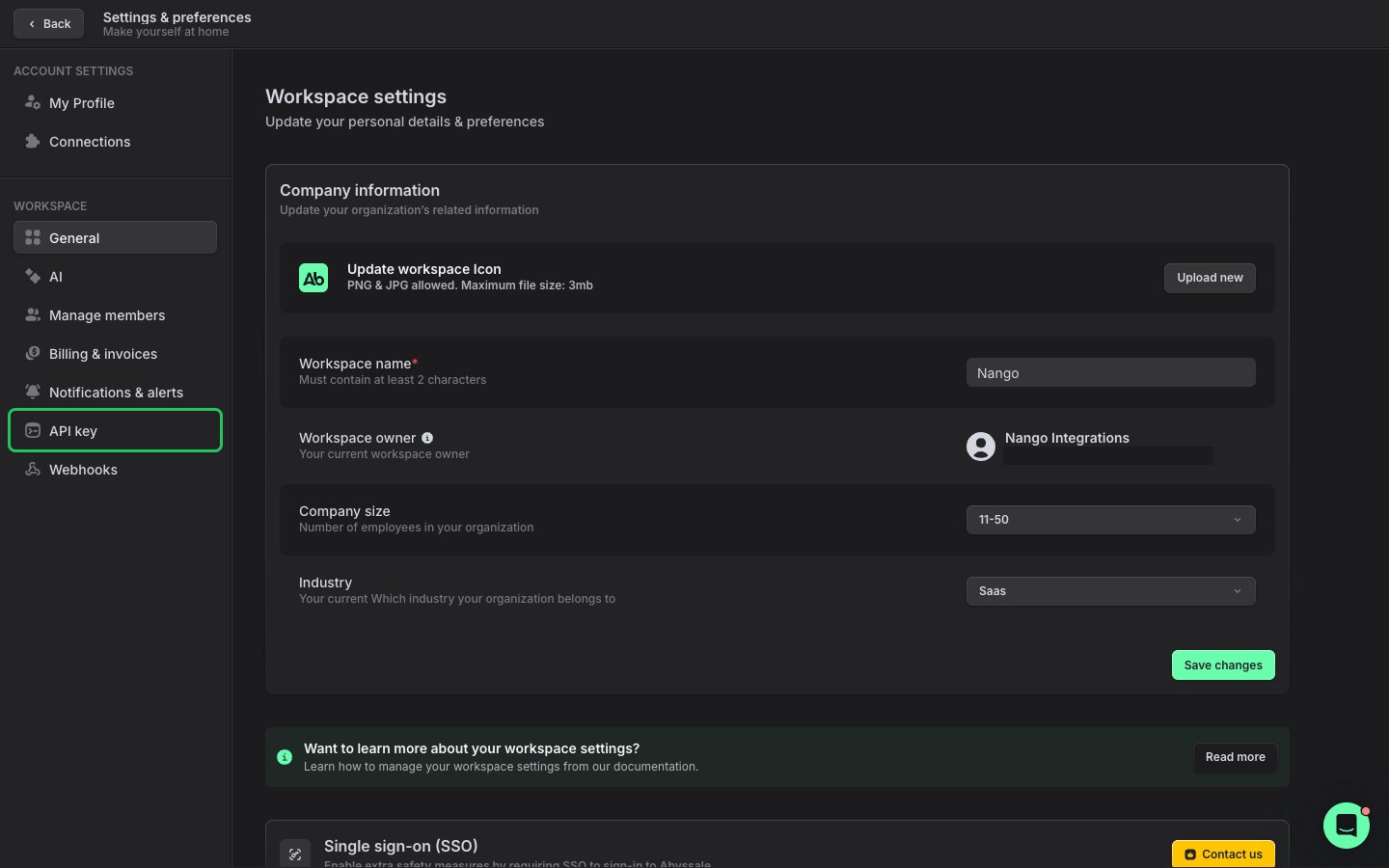
- In the settings menu, click API key.
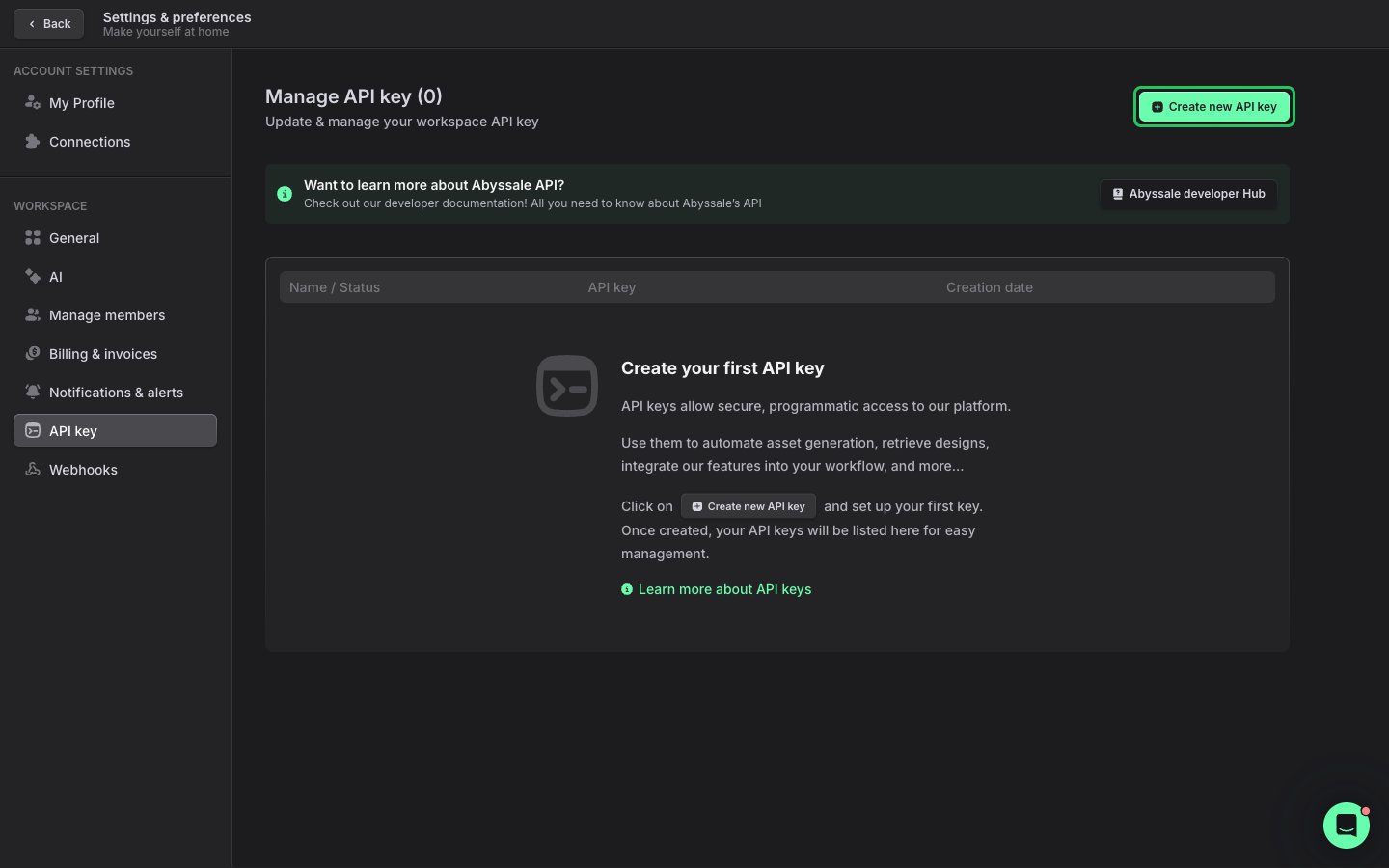
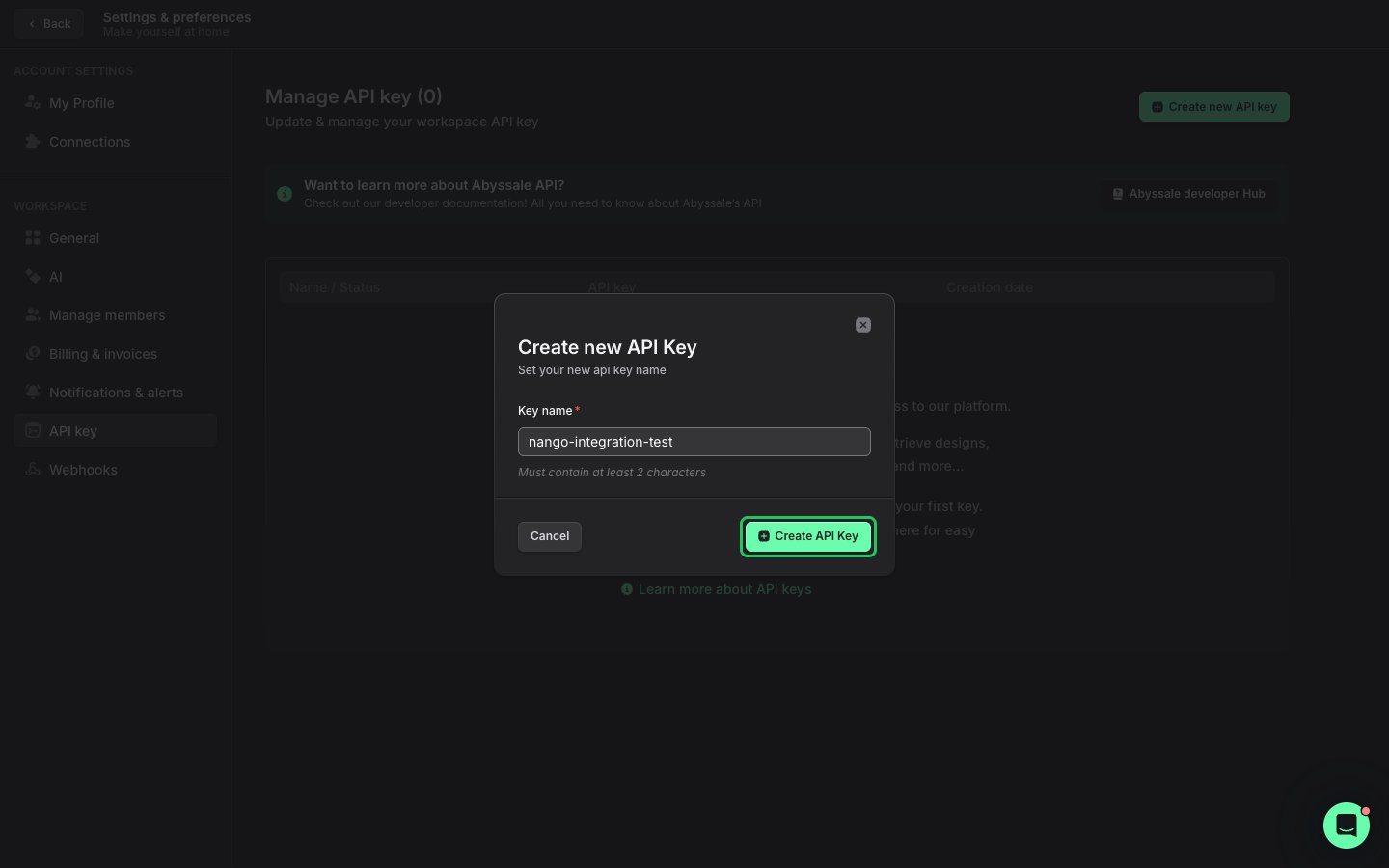
- Click the green Create new API key button.
- Enter a name for the key and click Create API Key.
- In the new key’s row, click the copy icon on the right to copy the key.
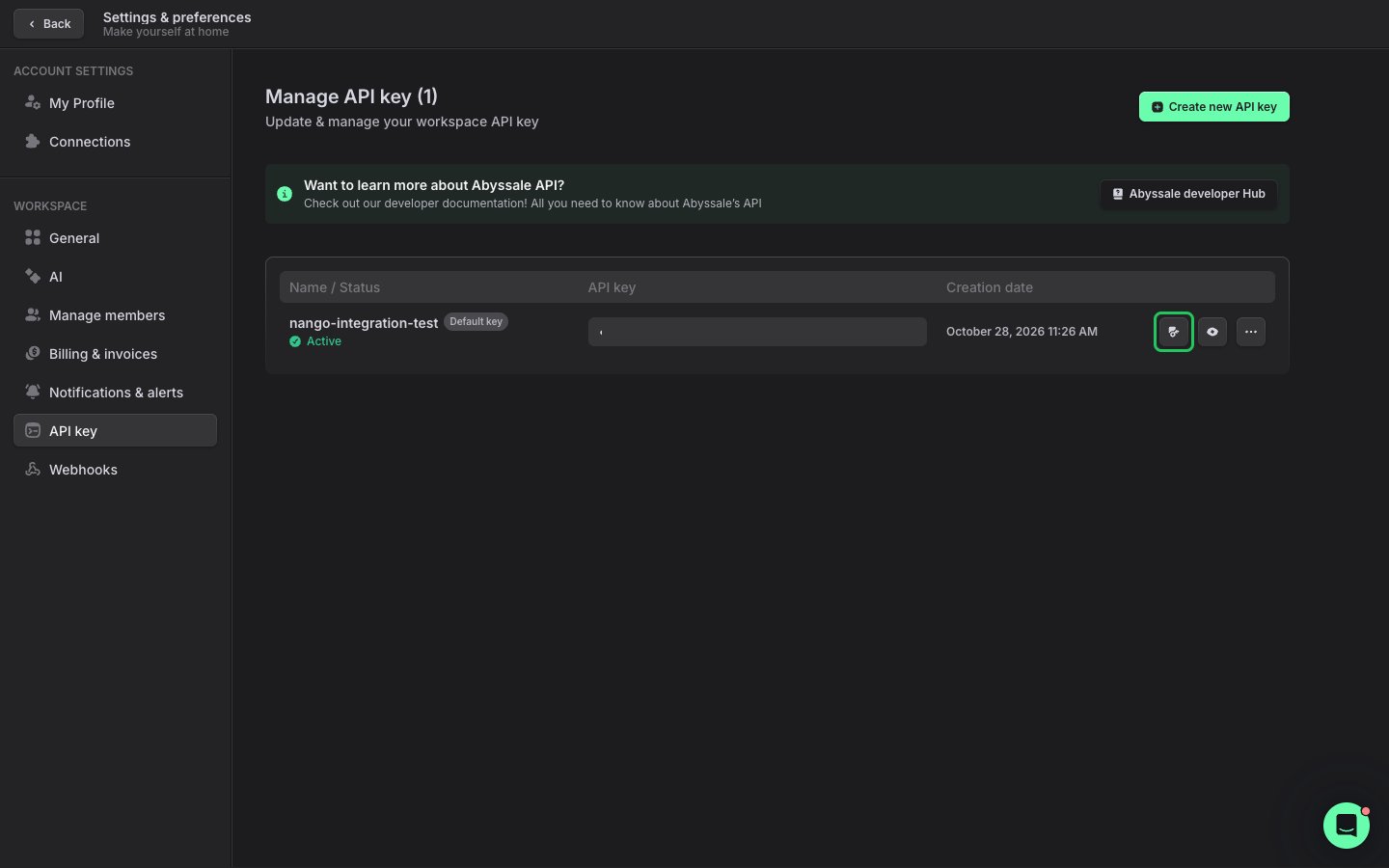
Abyssale says a new key can take about 30 seconds to become available. If the connection fails right after you create the key, wait and try again.
Step 2: Enter your API key in the Connect UI
- Open the form where you need to authenticate with Abyssale.
- Enter your API Key in the designated field.
- Submit the form, and you should be successfully authenticated.