Overview
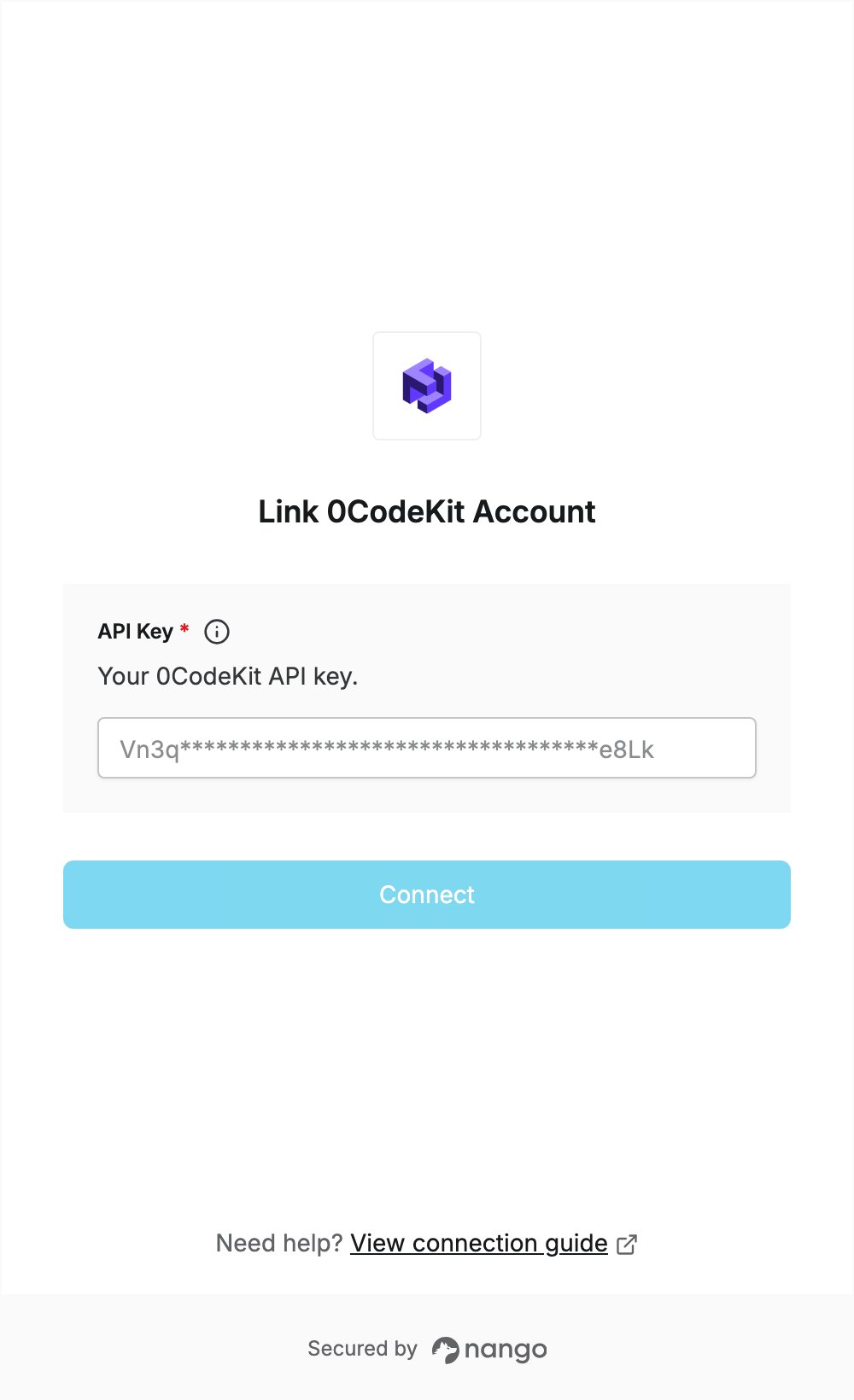
To authenticate with 0CodeKit, you need:- API Key - your 0CodeKit API key.
Prerequisites
- A 0CodeKit account. The free plan includes API access; sign up here.
Step 1: Copy your API key
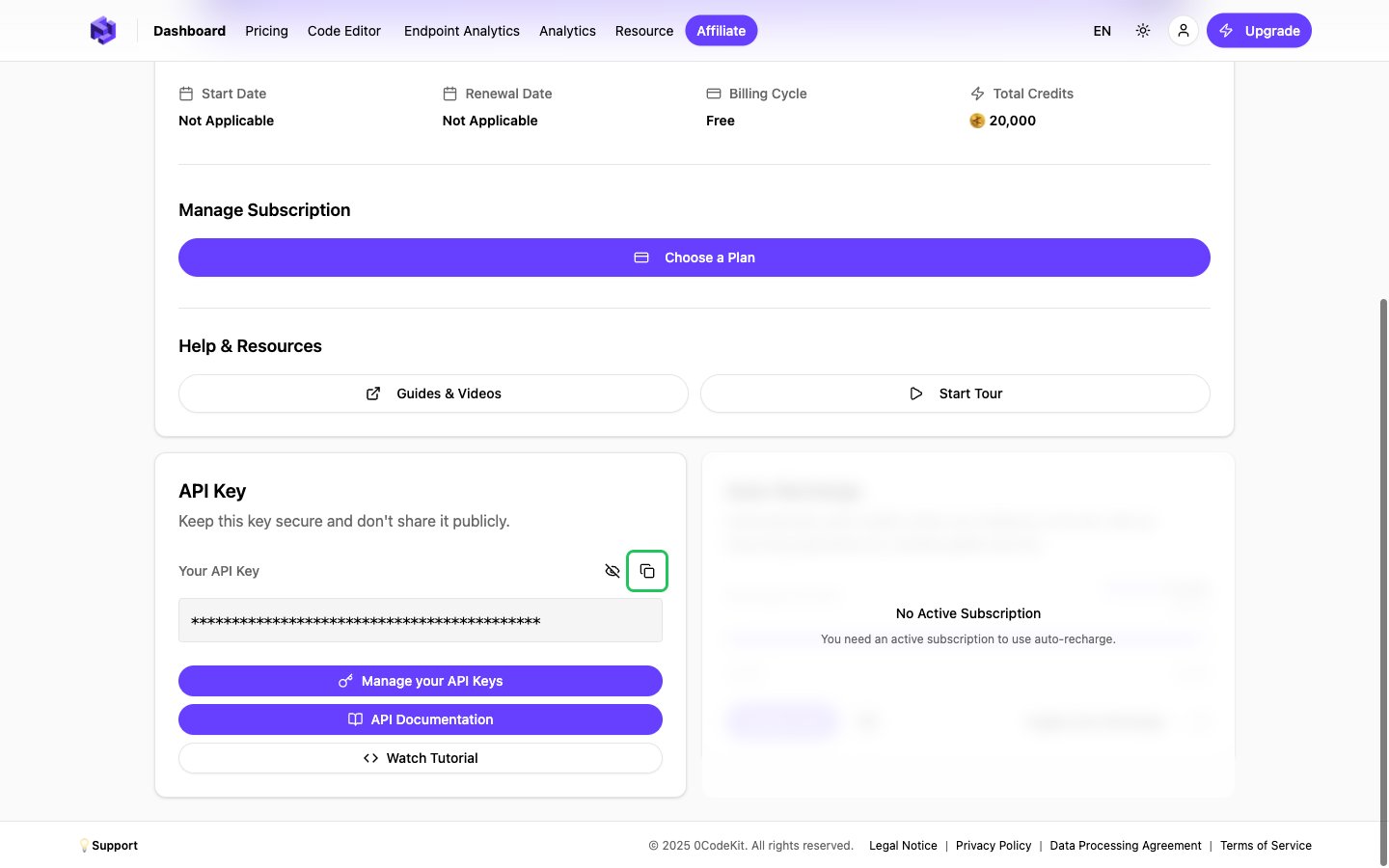
- Sign in to 0CodeKit and click Dashboard in the top navigation.
- Scroll down to the API Key card. 0CodeKit creates your key when you sign up.
- Click the copy icon next to Your API Key. Click the eye icon first if you want to see the key.
Step 2: Enter your API key in the Connect UI
- Open the form where you need to authenticate with 0CodeKit.
- Enter your API Key in the designated field.
- Submit the form. Nango checks the key with 0CodeKit and rejects it if it is wrong.