Overview
To authenticate with Qualia, you need:- Subdomain - The subdomain for the Qualia environment you are connecting to
- Username - Your Qualia organization username
- Password - Your Qualia API password
Prerequisites
- You must have a Qualia Connect or Qualia Core account.
- You must have access to your organization’s API settings.
Step 1: Finding Your Subdomain
The subdomain depends on which Qualia API collection you are using:
Enter only the subdomain portion, not the full URL.
Step 2: Finding Your API Key
Partner API — API keys are managed at the organization level and found under the API tab of the Manage section:- Production: https://connect.qualia.io/manage/api
- Sandbox: https://sandbox-connect.qualia.io/manage/api
- Production:
https://{your-subdomain}.qualia.io/api - Sandbox:
https://{your-sandbox-subdomain}.qualia.io/api
There are distinct API credentials for Sandbox and Production environments. Make sure you gather them from the correct environment.
Step 3: Enter credentials in Nango
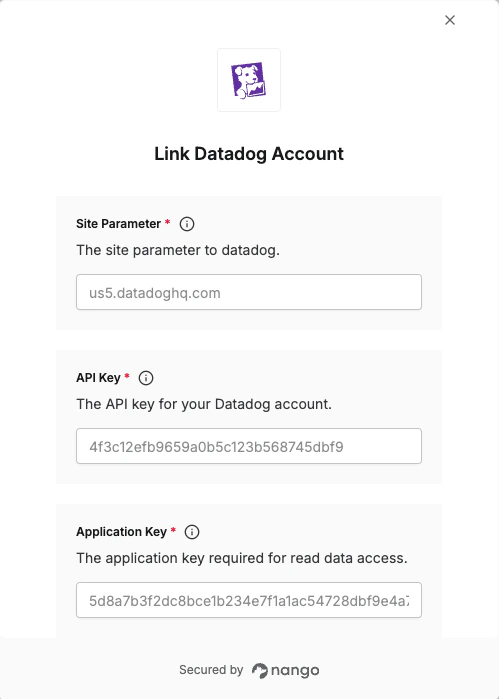
Once you have your Subdomain, Username, and Password:- Open the form where you need to authenticate with Qualia.
- Enter your Subdomain, Username, and Password in their respective fields.
- Submit the form, and you should be successfully authenticated.