Overview
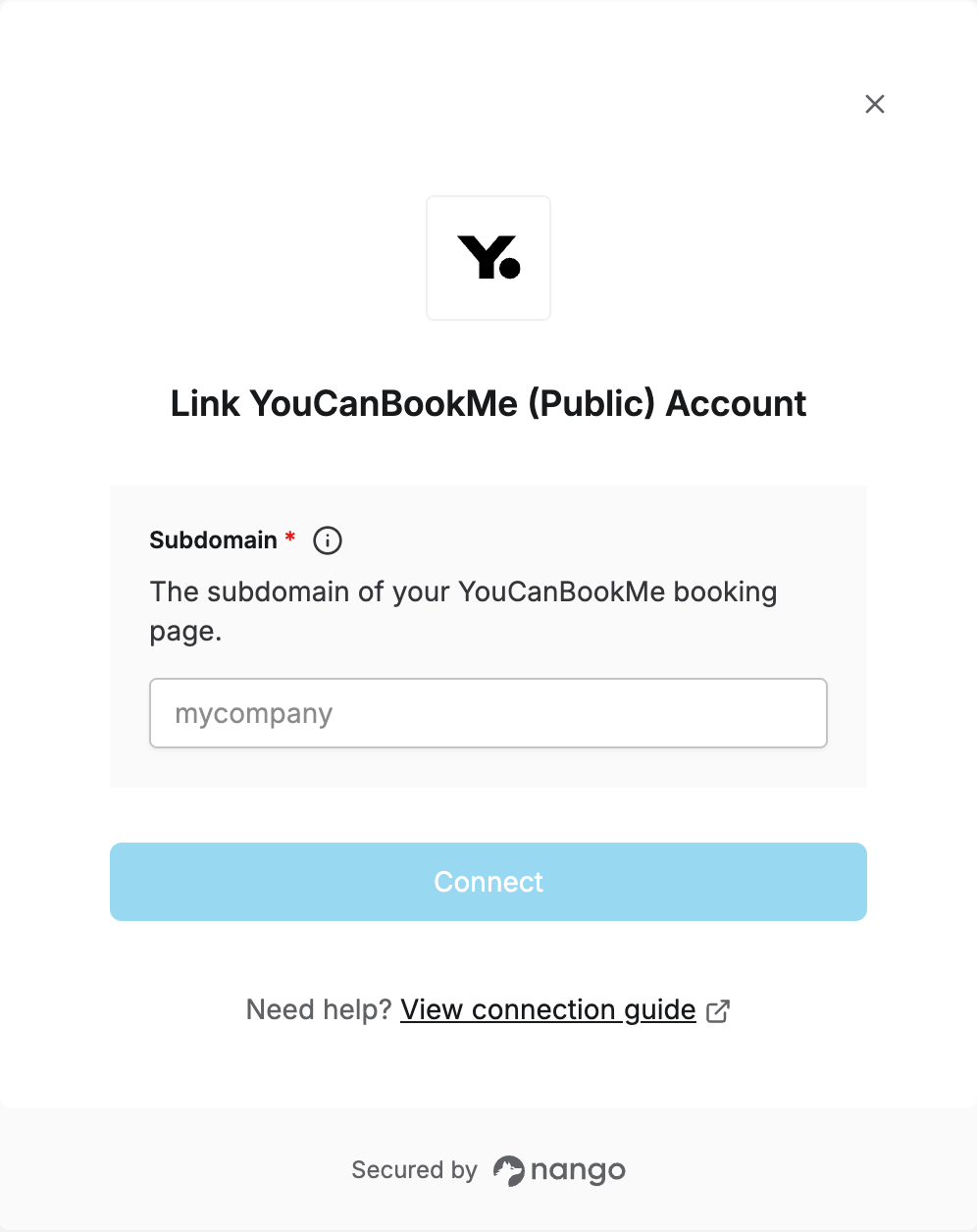
To connect YouCanBookMe’s public booking API, you need your Subdomain — the prefix of your YouCanBookMe booking URL (e.g.mycompany from mycompany.youcanbook.me).
No API key or account credentials are required — YouCanBookMe’s booking-intent endpoints (availability, booking, cancellation, rescheduling) are public and unauthenticated.
Prerequisites
- A YouCanBookMe booking page.
Instructions
Step 1: Finding your subdomain
Your subdomain is the part of your YouCanBookMe booking URL before.youcanbook.me. For example, if your booking page is at mycompany.youcanbook.me, your subdomain is mycompany.
You can find it by opening any of your booking pages and copying the prefix from the URL.
Step 2: Enter your subdomain in the Connect UI
Once you have your Subdomain:- Open the form where you need to authenticate with YouCanBookMe (Public).
- Enter your Subdomain in the field provided.
- Submit the form — you’re connected.