Overview
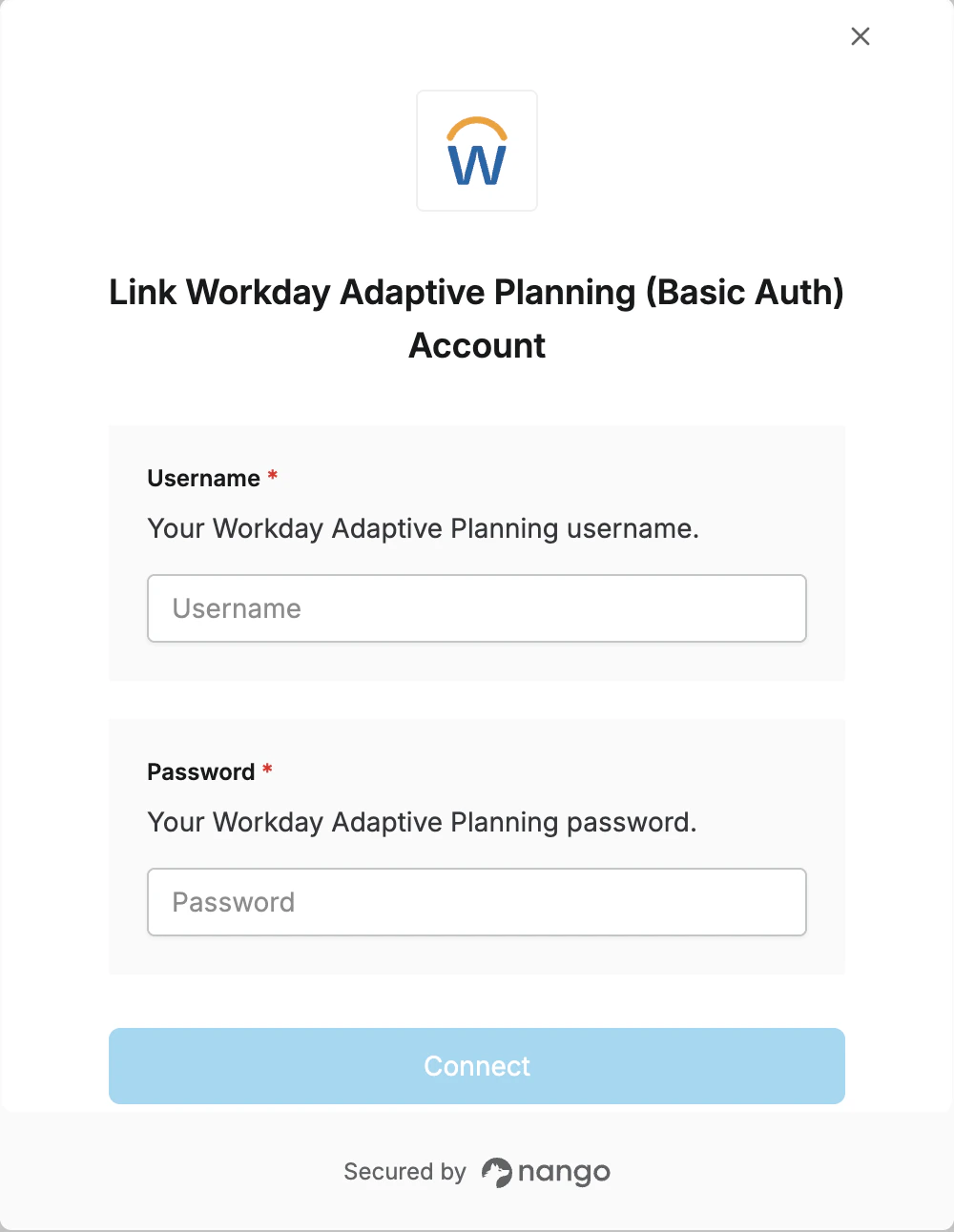
To authenticate with Workday Adaptive Planning (Basic Auth), you will need:- Username - The username of the integration user
- Password - The password for the integration user
Prerequisites:
- An integration user set up in Adaptive Planning who has been assigned a role with appropriate permissions.
Instructions:
Step 1: Find your Username and Password
- Username: The username of the integration user set up in Adaptive Planning.
- Password: The password for the integration user.
Step 2: Enter credentials in the Connect UI
- Open the form where you need to authenticate with Workday Adaptive Planning (Basic Auth).
- Enter your Username and Password in their respective fields.
- Submit the form, and you should be successfully authenticated.