Overview
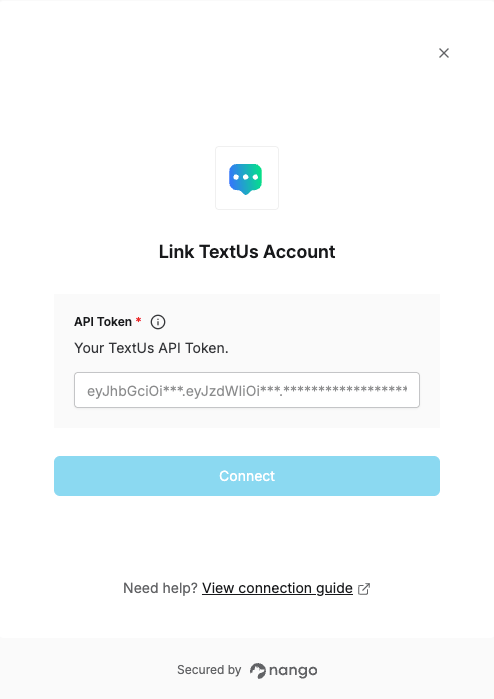
To authenticate with TextUs, you need:- API Token — A token that grants Nango permission to call the TextUs API on your behalf, scoped to the user that creates it.
Prerequisites
- An account with TextUs.
Step 1: Generate an API token
- Log in to account.
- Click your user icon in the top right, then click Profile.
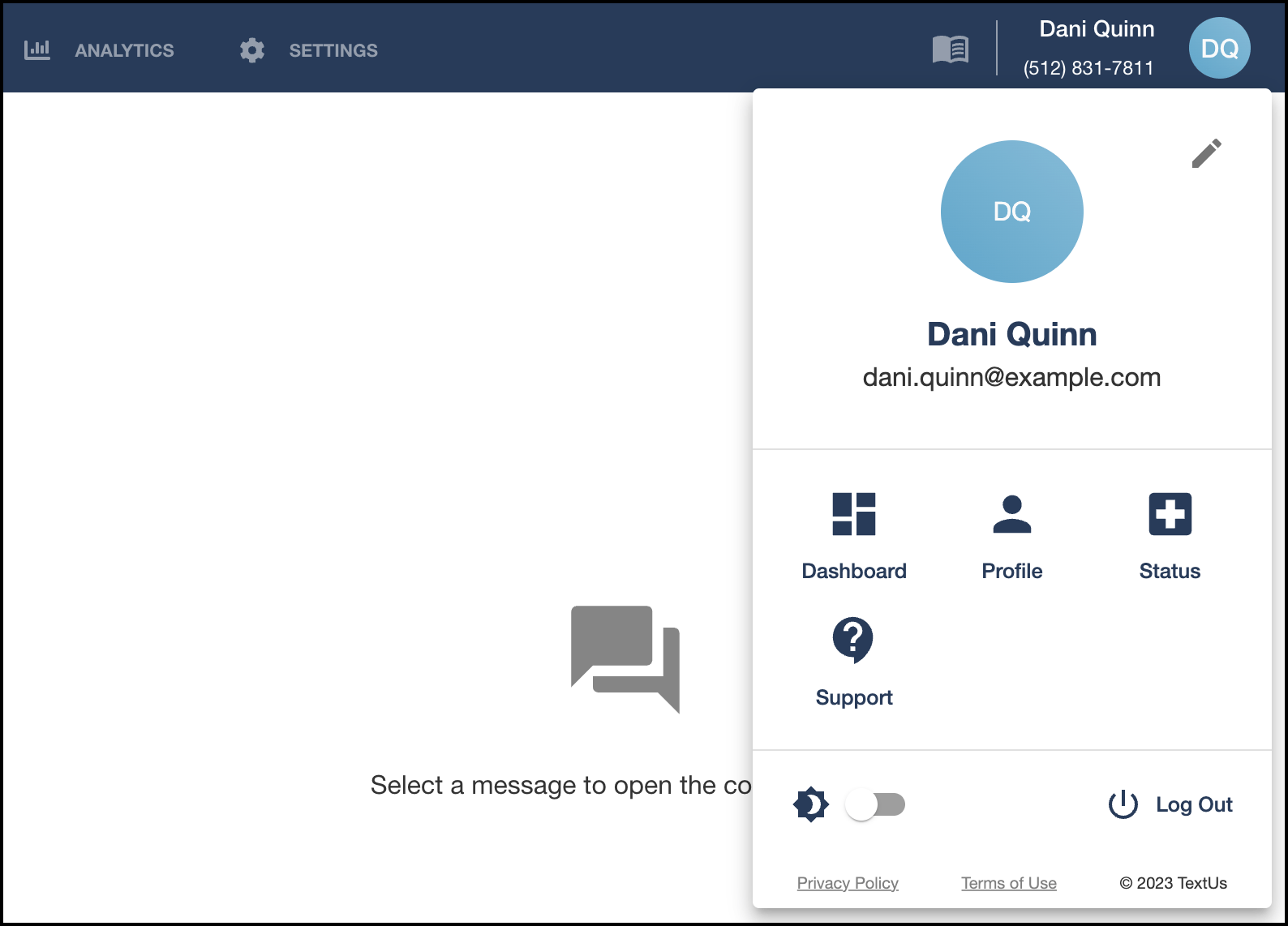
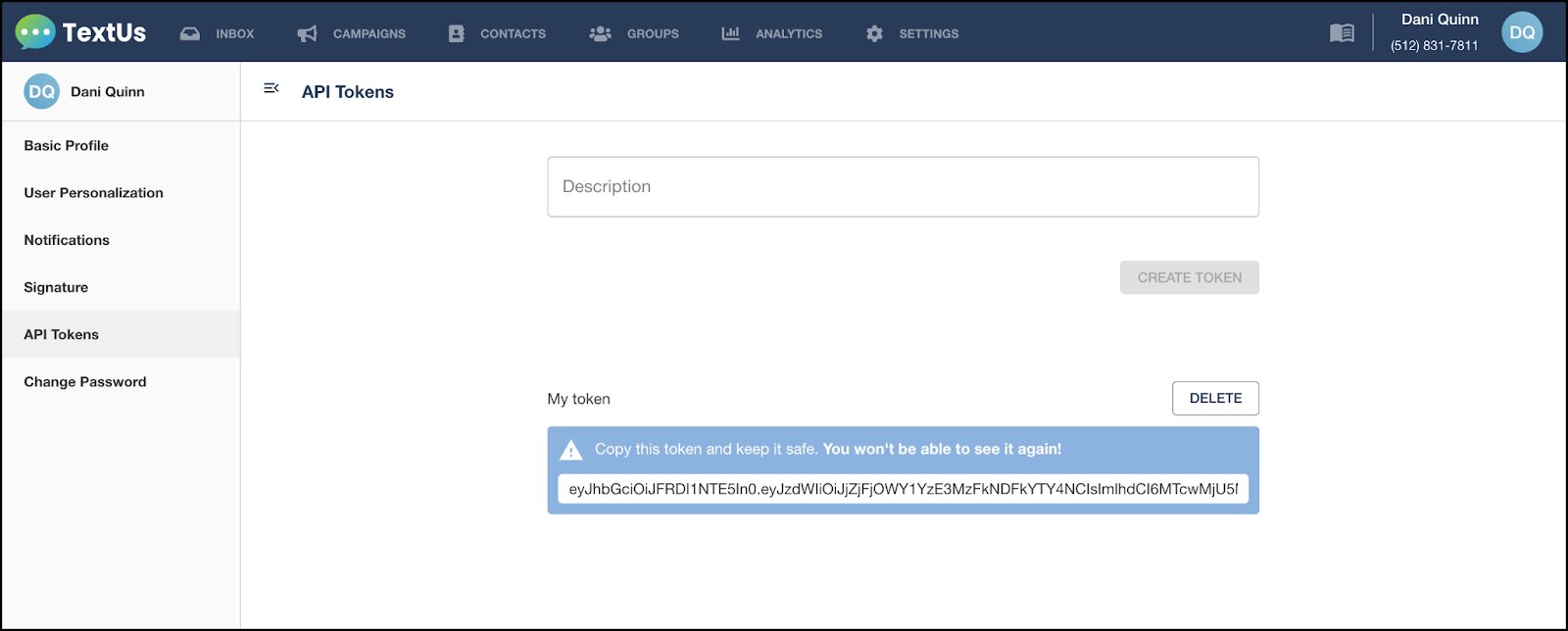
- In the sidebar, click Advanced user settings, then API Tokens.
- Enter a description for the token and click Create Token.
- Copy the generated token immediately — TextUs only shows it once.
Step 2: Enter credentials in the Connect UI
Once you have your API Token:- Open the form where you need to authenticate with TextUs.
- Enter your API Token in its respective field.
- Submit the form, and you should be successfully authenticated.