Overview
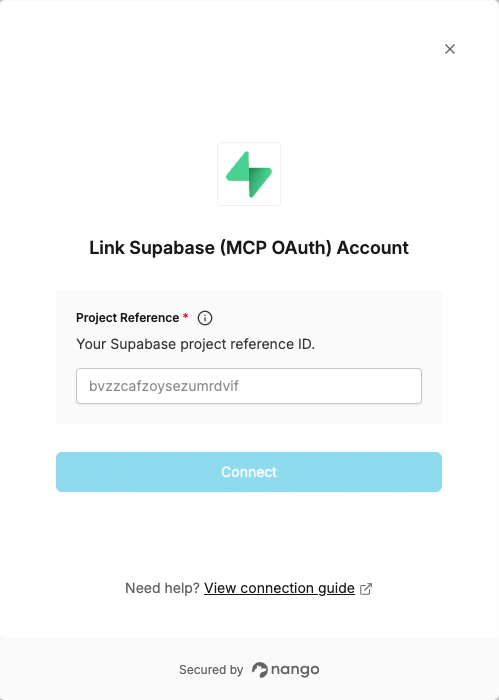
To connect Supabase (MCP OAuth) with Nango you need:- Project reference — The 20-character ID of your Supabase project.
Prerequisites
- A Supabase account and at least one project
Instructions:
Step 1: Finding your project reference
Your project reference is the 20-character ID that identifies your Supabase project:- Open the Supabase Dashboard and select your project.
- Obtain the ID from the project URL:
https://supabase.com/dashboard/project/<project-ref>/...in your browser address bar.
Step 2: Enter credentials in the Connect UI
Once you have your Project reference:- Open the form where you need to authenticate with Supabase (MCP OAuth).
- Enter your Project reference in its respective field.
- Submit the form, and you should be successfully authenticated.