Overview
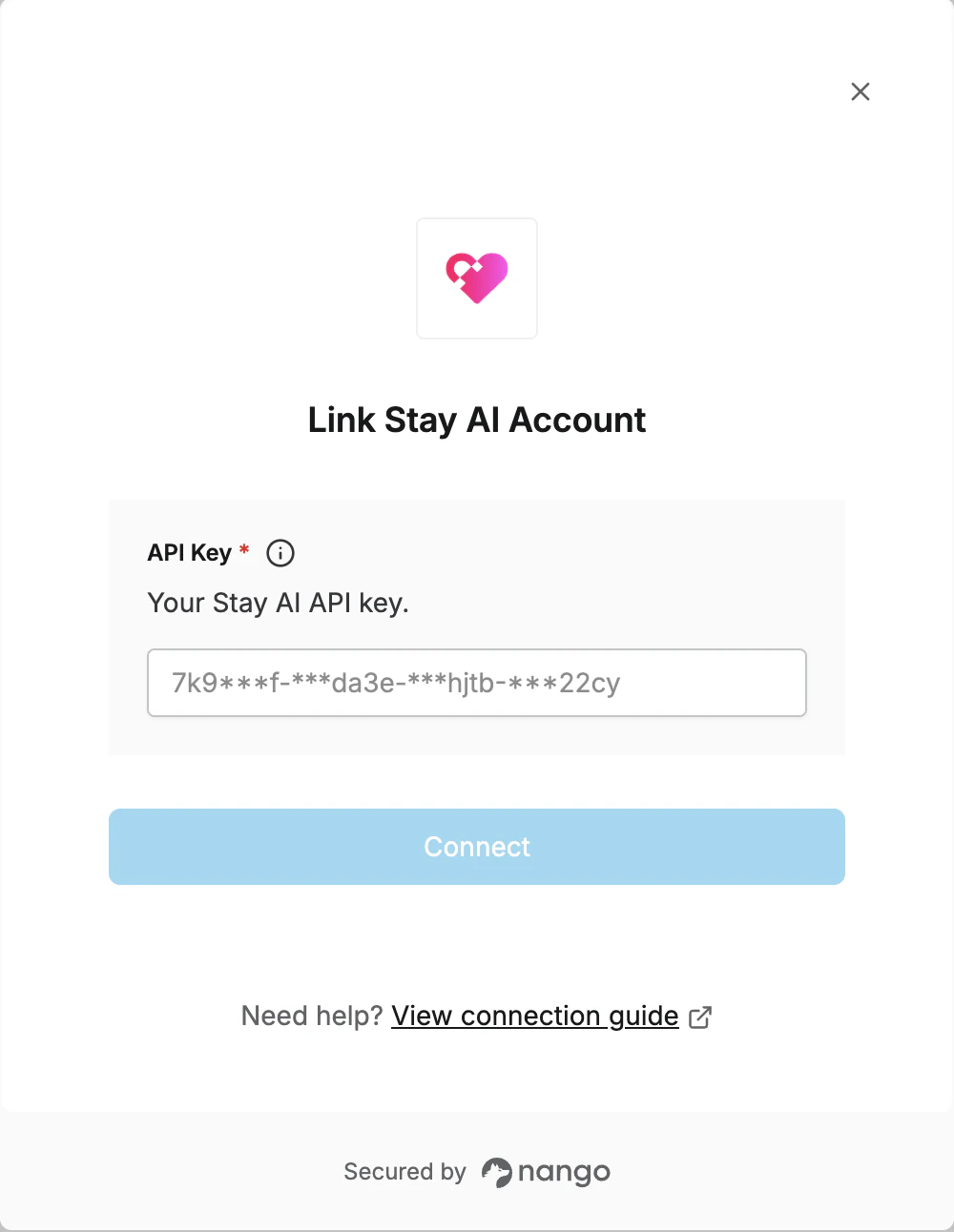
To authenticate with Stay AI, you will need:- API Key - Your Stay AI API key for authentication.
Prerequisites:
- You must have a Stay AI merchant account (sign up at stay.io)
Instructions:
Step 1: Create a new API Key
- Log in to your Stay AI Merchant Portal.
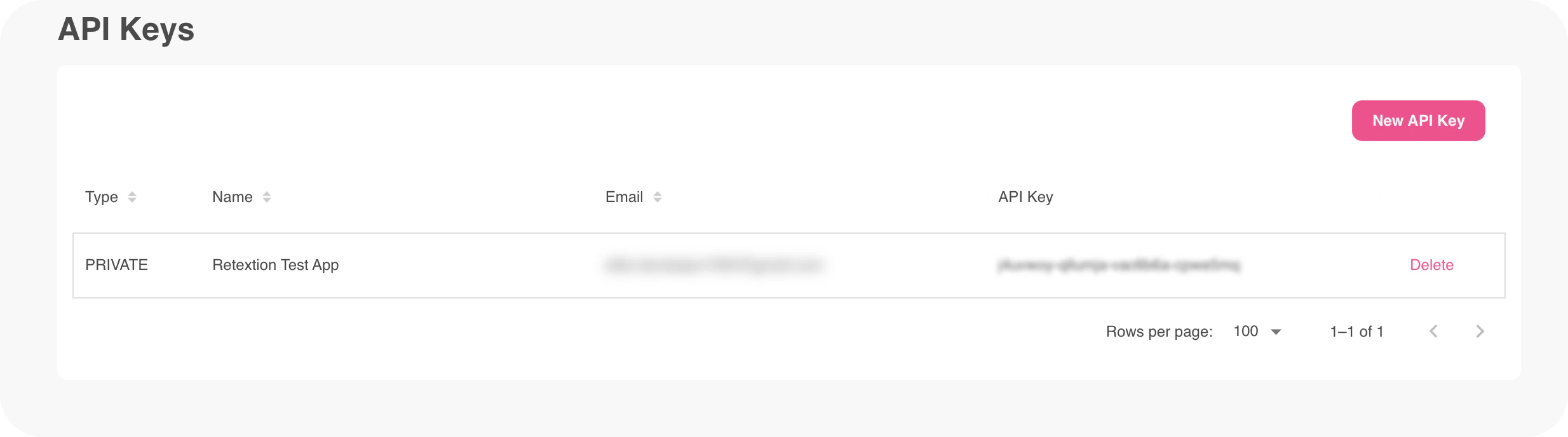
- Navigate to Settings -> API Keys.
- Click the New API Key button.
- Fill in the required fields: Name, Description, Email, and pick your desired Scopes.
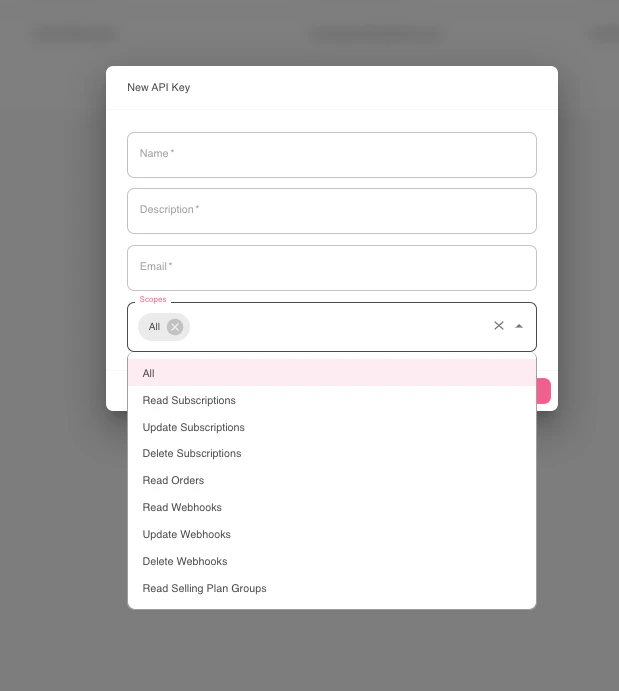
- Click Create to generate the key.
- Copy the API key value shown and store it in a safe place.
Step 2: Enter credentials in the Connect UI
- Open the form where you need to authenticate with Stay AI.
- Enter your API Key in the respective field.
- Submit the form, and you should be successfully authenticated.