Overview
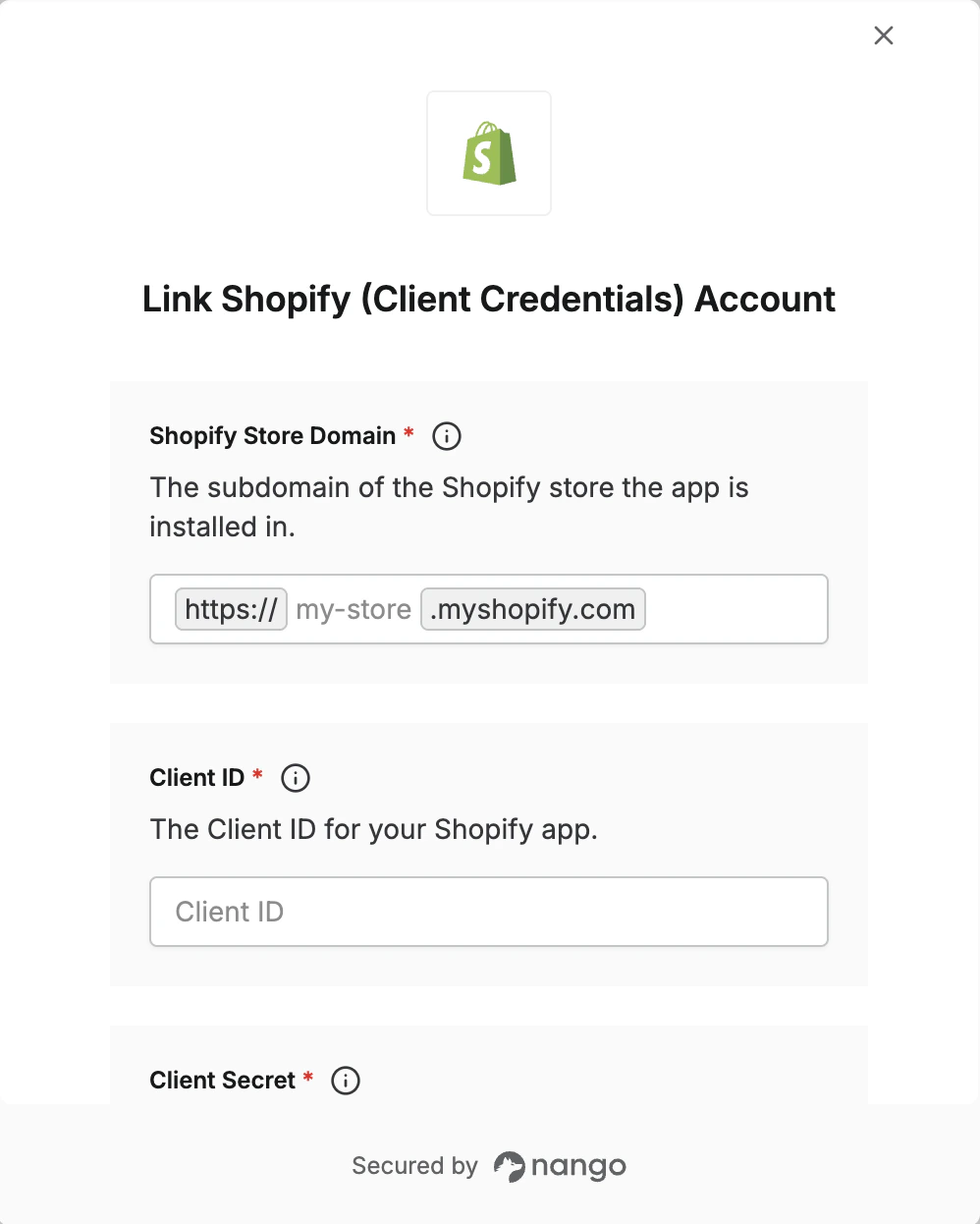
To authenticate with Shopify using Client Credentials, you will need:- Shopify Store Domain - The subdomain of the store your app is installed in (e.g.
my-storefrommy-store.myshopify.com) - Client ID - Your app’s client ID from the Dev Dashboard
- Client Secret - Your app’s client secret from the Dev Dashboard
The client credentials grant is only available for Dev Dashboard apps installed in stores that you own. Public or custom apps must use the authorization code grant.
Step 1: Generating your client credentials
- Go to the Shopify Dev Dashboard and sign in.
- Click Create app.
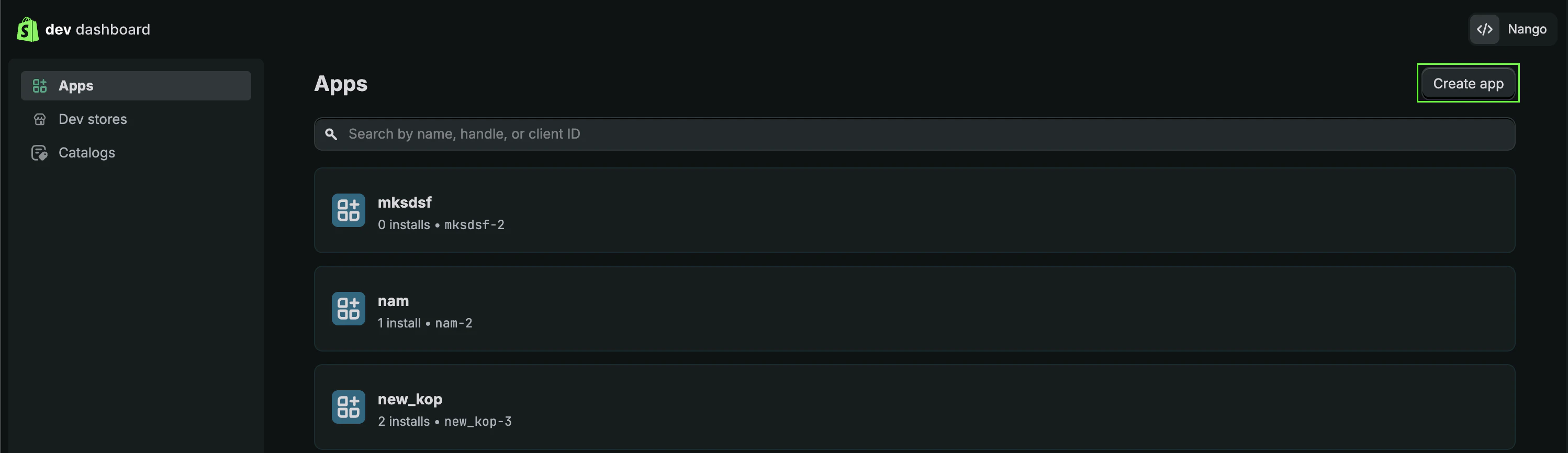
- Give your app a name and click Create.
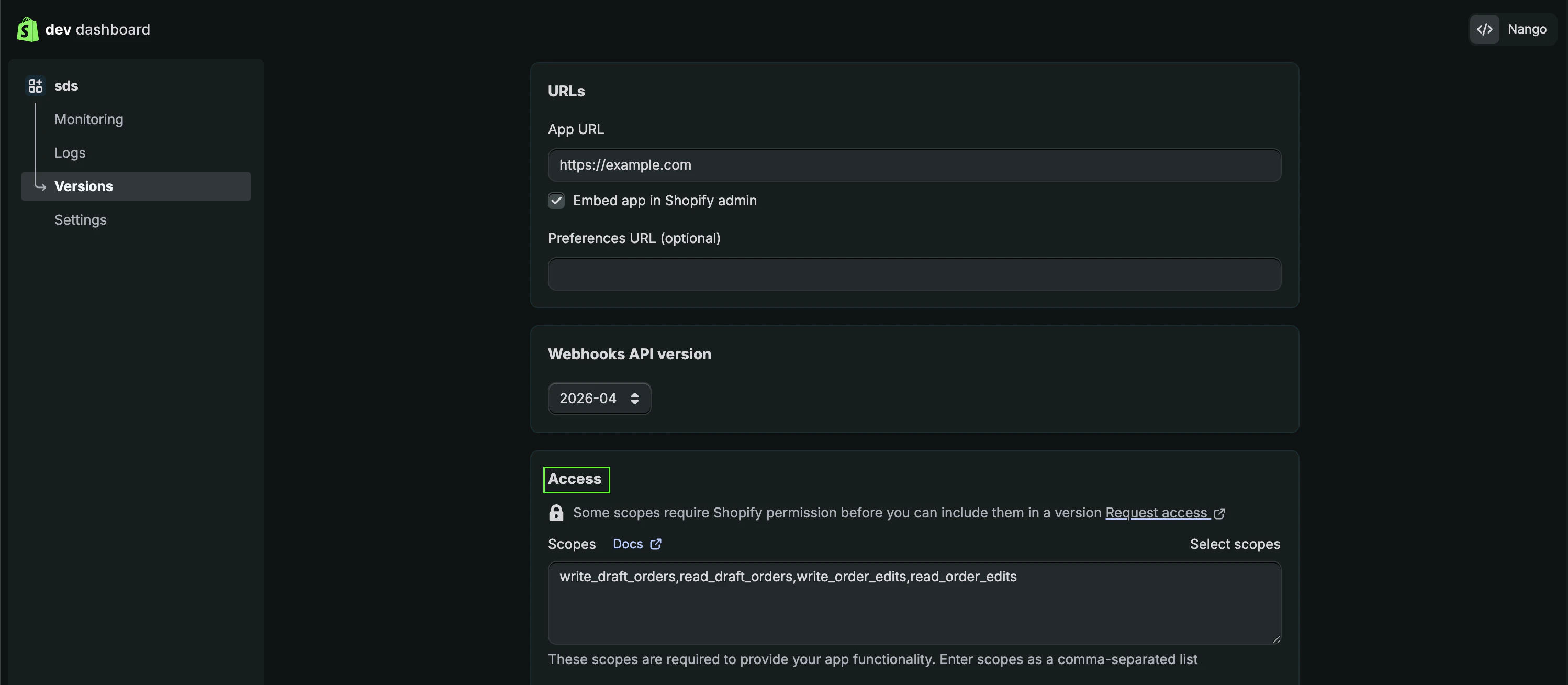
- From the Access tab, select your preferred scopes.
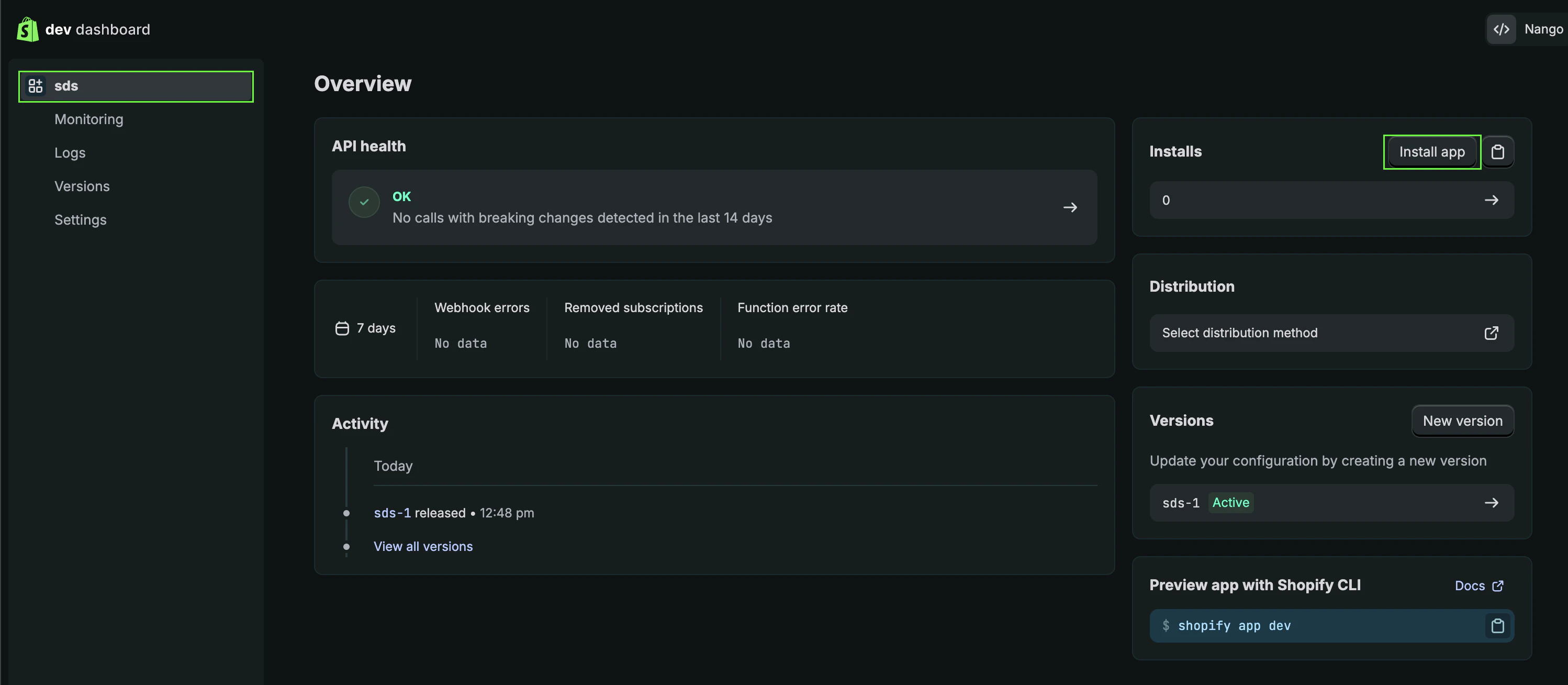
- Click the name of your application to go to the home page.
- Click Install app and confirm the installation.
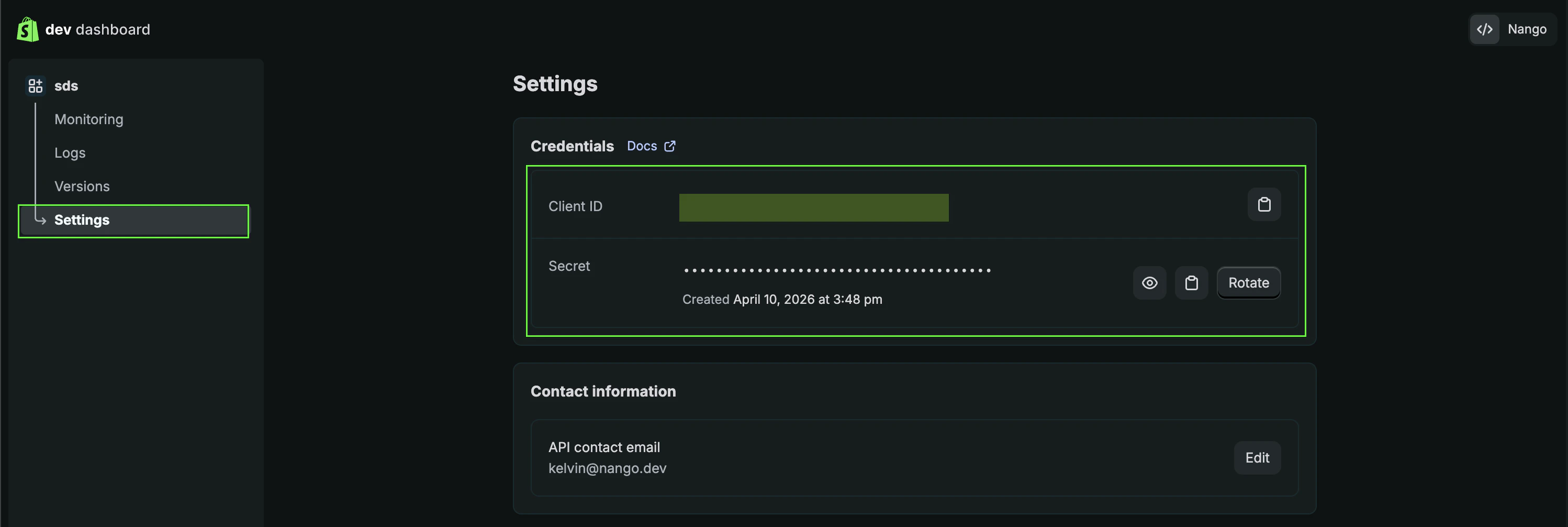
- Go to Settings.
- Copy your Client ID and Client Secret.
Step 2: Find your Shopify Store Domain
- Your Shopify Domain is visible in the address bar when viewing your store. For example, in
https://admin.shopify.com/store/6nzh0y-y6, the domain is6nzh0y-y6. - Alternatively, click your profile in the top right corner and select All Stores.
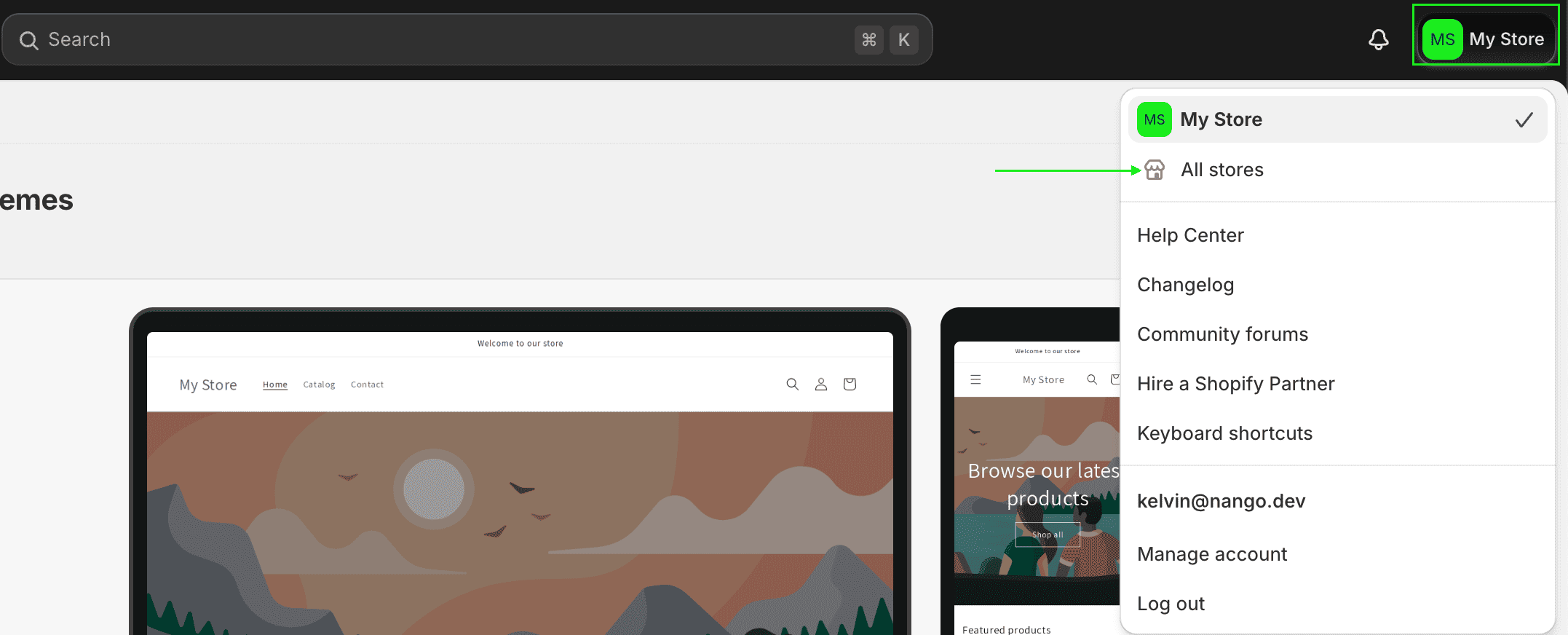
- From the list, your Shopify Domain is the value shown before
myshopify.com.
Step 3: Enter credentials in the Connect UI
Once you have your credentials:- Open the form where you need to authenticate with Shopify (Client Credentials).
- Enter your Shopify Store Domain, Client ID, and Client Secret in their respective fields.
- Submit the form — you should now be successfully authenticated.