Overview
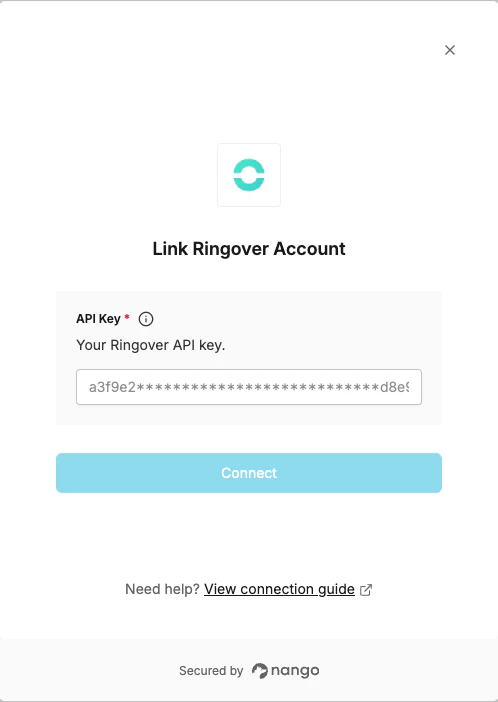
To authenticate with Ringover, you will need:- API Key – A key that grants secure access to the Ringover API, enabling authorized applications to retrieve phone, contact, user, and group information.
Prerequisites
- An active Ringover account with admin access
Instructions
Step 1: Generating your API key
- Open the Ringover Dashboard.
- Go to the Developer section.
- Click the Create an API key button.
- Select a user in the drop-down menu, enter a label for the key, then click Create.
- Click the Edit button next to the new API key and select the appropriate rights for your use case.
- Copy your API key and store it securely.
Step 2: Enter credentials in the Connect UI
Once you have your API Key:- Open the form where you need to authenticate with Ringover.
- Enter your API Key in the API Key field.
- Submit the form to complete authentication.