Overview
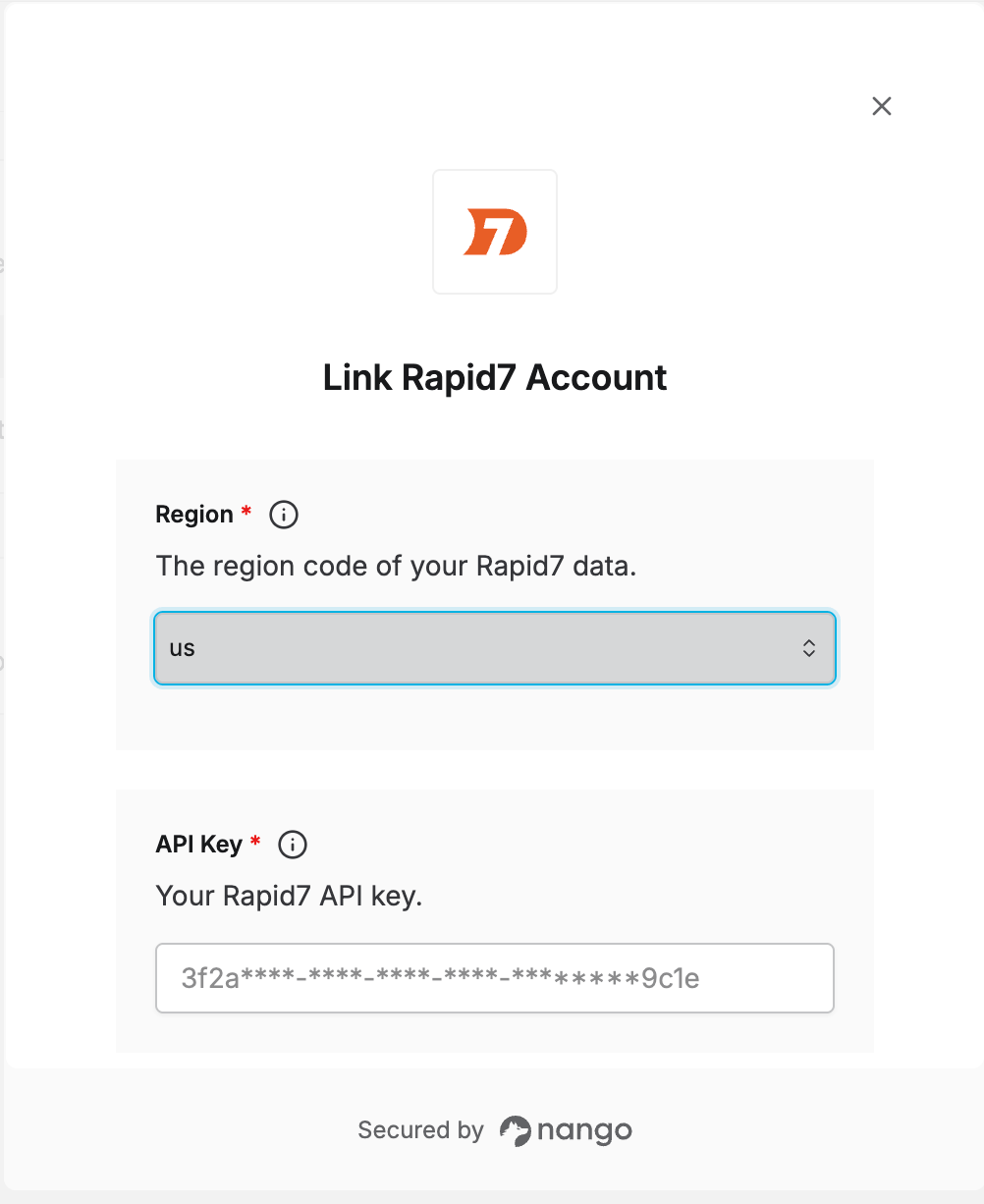
To authenticate with Rapid7, you need:- Region — the region where your Rapid7 data is stored.
- API Key — a Rapid7 user or organization API key.
Prerequisites
- A Rapid7 Command Platform account. Platform or organization administrators can create organization keys.
Step 1: Find your region
Your region code is the first part of the URL you use to open a Rapid7 product. For example, if you usehttps://us2.idr.insight.rapid7.com, your region is us2.
Step 2: Generate an API key
- Sign in to the Rapid7 Command Platform and go to Administration.
- Create a key:
- User key: open API Key Management > User API Keys and generate a new key.
- Organization key: open Administrator API Keys, select Generate New Organization Key, choose your organization, enter a name, and select Save.
- Copy the key, then select Done.
Rapid7 only shows the key once. Save it somewhere secure before leaving the page.
Step 3: Enter your credentials in the Connect UI
- Open the form where you need to authenticate with Rapid7.
- Select your Region and enter your API Key in the designated fields.
- Submit the form, and you should be successfully authenticated.