Overview
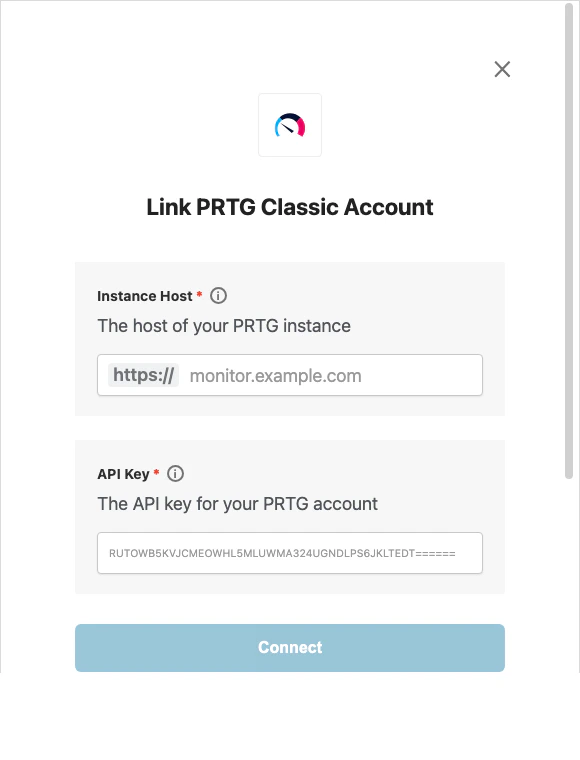
To authenticate with PRTG’s classic HTTP API, you will need:- Instance Host - The host of your PRTG instance.
- API Key - A key that grants Nango permission to access the classic PRTG HTTP API.
This integration is for the classic PRTG HTTP API with
apitoken query authentication, not PRTG API v2.Prerequisites:
- You must have access to a PRTG user account that can create API keys.
Instructions:
Step 1: Finding Your Instance Host
- Log in to your PRTG instance.
- Copy the host from your browser address bar, for example
monitor.example.com.
Step 2: Finding Your API Key
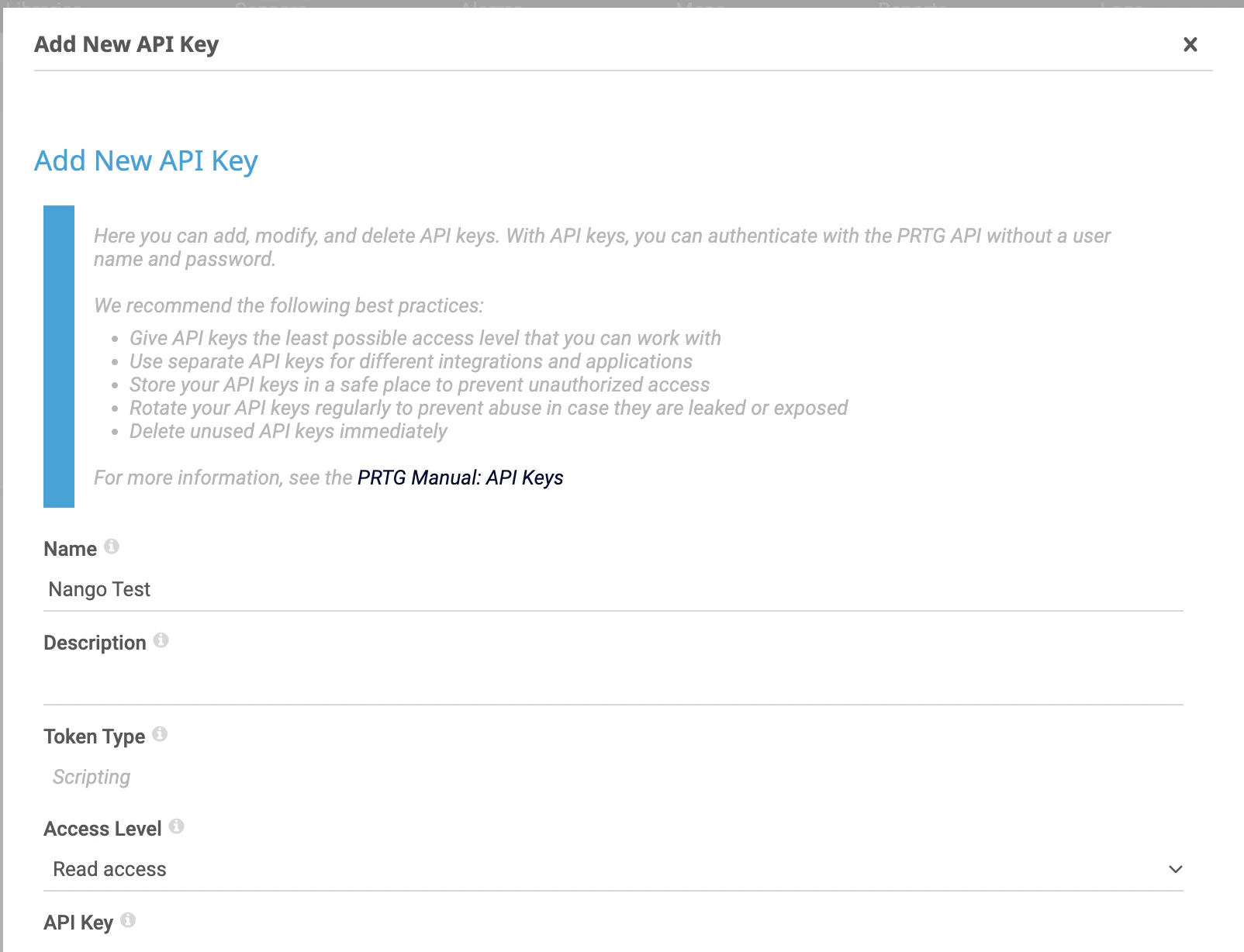
- In PRTG, go to Setup -> Account Settings -> API Keys.
- Click + and select Add API Key.

- Fill in the key details, set the required access level, and copy the generated API key.
Step 3: Enter credentials in the Connect UI
Once you have your Instance Host and API Key:- Open the form where you need to authenticate with PRTG.
- Enter your Instance Host and API Key in their designated fields.
- Submit the form, and you should be successfully authenticated.