Overview
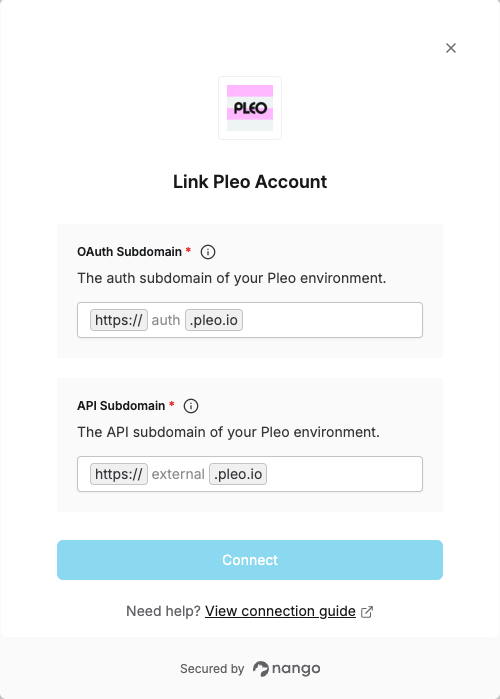
To authenticate with Pleo, you need:- OAuth Subdomain - The subdomain used for Pleo’s OAuth authorization flow.
- API Subdomain - The subdomain used for Pleo API requests.
Prerequisites:
- You must have a Pleo account with API access.
Instructions:
Step 1: Identify your environment
Use the following values depending on your Pleo environment:Step 2: Enter credentials in the Connect UI
- Open the form where you need to authenticate with Pleo.
- Enter both OAuth Subdomain and API Subdomain in their respective fields.
- Submit the form, and you should be successfully authenticated.