Overview
To authenticate with Omnisend, you need an API key generated in your Omnisend account.Prerequisites
- An Omnisend account with permission to create API keys.
Instructions
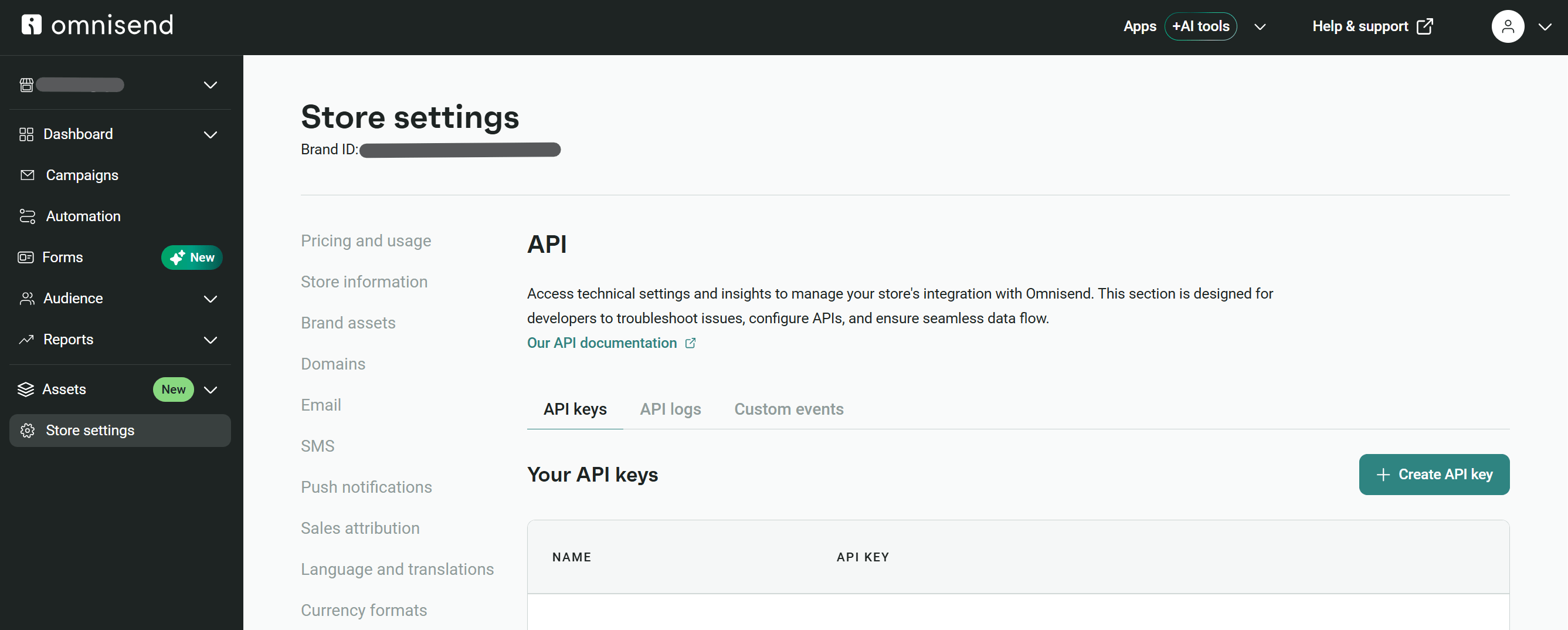
Step 1: Open the API keys section
- Sign in to Omnisend.
- Go to Store settings, select API, then select the API keys tab.
Step 2: Create an Omnisend API key
- Select Create API key.
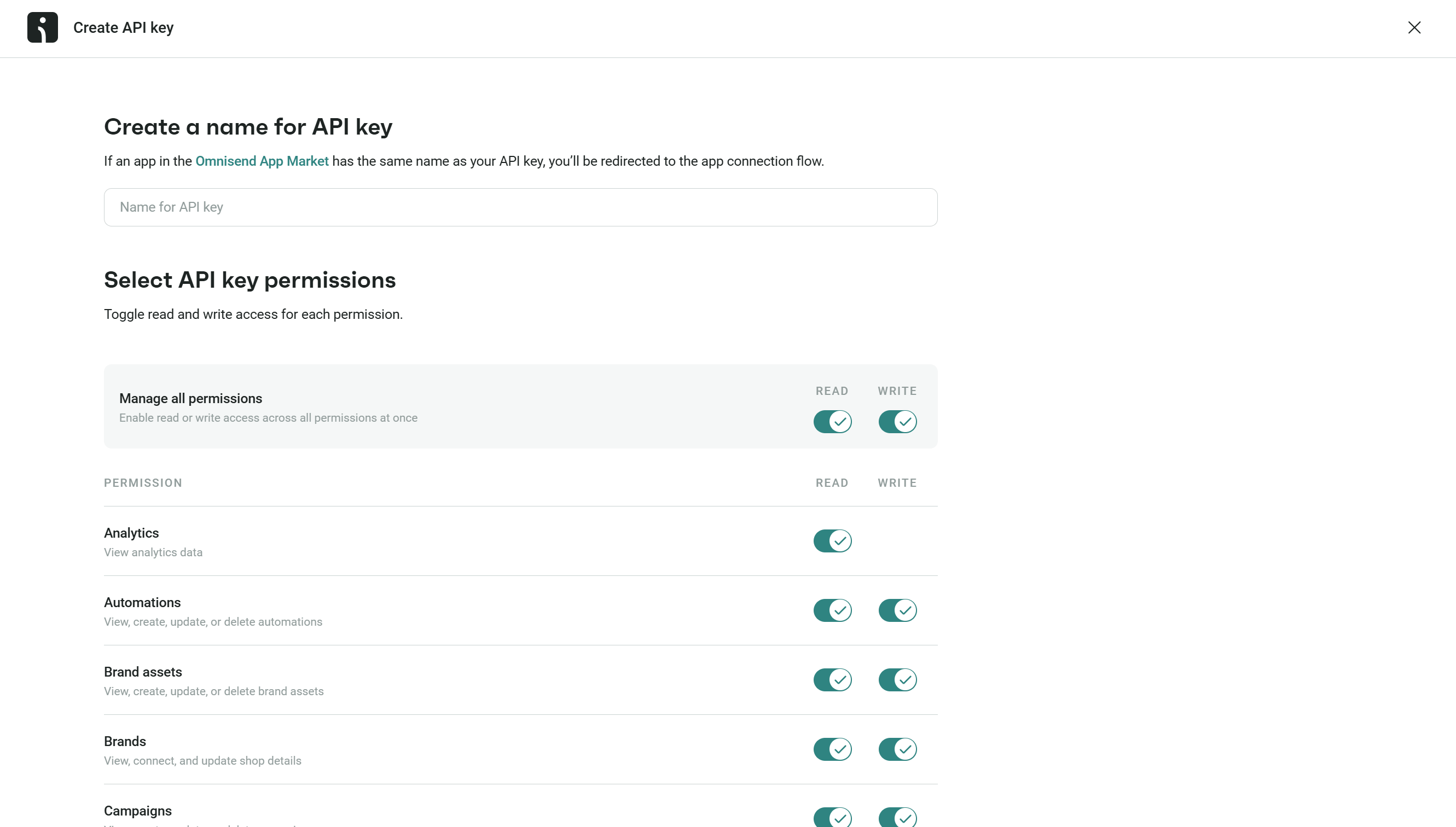
- Enter a descriptive name. Do not use the name of an Omnisend App Market app, as Omnisend will redirect you to that app’s connection flow.
- Enable only the read and write permissions required by your application, then create the key.
Step 3: Copy the API key
Copy the key immediately when Omnisend displays it. Omnisend does not show it again after you leave this screen.
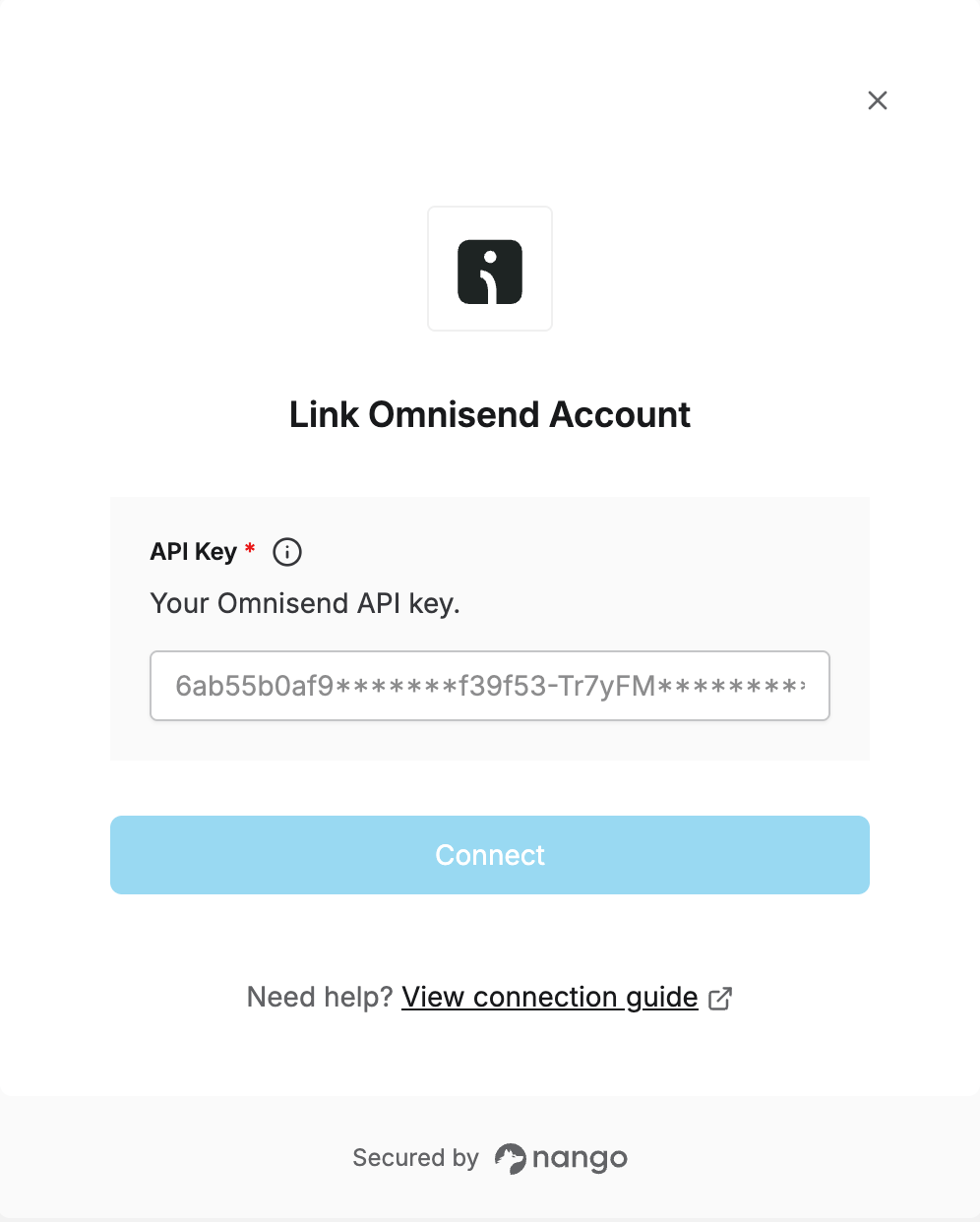
Step 4: Enter the API key in the Connect UI
- Open the form where you need to authenticate with Omnisend.
- Enter your Omnisend API key.
- Submit the form.