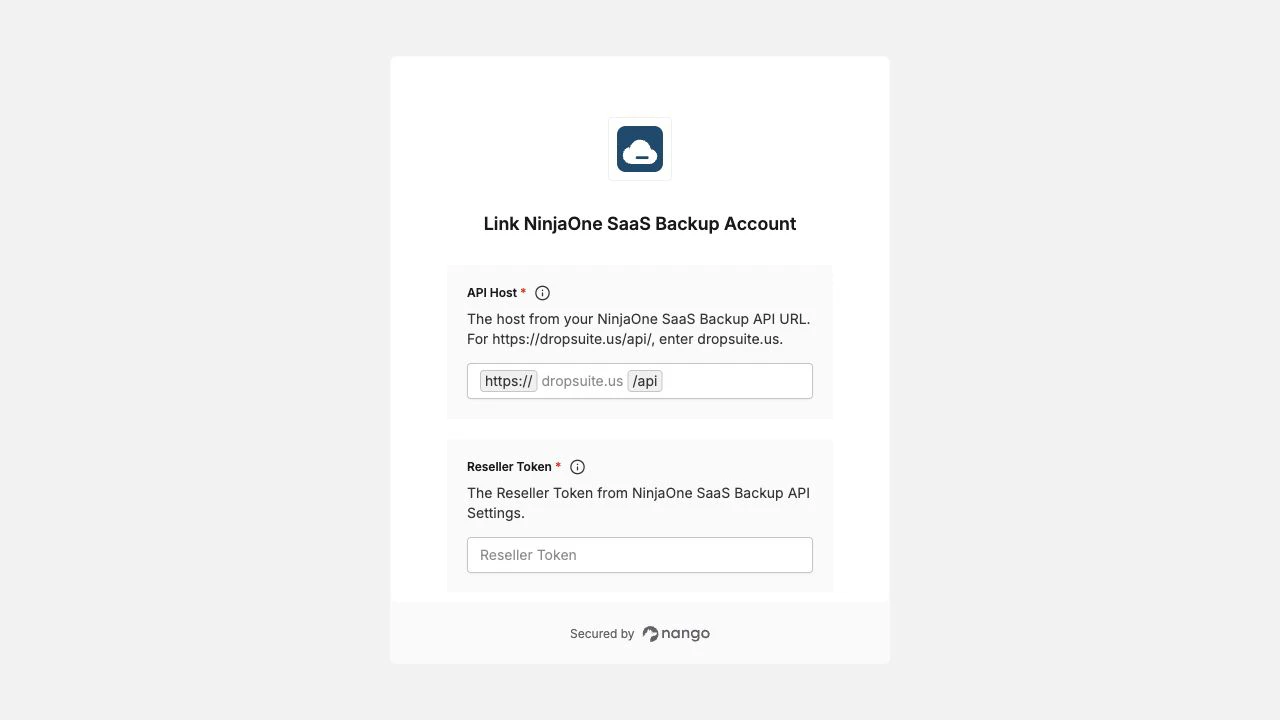
Overview
To authenticate with NinjaOne SaaS Backup, you need:- API Host - The host from the API URL shown in API Settings, such as
na-saas-npp.backup.ninjarmm.comordropsuite.us. - Reseller Token - The reseller token from API Settings.
- Authentication Token - The authentication token from API Settings.
Prerequisites
- Access to the NinjaOne SaaS Backup Partner Portal.
- API access enabled for your partner account. API features are available only to Direct Partners or Distributors.
Instructions
Step 1: Find your API credentials
- Log in to the NinjaOne SaaS Backup Partner Portal.
- Navigate to Settings > API Settings.
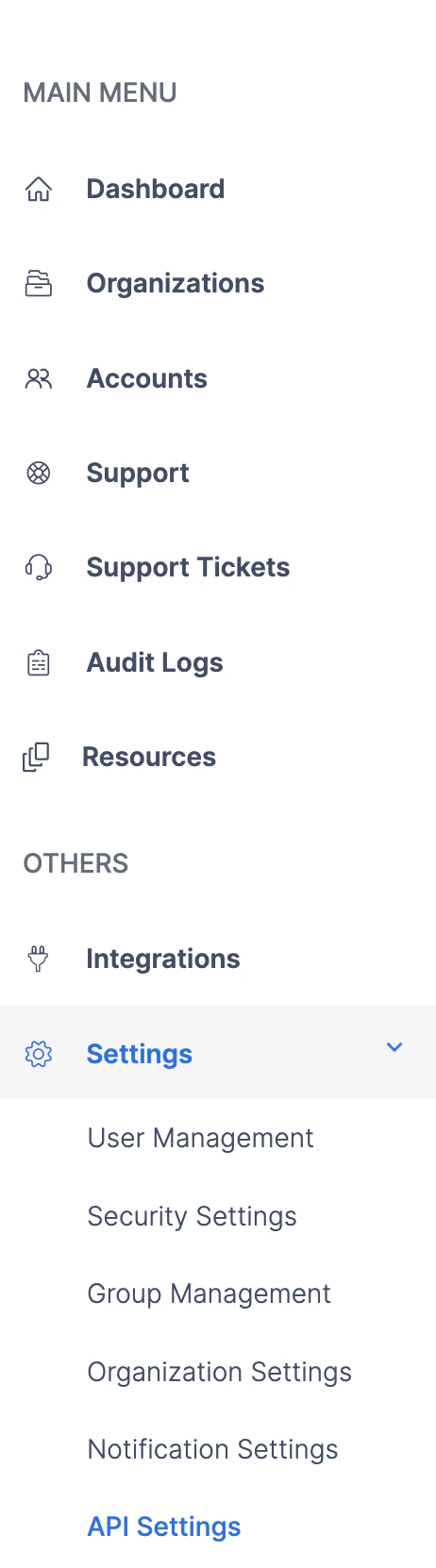
- Copy the API URL, Reseller Token, and Authentication Token from the API Information section.
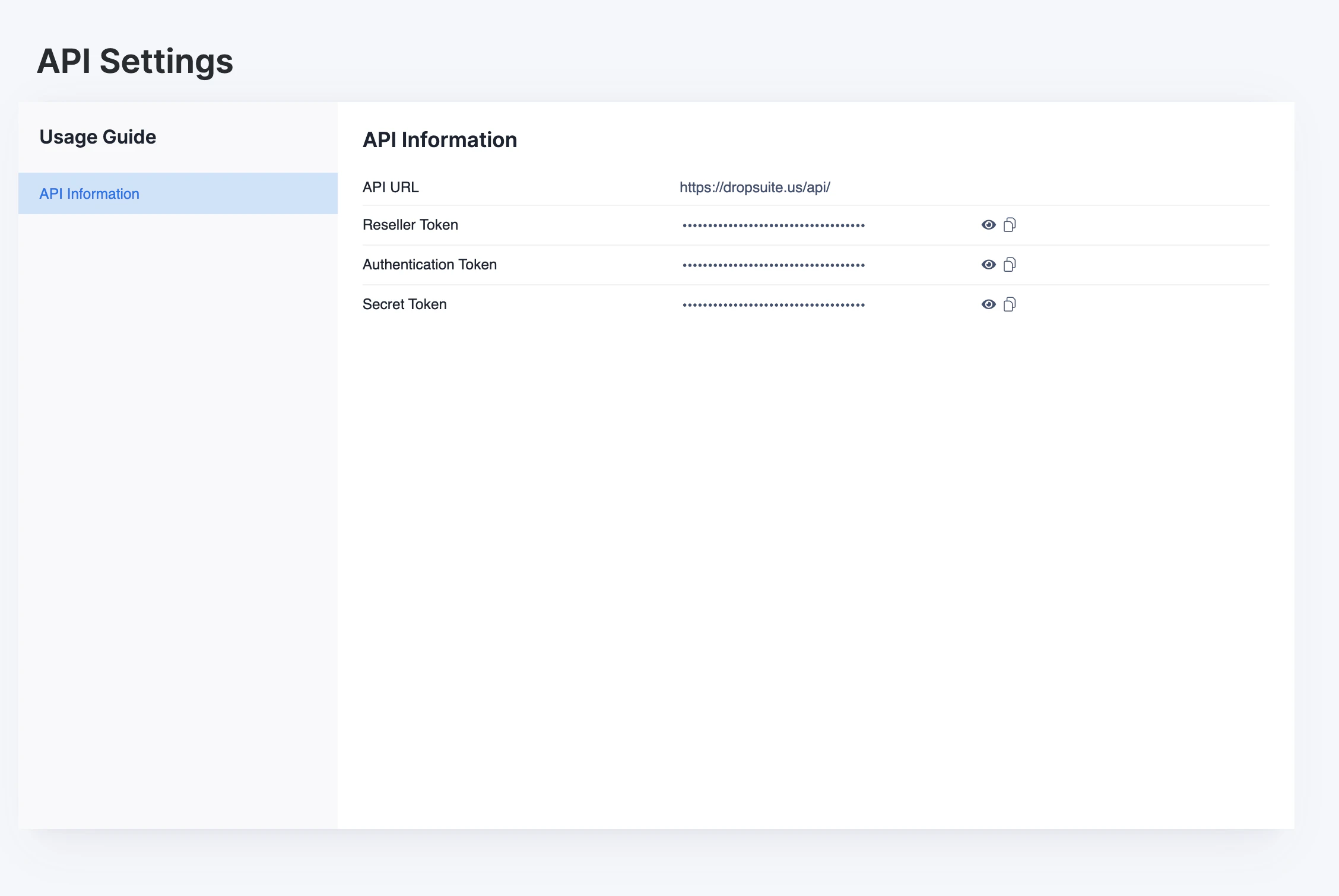
- Convert the API URL to an API host for Nango. For example, if the API URL is
https://na-saas-npp.backup.ninjarmm.com/api/, enterna-saas-npp.backup.ninjarmm.comas the API Host. Legacy Dropsuite hosts likedropsuite.usare also supported.
Step 2: Enter credentials in the Connect UI
Once you have your API Host, Reseller Token, and Authentication Token:- Open the form where you need to authenticate with NinjaOne SaaS Backup.
- Enter the values in their respective fields.
- Submit the form, and you should be successfully authenticated.