Overview
To authenticate with Neon, you need the following:- API key – A personal, organization, or project-scoped API key generated from the Neon console.
Prerequisites
- You must have a Neon account.
- For organization or project-scoped keys, you need the relevant admin permissions.
Instructions
Step 1: Creating an API key
- Log in to the Neon console.
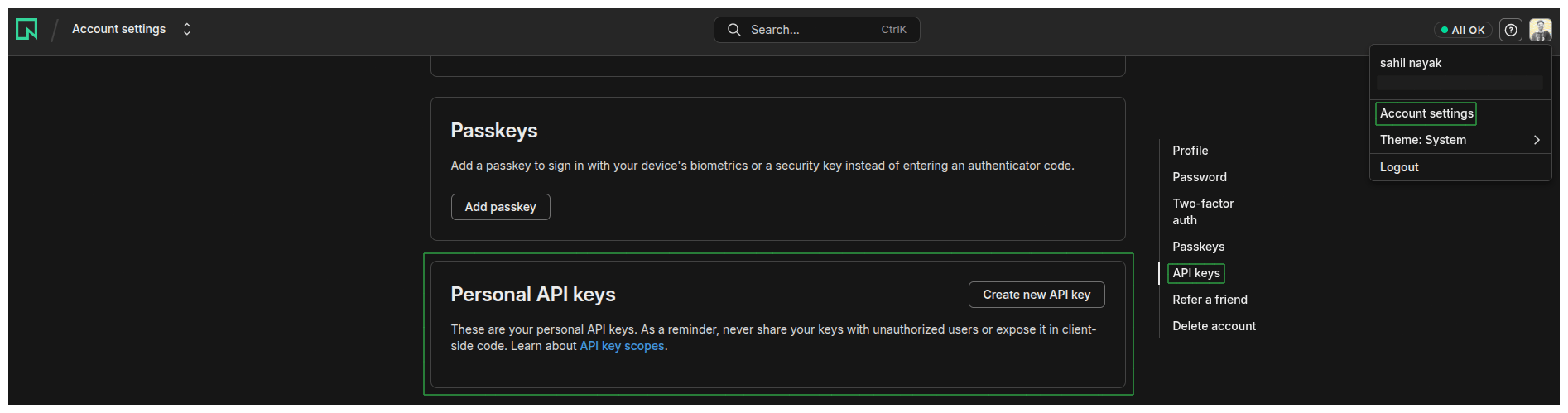
- For a personal key: click your profile in the top-right, then select Account settings → API keys. For an organization or project-scoped key: switch to your organization, then go to Settings → API keys.
- Click Create new API key (or Create new → Project-scoped for a project key), give it a name, and click Create.
- Copy the generated API key. Neon only shows it once, so store it securely.
Step 2: Enter credentials in the Connect UI
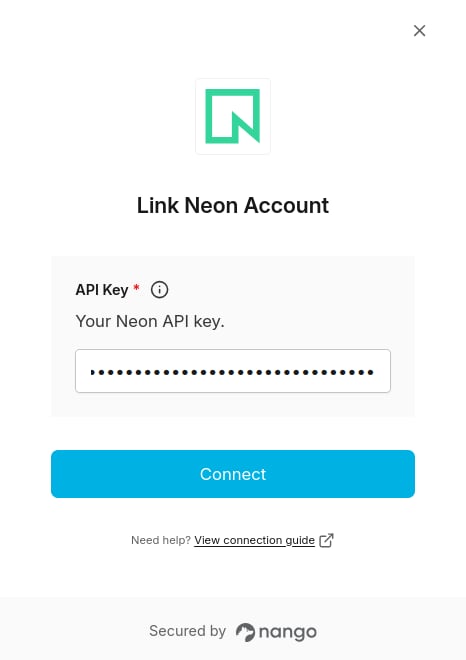
Once you have your API key:- Open the form where you need to authenticate with Neon.
- Enter your API key in its field.
- Submit the form; you should then be successfully authenticated.