Overview
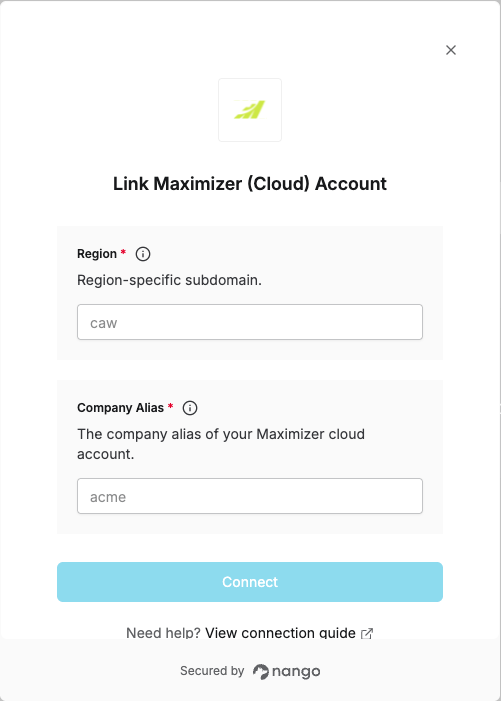
To connect Maximizer (Cloud) with Nango, you need:- Region – The region-specific subdomain.
- Company Alias – The alias of your Maximizer cloud account.
Prerequisites
- A Maximizer cloud account.
Step 1: Find your Region and Company Alias
The URL you use to log in to Maximizer (Cloud) has the form:https://{region}.maximizercrmlive.com/{company_alias}
- Region – The subdomain before
maximizercrmlive.com(e.g.caw,ukw). - Company Alias – The path segment after the host (your account alias).
https://caw.maximizercrmlive.com/acme, then:
- Region =
caw - Company Alias =
acme
Step 2: Enter credentials in the Connect UI
- Open the form where you connect to Maximizer (Cloud)
- Enter your Region and Company Alias in their respective fields.
- Submit the form, and you should be successfully authenticated.