Overview
To authenticate with Lob, you need:- Secret API Key - Your Lob API key used as the username for Basic authentication.
Prerequisites
- An active Lob account.
Instructions
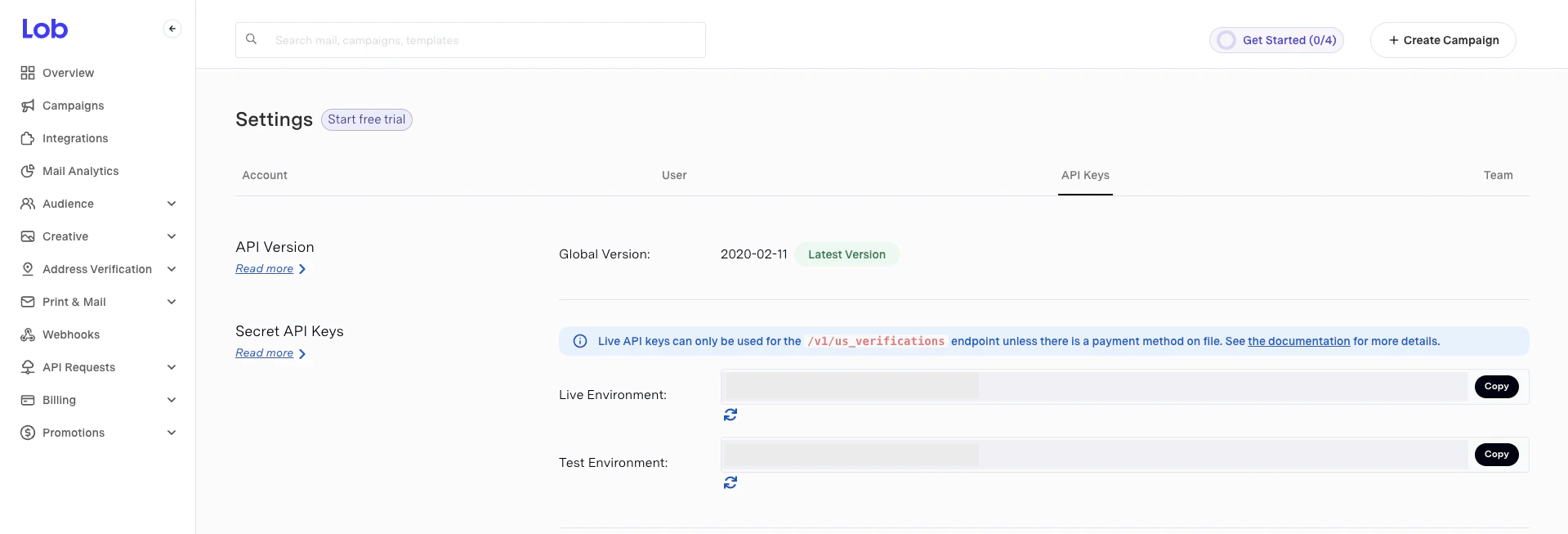
Step 1: Getting your Secret API Key
- Log in to your Lob dashboard and navigate to the Settings page.
- Copy the Secret API Key based on the environment you want to connect to.
Step 2: Enter credentials in the Connect UI
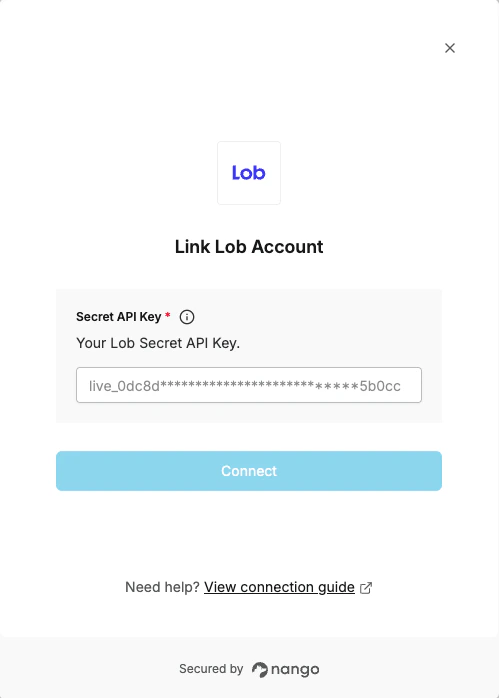
Once you have your Secret API Key:- Open the form where you need to authenticate with Lob.
- Enter your Secret API Key in the Secret API Key field.
- Submit the form, and you should be successfully authenticated.