

Overview
To authenticate with the Live Tennis API, you will need:- API Key – A key that grants Nango permission to interact with the Live Tennis API on your behalf.
Prerequisites
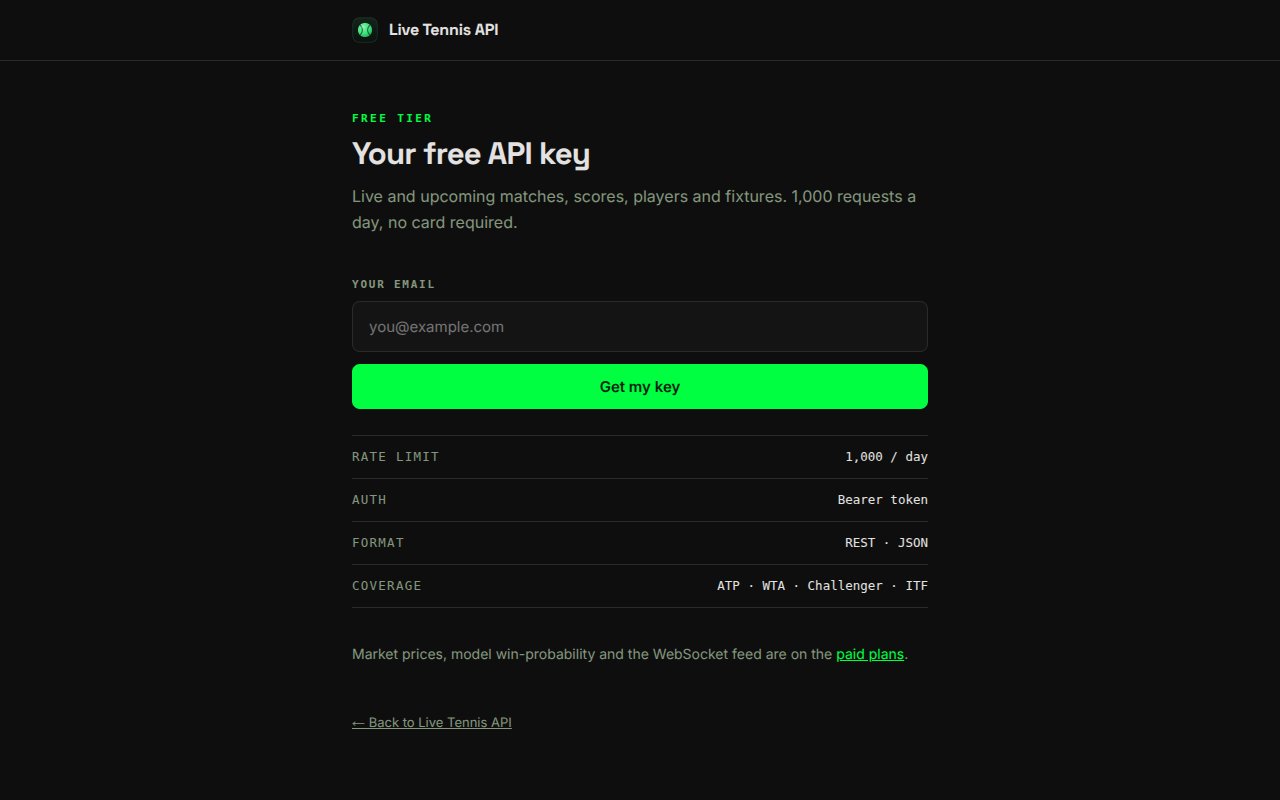
- A Live Tennis API account. A free tier (1,000 requests/day, 30 requests/minute) is available with no credit card required.
Instructions
Step 1: Generating your API key
- Go to https://livetennisapi.com/subscribe/free, enter your email address, and click Get my key to create a free key.
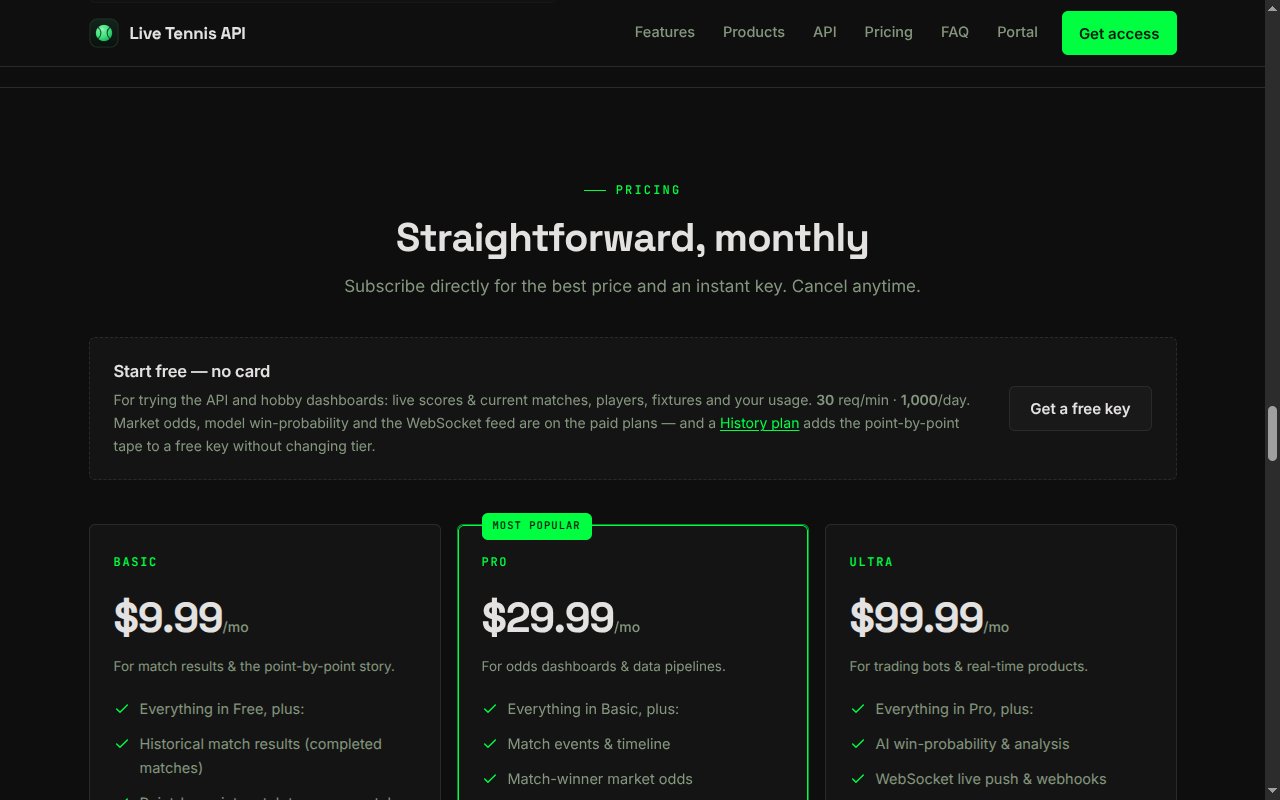
- Alternatively, pick a paid tier from the pricing section at https://livetennisapi.com for access to historical results, market prices, and model analysis.
- Your API key is issued instantly upon subscription and displayed on the confirmation page. It starts with
twjp_. You can view it again at any time from https://livetennisapi.com/account. - Copy the key and store it securely — treat it like a password.
Access is tiered (FREE / BASIC / PRO / ULTRA). The free tier covers live and upcoming matches, scores, players, and fixtures. Requests to endpoints above your tier return
403 upgrade_required.Step 2: Enter credentials in the Connect UI
- Open the form where you need to authenticate with the Live Tennis API.
- Enter your API Key in the API Key field.
- Submit the form to complete authentication.