Overview
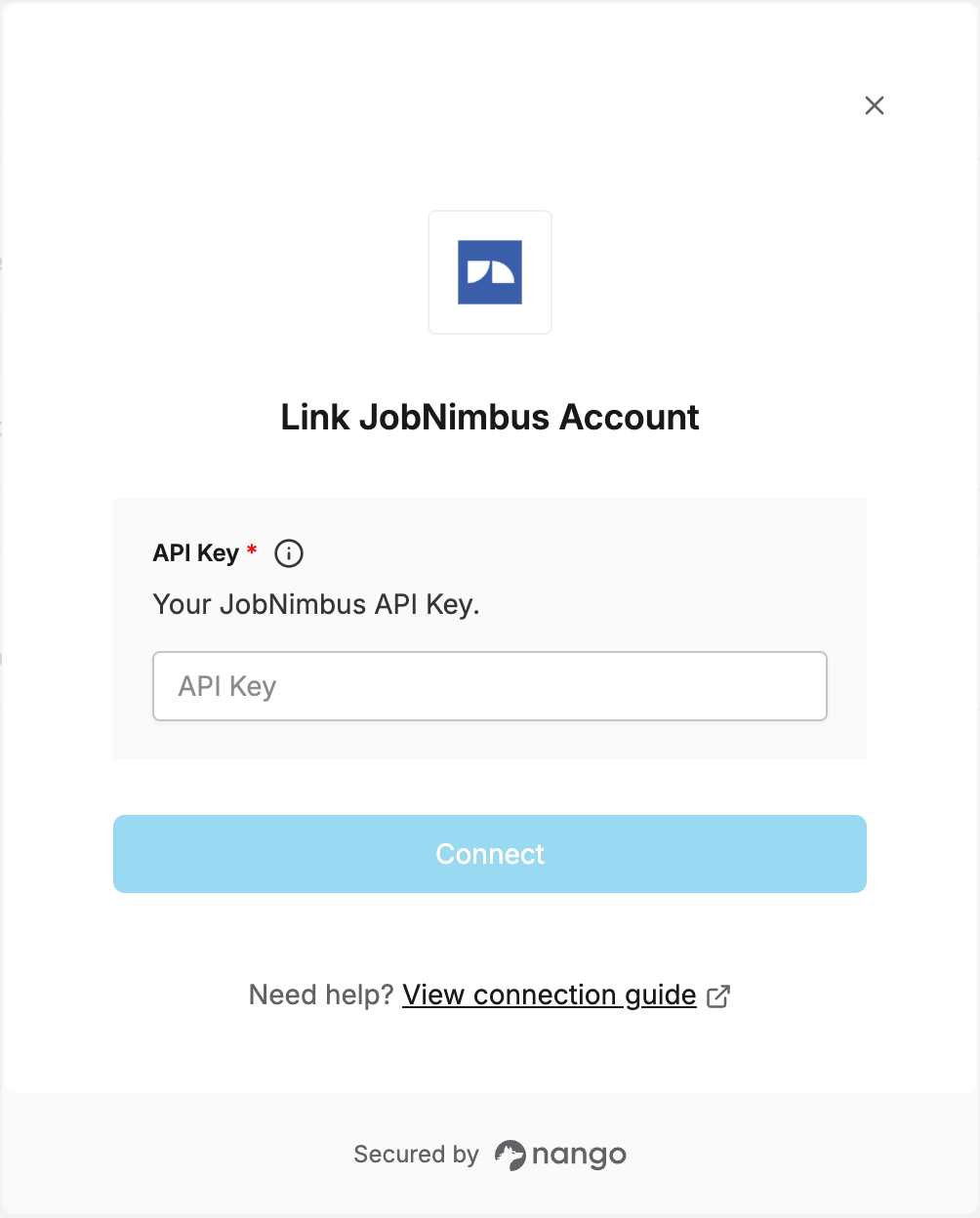
To authenticate with JobNimbus, you need:- API Key — A key that grants Nango access to the JobNimbus API on your behalf.
Prerequisites
- A JobNimbus account with administrator access.
Step 1: Generate your API key
- Log in to JobNimbus, click your profile icon in the top right corner, and select Settings.
- Go to Integration Settings and open the API tab.
- Click New API Key.
- In the Description dropdown, type
Nango— it isn’t one of the pre-listed options, so typing it in adds it as a custom entry. - Assign an Access Profile to the key — this determines what the key can access.
- Save the integration. A new key appears in the Key column.
- Copy the generated API key.
Step 2: Enter your API key in the Connect UI
- Open the form where you need to authenticate with JobNimbus.
- Enter your API Key in the designated field.
- Submit the form, and you should be successfully authenticated.