Overview
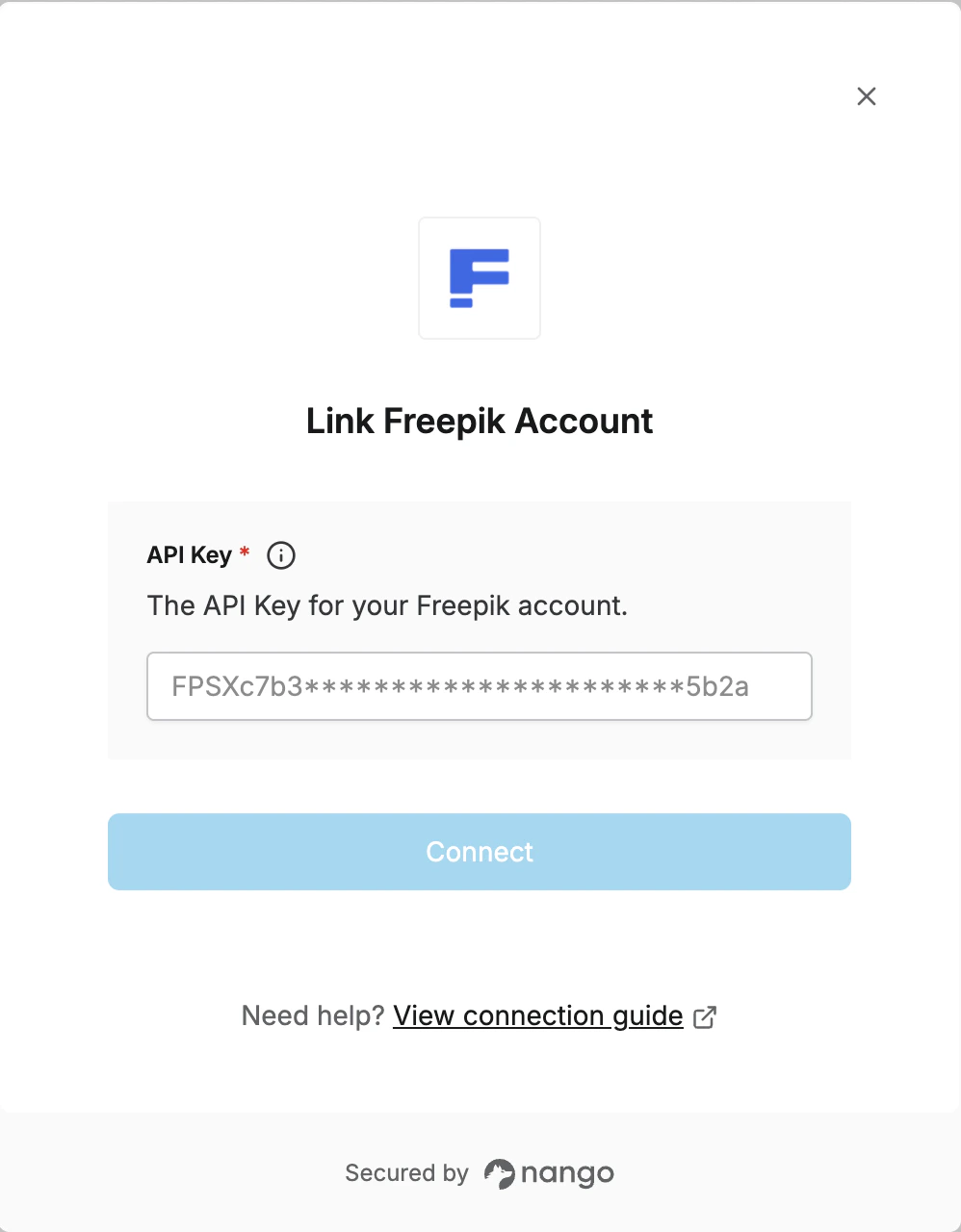
To authenticate with Freepik, you need:- API Key - Your unique API key from the Freepik developer dashboard
Prerequisites
- You must have a Freepik account. Sign up at freepik.com/api if you don’t have one.
Step 1: Obtain Your Freepik API Key
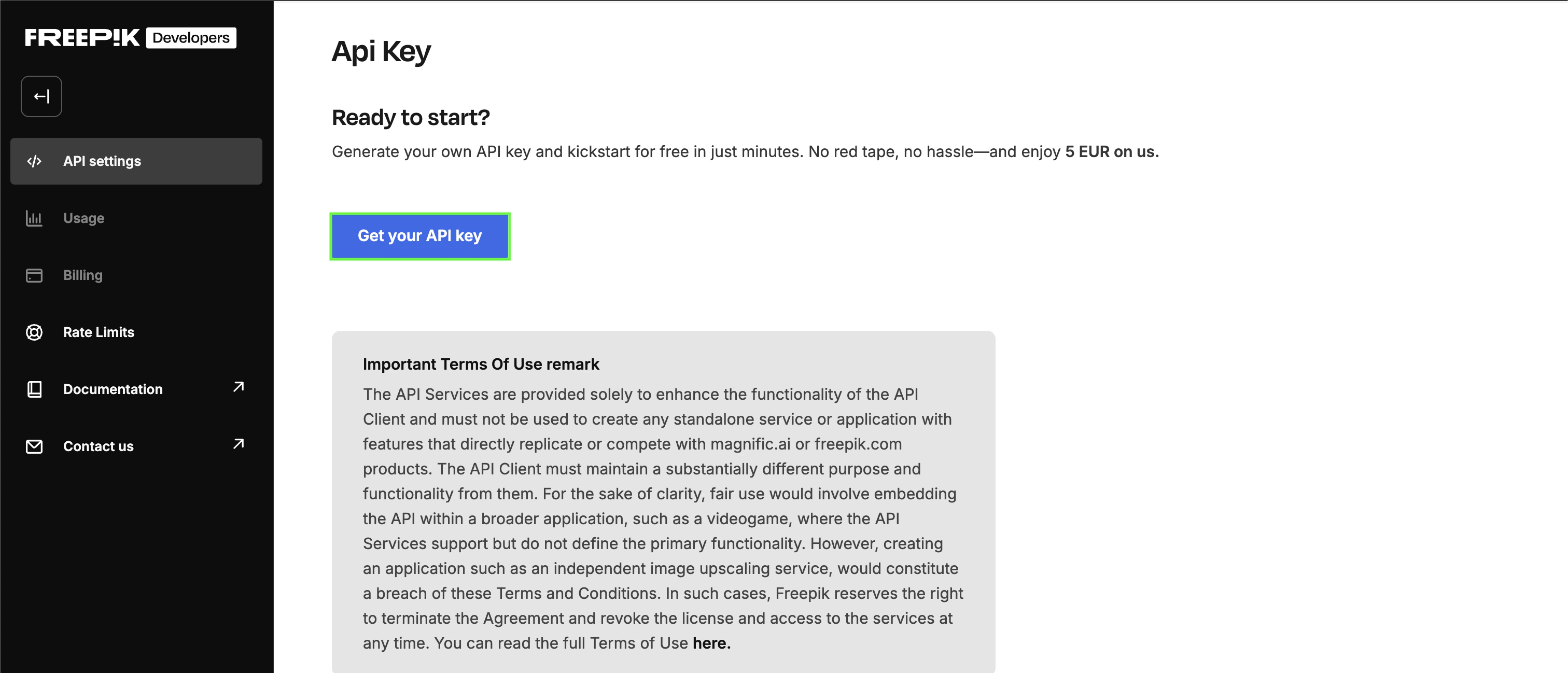
- Log in to your Freepik account and navigate to the API dashboard.
- In the API key section, click the Get API key button to generate a new API key if you don’t have one already.
Step 2: Connect Your Freepik Account
Once you have your API Key:- Open the form where you need to authenticate with Freepik.
- Enter your API Key in the corresponding field.
- Submit the form. You should now be successfully authenticated.