Overview
To authenticate with Folk, you need:- API Key - A key that grants Nango permission to interact with Folk’s API.
Prerequisites
- You must have a Folk account.
Instructions
Step 1: Generate your API key
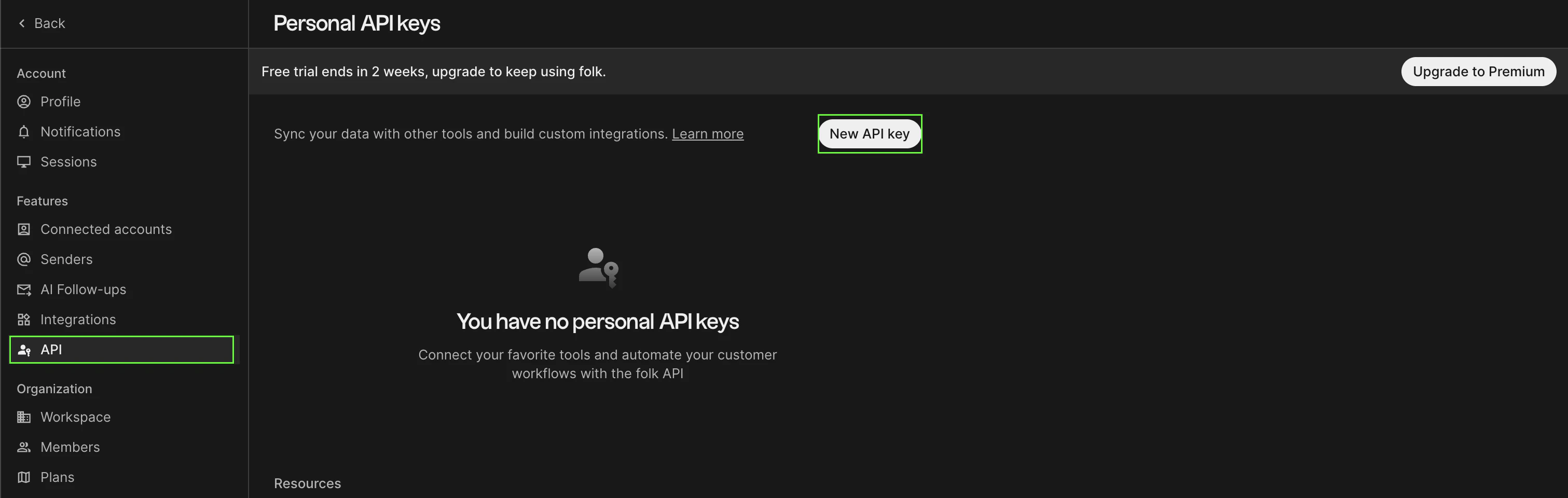
- Navigate to workspace settings.
- Click New API key.
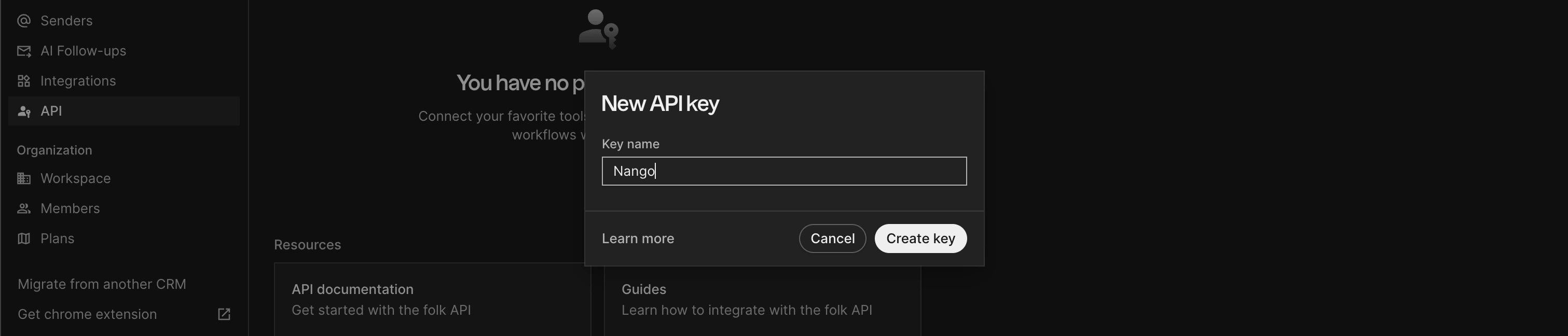
- Enter a name for your API key, then click Create key.
Step 2: Enter credentials in the Connect UI
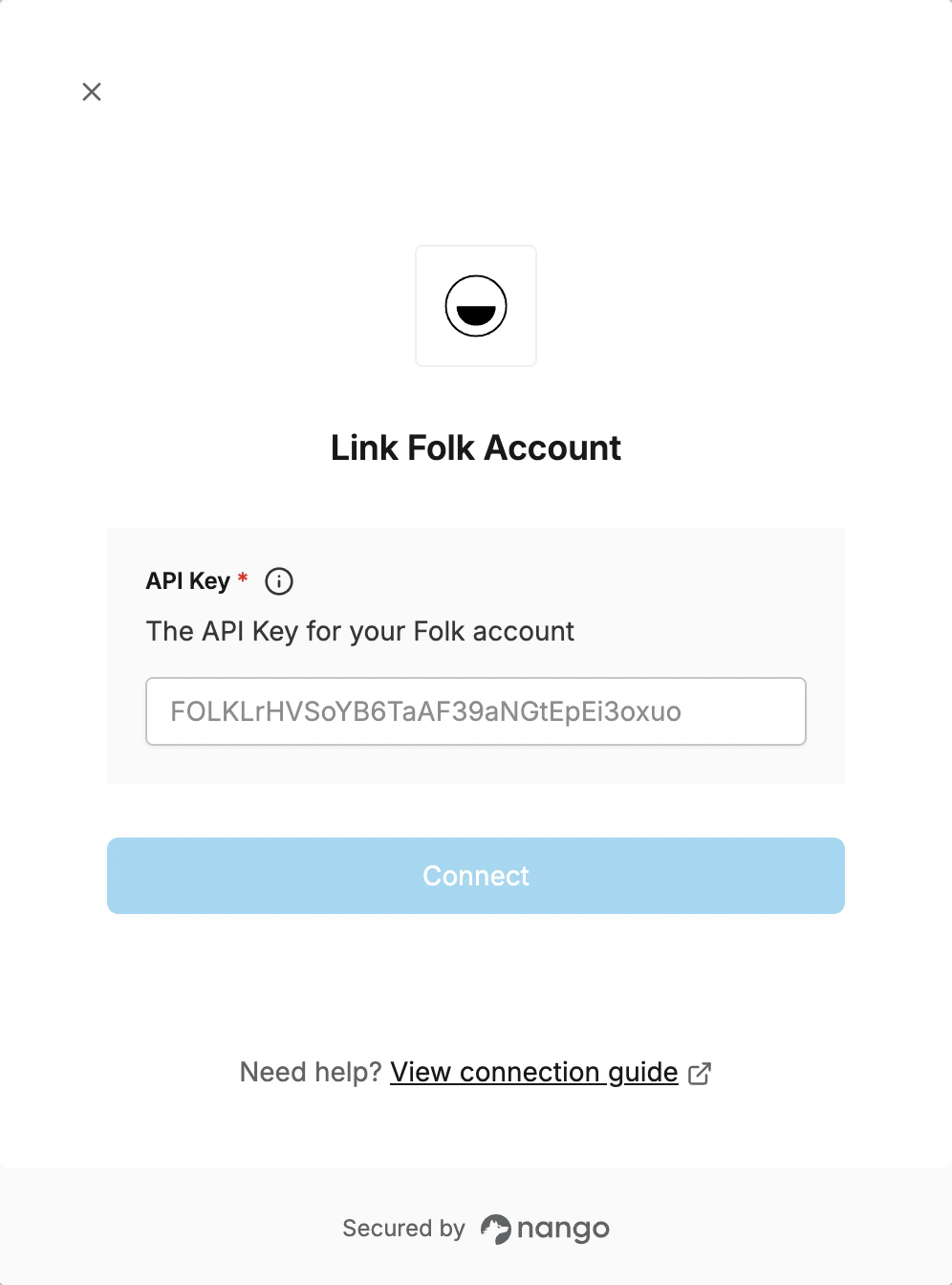
Once you have your API key:- Open the form where you need to authenticate with Folk.
- Enter your API key in the field provided.
- Submit the form; you should then be successfully authenticated.